
Indoor stations
See who is at the door, from your hallway
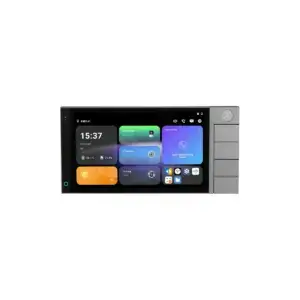
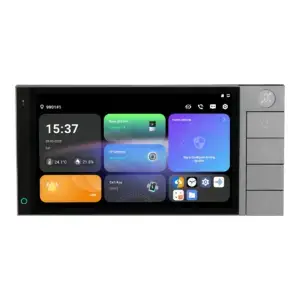
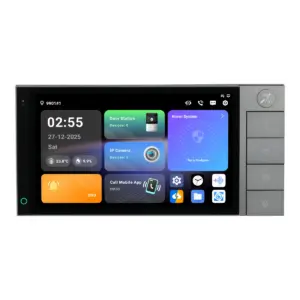
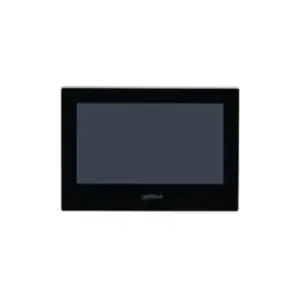
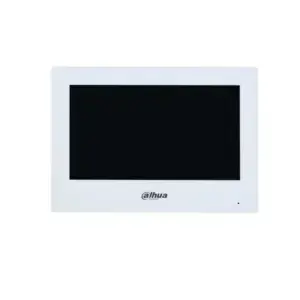
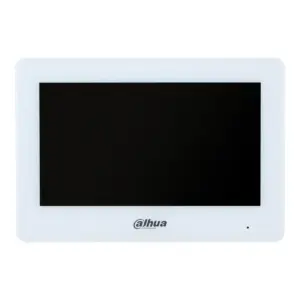
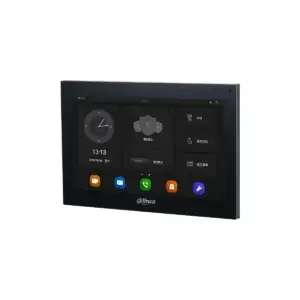
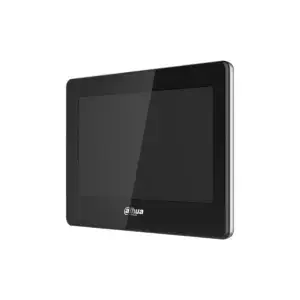
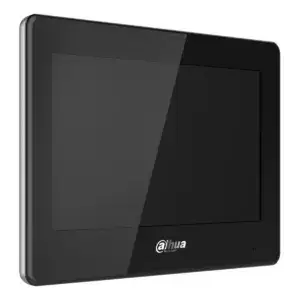
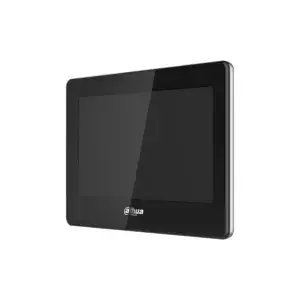
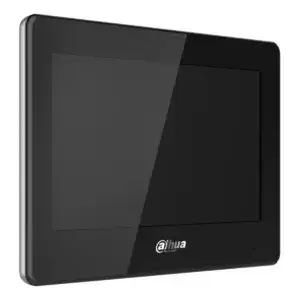
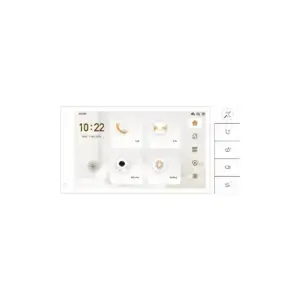
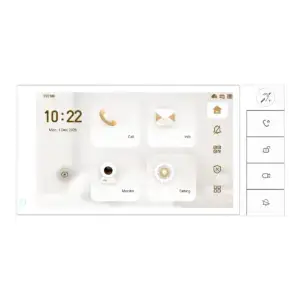
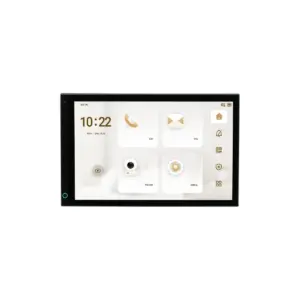
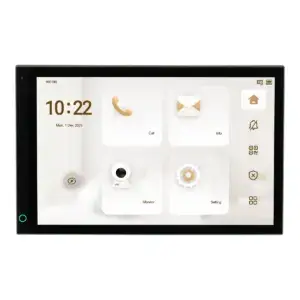
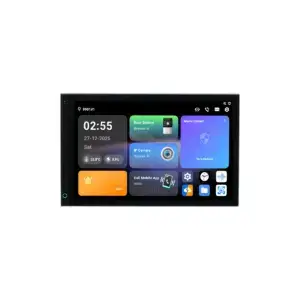
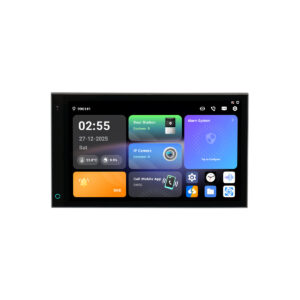
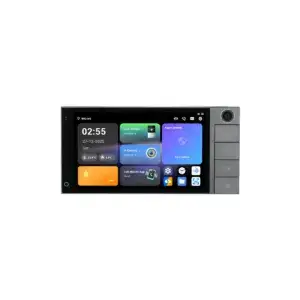
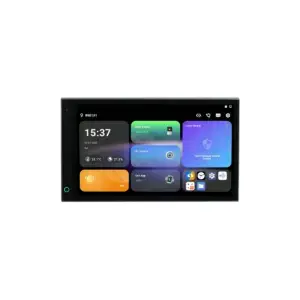
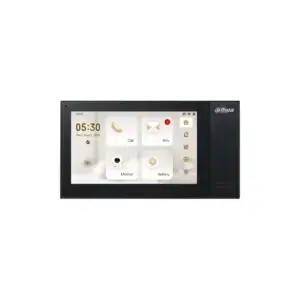
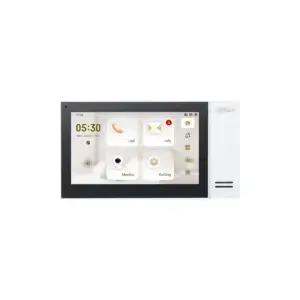
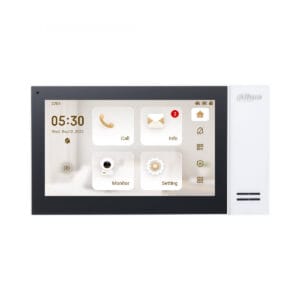
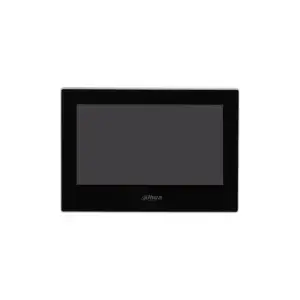
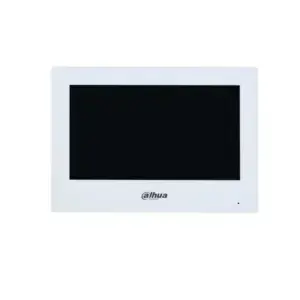
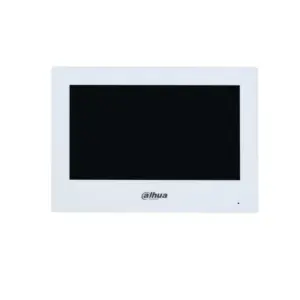
The screen indoors on which you see the visitor, talk to them and open the door. For two wires, network cable or Wi-Fi, in 7 and 10 inch.
Choose based on the cable that runs to the home; that determines the choice more than the screen size.
Showing all 27 results
- Retail price€ 447,70Fixed low price€ 335,75Adviesprijs€ 370,00Vaste lage prijs€ 277,48Receive a notification
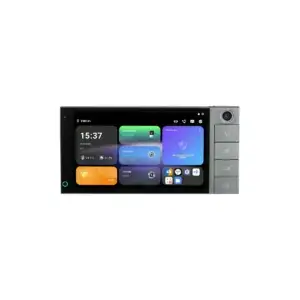
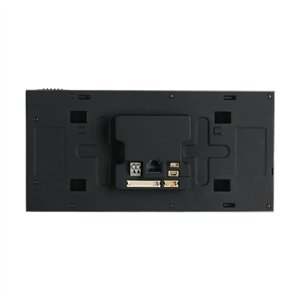
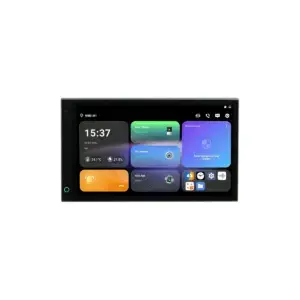
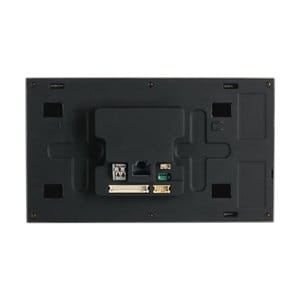

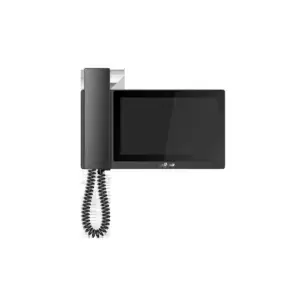
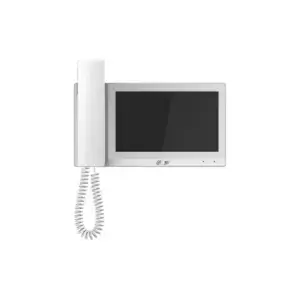
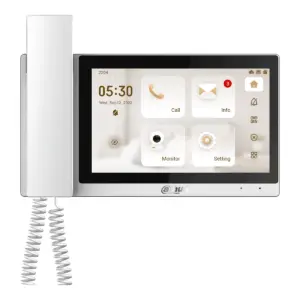
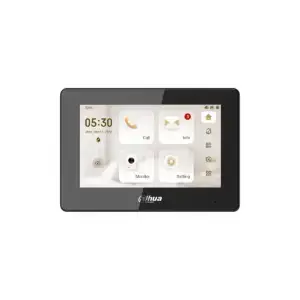
Showing all 27 results
Indoor stations
The screen on which you see who is at the door
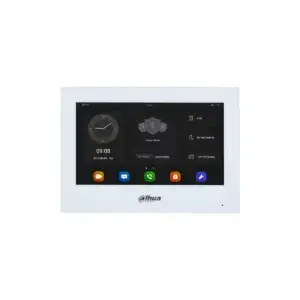
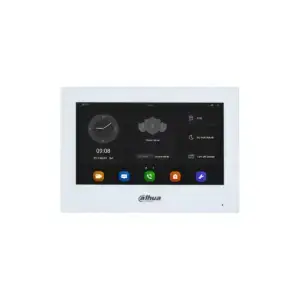
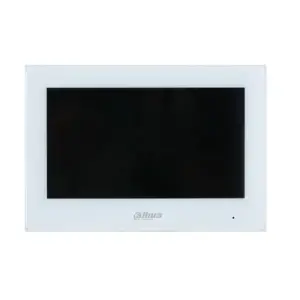
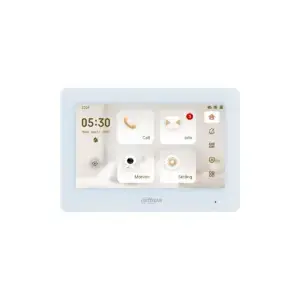
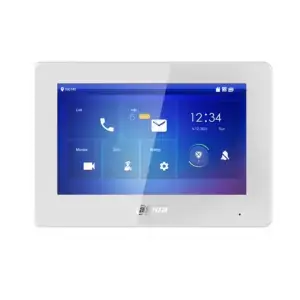
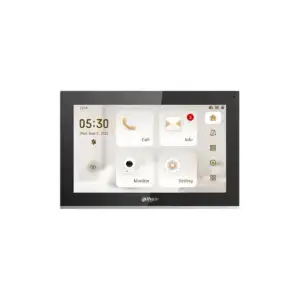
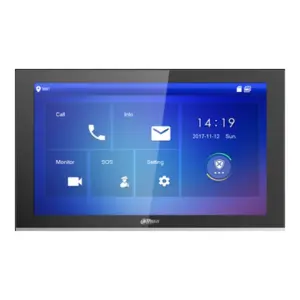
The indoor station is mounted in the home and shows who is at the door. You talk and open the door with a press on the screen. Even when no one rings the bell, you can look at the front door at any time.
Which indoor station suits depends mainly on the cable that runs to the home. That determines the choice more than the screen size.
Connection
Check what you have first
There are three ways to connect an indoor station. Choose based on what is in the wall, not on what looks best.
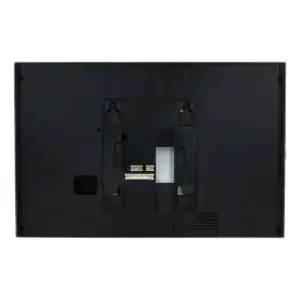
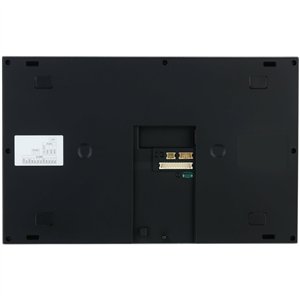
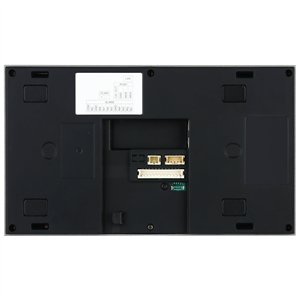
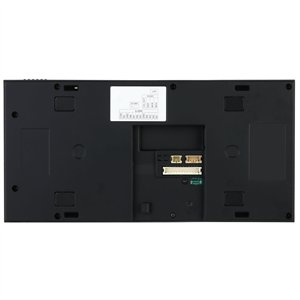
- Two wires: reuse existing bell wiring. Power and image run over the same two cores, via a 2-wire switch in the meter cupboard. Up to 50 metres per line.
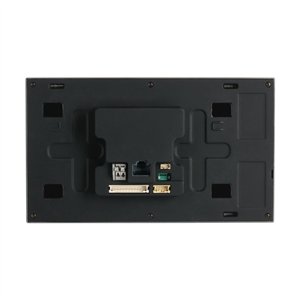
- Network cable: with PoE the power comes through the same cable. The most stable choice if UTP is already installed.
- Wifi: for the connection to the internet and the app. The station still needs to be powered, so a cable is always required.
Note for the models that have both a 2-wire port and a network port: you use one of them, not both at the same time.
Type
Screen, handset or control panel
The range includes three types, with increasing functionality:
- 7 inch: the usual size for a hallway or entrance. Large enough to see a face clearly.
- 10 inch: larger image, better if the station also needs to show camera images.
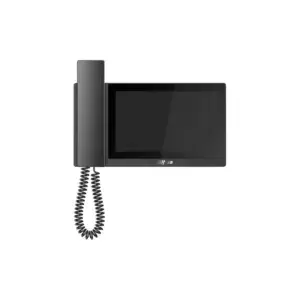
- With handset: for those who prefer to pick up a handset rather than talk hands-free, and for noisy locations.
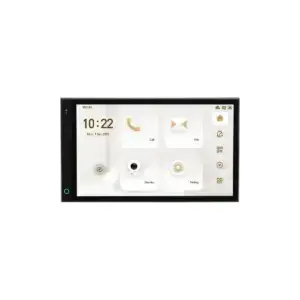
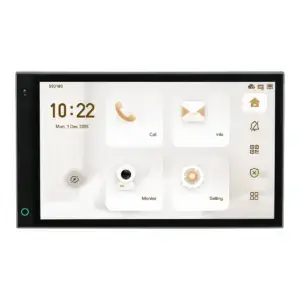
- Control panel: an Android panel that combines intercom, camera image and alarm control on one screen.
Multiple stations
One per floor or per home
In a home you can add a second or third station, for example upstairs and downstairs. They answer the same call. In an apartment building, each apartment gets its own station; the 2-wire switch in the meter cupboard supports up to twenty.
If you also want to be able to open the door from your phone, the system needs internet. This can be done via the network in the meter cupboard or, per home, via wifi on the indoor station itself. The latter is useful if each resident has their own internet connection.
Questions
Frequently asked questions
Can I use my existing bell wiring?
Often yes. Two cores are enough and the polarity does not matter. Note the maximum distance of 50 metres between the switch and the station, and the quality of the cable. If you are unsure, let us know the length and type and we will check it.
Do I absolutely need an indoor station?
No, you can also send the call to the app on your phone only. An indoor station is useful if there are household members who do not use an app, or if you want to be able to open the door quickly without looking for your phone.
Does the app also work when I am not at home?
Yes, provided the system is connected to the internet. You then receive a notification when someone rings the bell, see who is there and can open the door remotely.
Can I use an indoor station from another brand?
Indoor and outdoor stations from different brands rarely work together. Stick to one system. If you already have an outdoor station installed, let us know the type and we will look up which indoor stations are compatible.
Can I add stations later?
Yes. As long as you stay within the capacity of the switch, you can simply expand. Do bear in mind that the power supply must grow with it: how many stations you can connect depends on the current the power supply delivers.


