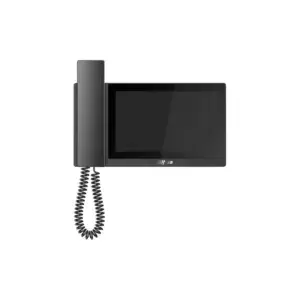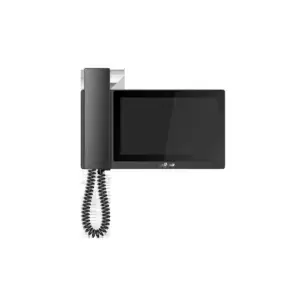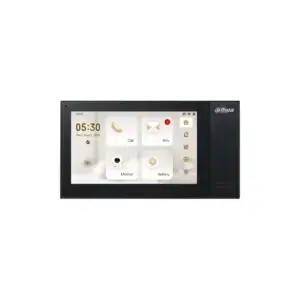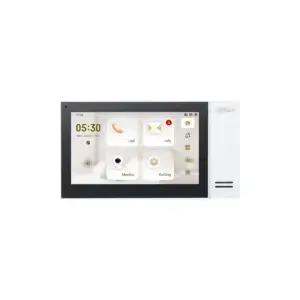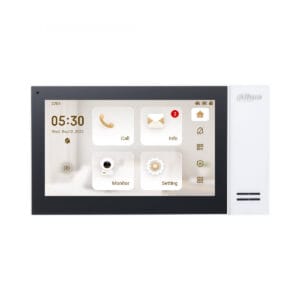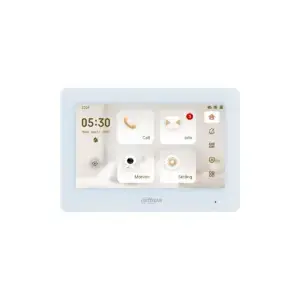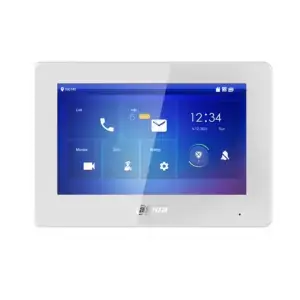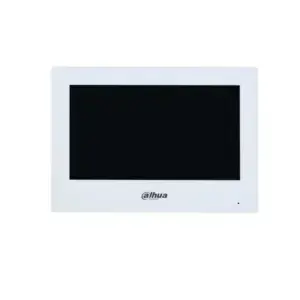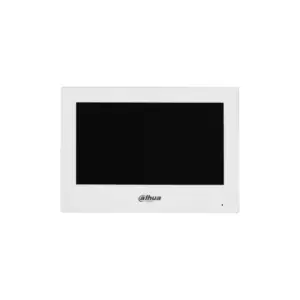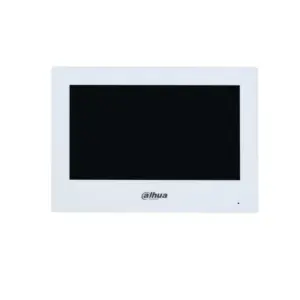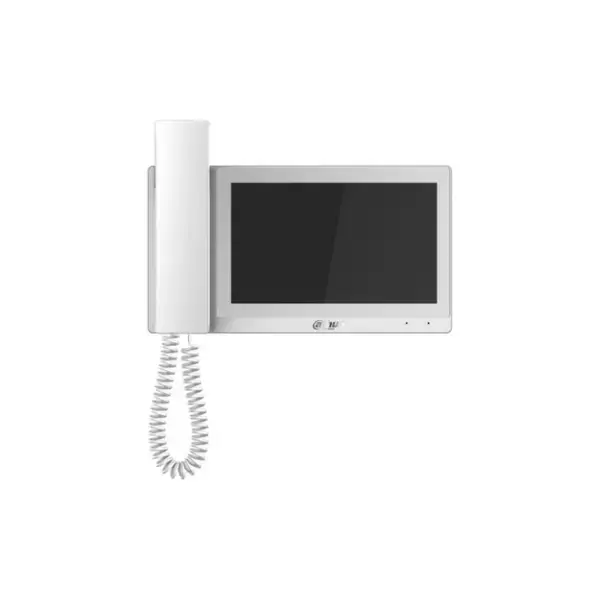
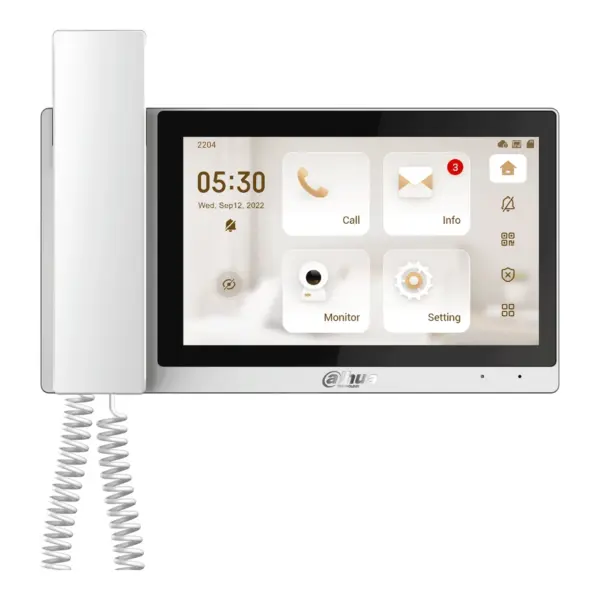
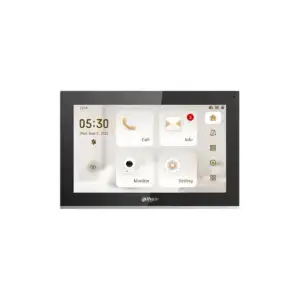
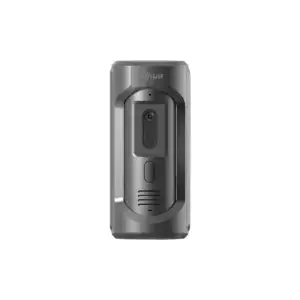
Dahua VTH5421EW-H Indoor Station White with handset
The Dahua VTH5421EW-H is a choice for anyone looking for a stylish, reliable indoor monitor for a modern door intercom system. This model combines a clear 7 inch touchscreen with the convenience of a fixed handset, so you can see, hear and speak to visitors directly.
What this intercom does
The Dahua VTH5421EW-H offers exactly what you need: overview, ease of use and certainty. The capacitive touchscreen responds immediately to touch and the 7 inch TFT screen with a resolution of 1024 x 600 provides a clear and pleasant display. Via the network you can not only communicate with your door intercom, but also view up to 32 IP cameras. This makes this indoor monitor extra versatile and particularly suitable for situations in which you want more visibility of your home or business.
- 7 inch TFT capacitive touchscreen for quick and simple operation
- Resolution of 1024 x 600 for a clear and sharp image
- Fitted with a handset for familiar and comfortable communication
- Display of up to 32 IP cameras for extra control and security
- Storage of photos, recordings and messages via an optional micro SD card of up to 32 GB
- 1 built-in microphone and 1 built-in speaker
- 6 alarm inputs for additional connections within your system
- 1 relay output, maximum 12VDC 100mA
- Network connection via RJ-45 10/100 Mbps
- Support for IPv4, RTSP, TCP, UDP and SIP, among others
- Video compression via H.264 for efficient image processing
- Power via 12V or PoE 802.3af for flexible installation
The details at a glance
| Screen | 7 inch |
| Power supply | PoE or 12 V DC |
| Storage | microSD up to 32 GB |
| Model code | VTH5421EW-H |
The full specification is in the Dahua datasheet.
What you will receive
- Dahua VTH5421EW-H Indoor Station White with handset
- Wall mounting
- Documentation required for installation
Frequently asked questions
Do I need a separate power supply?
With PoE, power and data run over the same network cable, so you do not need a power socket at the panel. Your switch or recorder must then supply PoE. If it does not, the panel can run on a separate 12 V power supply.
Does this fit my model?
The models this part fits are listed in the Dahua datasheet. If you are unsure, call or email us with the model you have and we will look it up.
What do I use to mount this?
With screws and wall plugs that suit the surface. The manual states which size is needed and whether the fixing materials are supplied.
Which cable do I need?
Network cable of at least category 5e, installed as fixed wiring. For outdoor use or underground, choose a cable that is made for that purpose. If you are unsure, call or email us and we will help you decide.