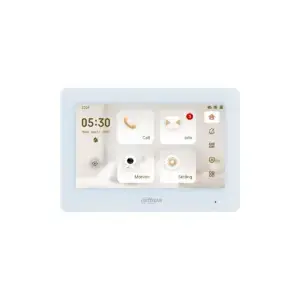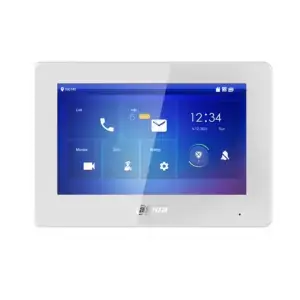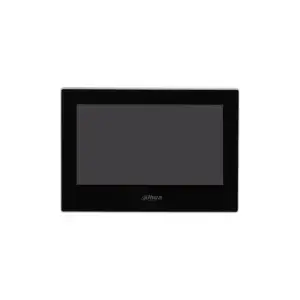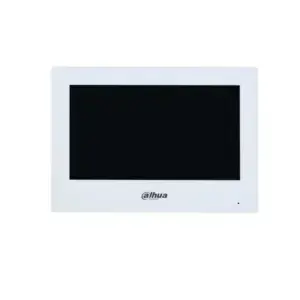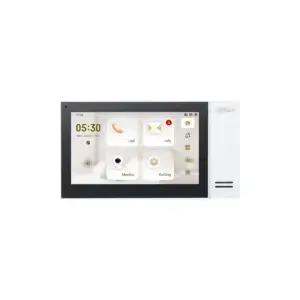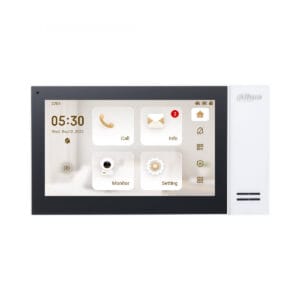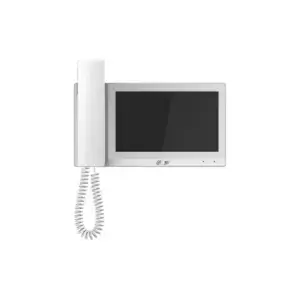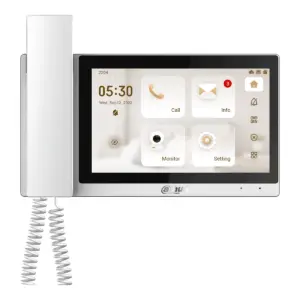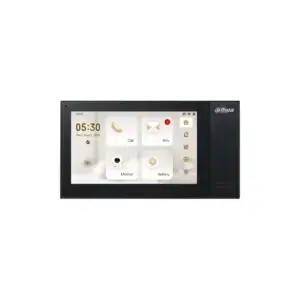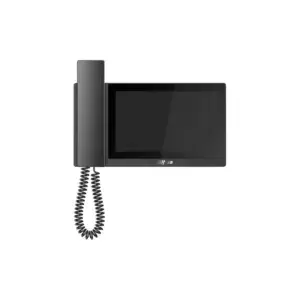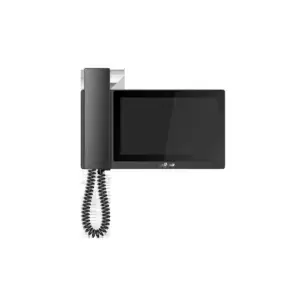
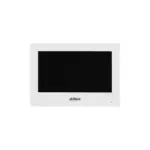
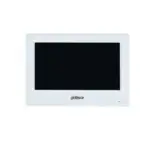
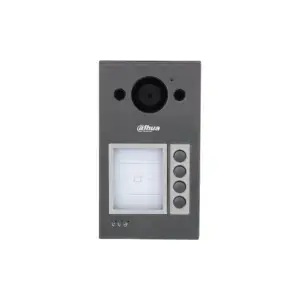
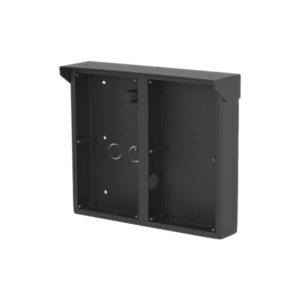
DahuaVTH2621GW-WP Video Intercom 7″ Wi-Fi indoor station White
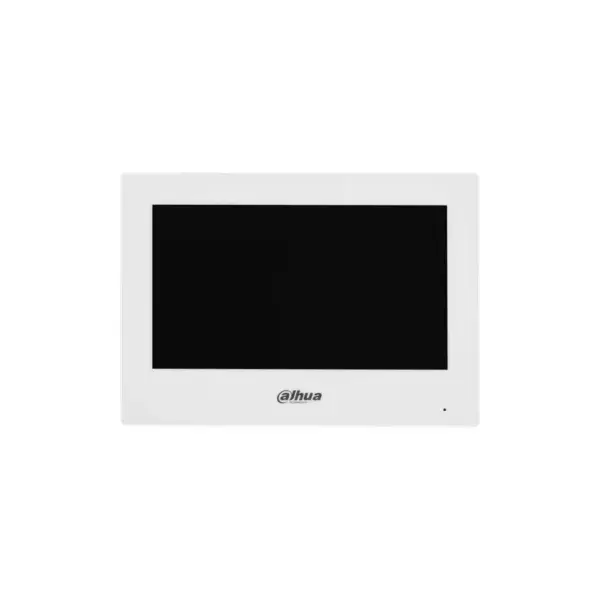
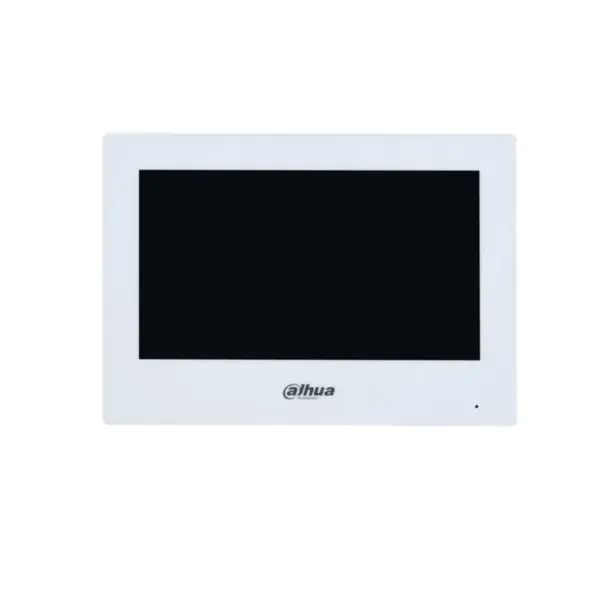
The Dahua 20325030 is a choice for anyone who wants to combine comfort, security and ease of use in one stylish system. This white indoor station makes it possible to see and hear visitors directly and to speak with them via a clear 7 inch screen. Thanks to the combination of Wi-Fi and a network connection, this video intercom can be placed flexibly and is easy to use in a home, apartment or office.
What this intercom does
The Dahua 20325030 is designed for everyday convenience. The 7-inch TFT screen with a resolution of 1024 x 600 provides a clear and steady image. The capacitive touchscreen responds smoothly, so you can navigate the menu quickly. With the built-in microphone and speaker, you communicate directly with visitors without additional devices.
- 7 inch TFT screen for a clear and comfortable display
- Resolution of 1024 x 600 for a sharp image of visitors and camera footage
- Capacitive touchscreen for simple and direct operation
- Wi-Fi 2.4GHz and RJ-45 network connection for flexible installation
- Support for H.264 video compression for efficient image display
- Option for a brief view of security cameras
- Built-in microphone and speaker for clear communication
- 6 alarm inputs for additional security integrations
- 1 relay output with a maximum of 12VDC 100mA
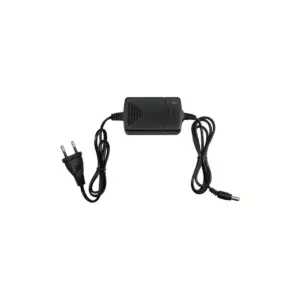
- Power supply via 12V or PoE 802.3af
- Low power consumption of up to 6W
- Compact size of 189.6 x 134.6 x 26.0 mm
The details at a glance
| Screen | 7 inch |
| Power supply | PoE or 12 V DC |
| Model code | 20325030 |
The full specification is in the Dahua datasheet.
What you will receive
- DahuaVTH2621GW-WP Video Intercom 7″ Wi-Fi indoor station White
- Wall mounting
- Required documentation
Frequently asked questions
Do I need a separate power supply?
With PoE, power and data run over the same network cable, so you do not need a power socket at the panel. Your switch or recorder must then supply PoE. If it does not, the panel can run on a separate 12 V power supply.
Does this fit my model?
The models this part fits are listed in the Dahua datasheet. If you are unsure, call or email us with the model you have and we will look it up.
What do I use to mount this?
With screws and wall plugs that suit the surface. The manual states which size is needed and whether the fixing materials are supplied.
Which cable do I need?
Network cable of at least category 5e, installed as fixed wiring. For outdoor use or underground, choose a cable that is made for that purpose. If you are unsure, call or email us and we will help you decide.