
Arm your alarm the way you want
Choose how you arm and disarm your AirShield alarm system: a keyfob on your key ring, a keypad with code or card by the front door, a panic button for emergencies or a touchscreen control panel that combines alarm, intercom and camera.
Showing all 10 results
- Retail price€ 38,72Fixed low price€ 21,25Adviesprijs€ 32,00Vaste lage prijs€ 17,56Select options This product has multiple variants. The options may be chosen on the product page
Showing all 10 results
Four ways to control your AirShield
You control your AirShield alarm system in the way that suits you. Besides the free DMSS app on your phone, you choose physical controls that suit your home or business. Everything works wirelessly on 868 MHz and connects to the same AirShield hub.
Which controls suit you?
Keyfob
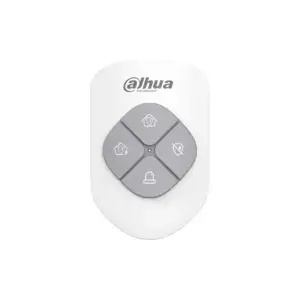
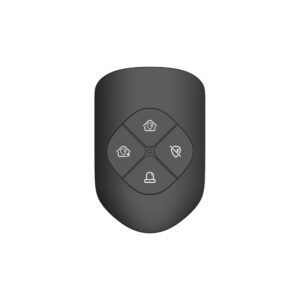
A compact remote control for your key ring: arm and disarm, home mode and an SOS button. Quick and personal, ideal for everyday use.
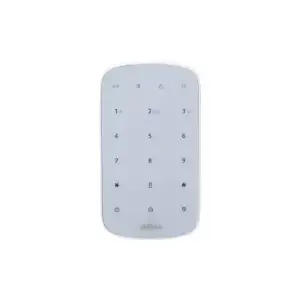
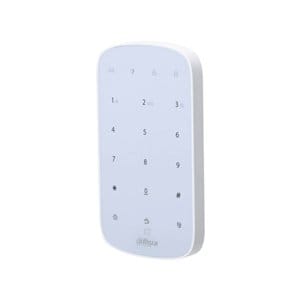
Keypad
A fixed control unit by the front door. Arm and disarm with a PIN code or proximity card, with a separate code for each user. The LCD version shows the status on screen.
Panic button
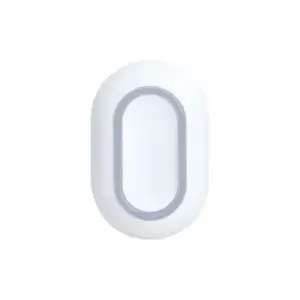
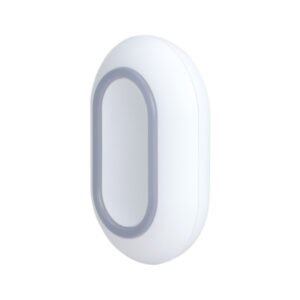
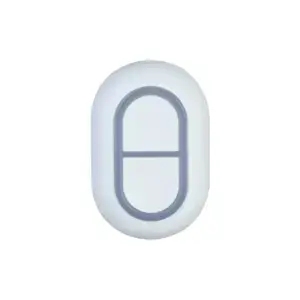
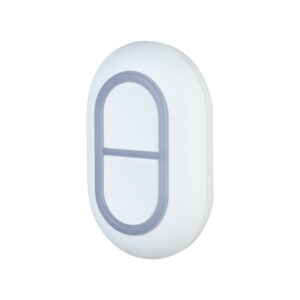
An emergency button to raise the alarm at the press of a button in the event of a break-in, fire or medical emergency. Fixed to the wall or portable.
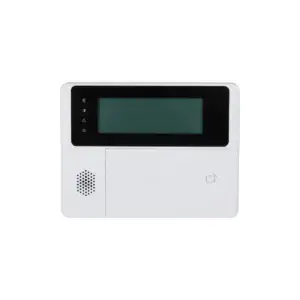
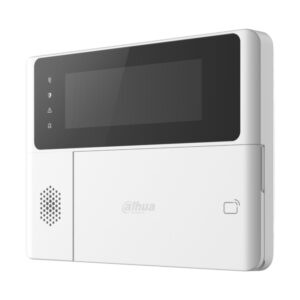
Control panel
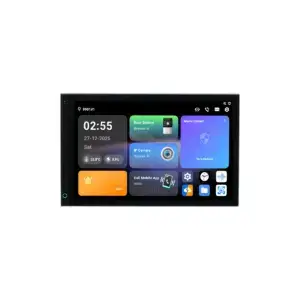
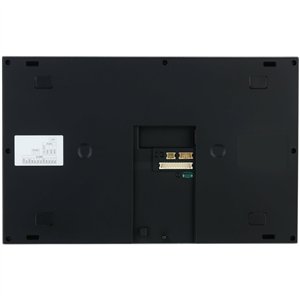
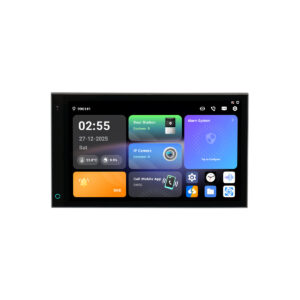
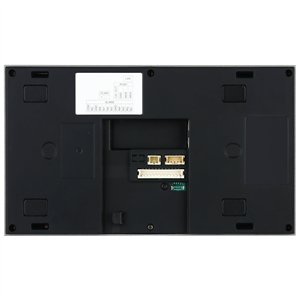
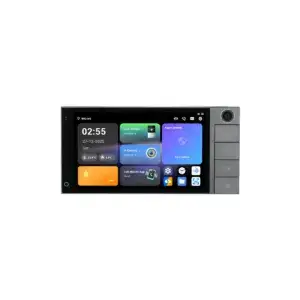
An Android touchscreen that combines your AirShield alarm, video intercom and camera images on one screen. For those who want to control everything centrally.
Frequently asked questions about AirShield controls
Can I also control my AirShield without these accessories?
Yes. You can always control your system free of charge in the Dahua DMSS app on your phone. A keyfob, keypad or card is useful for quick physical control, but is not required.
What is the difference between a keyfob and a panic button?
A keyfob arms and disarms your alarm and also has an SOS button. A panic button (Button or DoubleButton) is purely an emergency button and does not arm or disarm the system.
Do I need a card with a keypad?
No, a PIN code is enough. If you would rather arm and disarm with a card, use a DESFire or MiFare proximity card on a keypad with a card reader.
What is the difference between a DESFire and a MiFare card?
The DESFire card has an encrypted chip that is difficult to copy and is the most secure choice. The MiFare card is an affordable basic card for everyday home use.
Do the controls also work without internet?
Yes. Keyfobs, keypads and buttons communicate directly with the hub on 868 MHz, independently of your wifi. Only notifications to your phone go through the hub's network.
Is a Smart Control Panel the same as a keypad?
No. A keypad is a small control unit for arming and disarming. A Smart Control Panel is an Android touchscreen that also shows video intercom and camera images, a complete control point.


