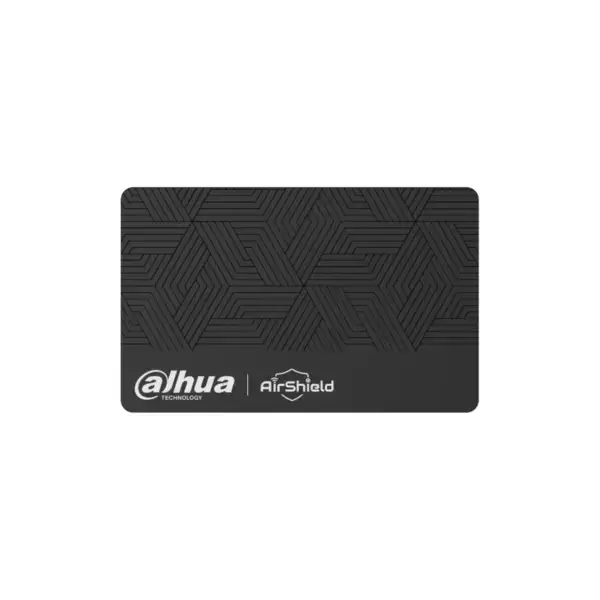
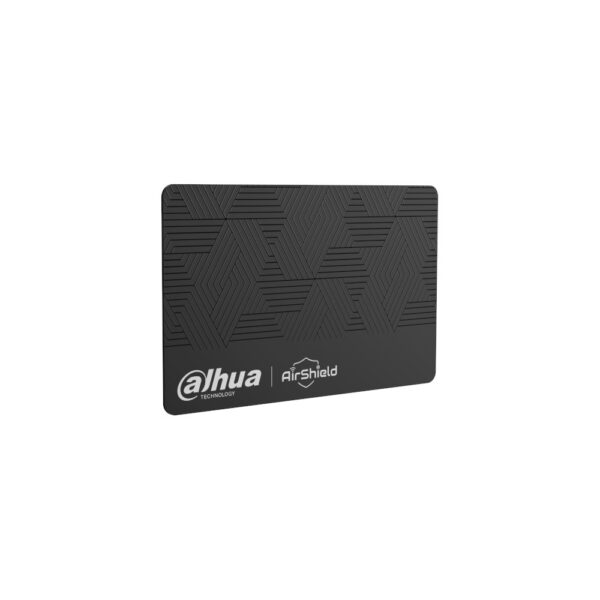
AirShield DESFire Card: operate your alarm without a PIN code
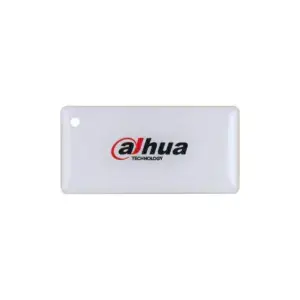
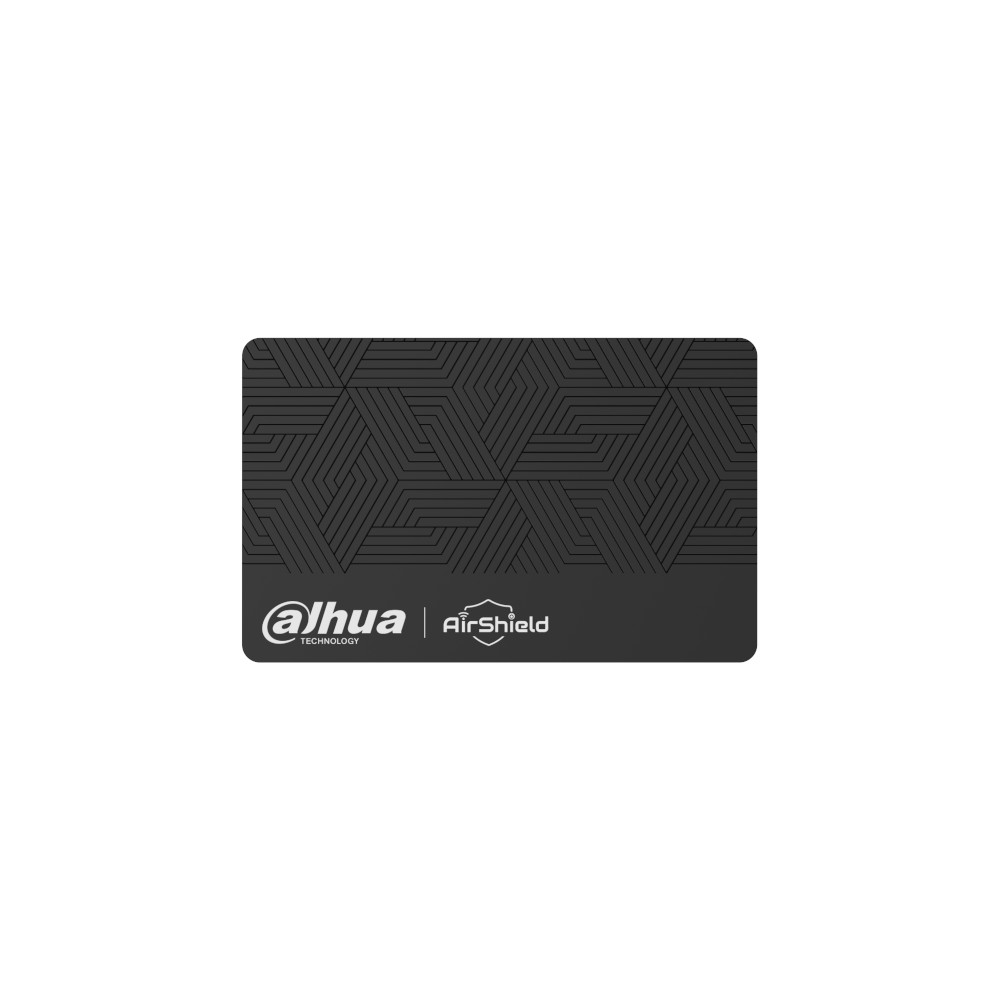
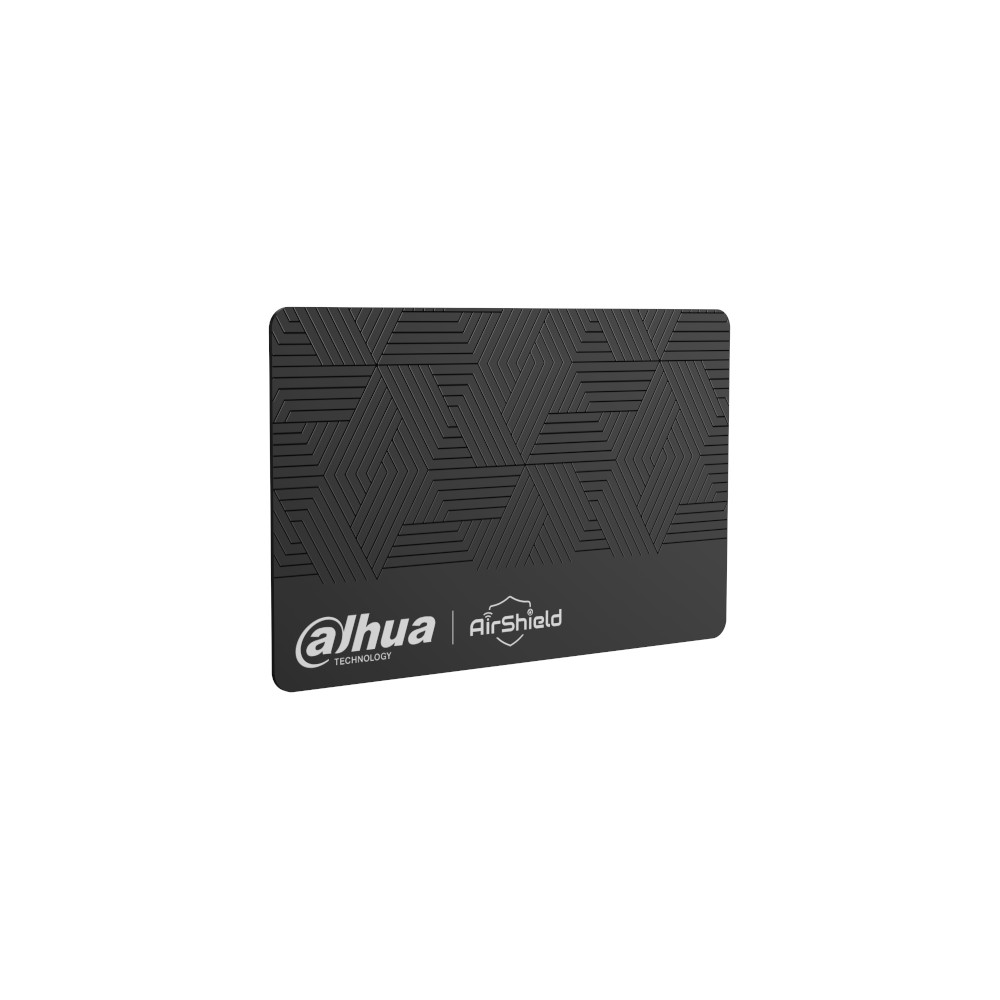
The AirShield DESFire Card is a MIFARE DESFire proximity card that lets you arm and disarm your AirShield alarm without entering a code. Hold the card up to an AirShield keypad with a card reader and you are done.
The DESFire card has an encrypted chip that is difficult to copy, the most secure choice for access and alarm operation. Assign each card to a user, so that you know exactly who operated the system and when.
Why choose the AirShield DESFire Card
Operate without a code
Hold the card up to the keypad and the system arms or disarms. Faster than a PIN code and there is nothing to mistype.
Can be assigned per user
Give each family member or employee their own card. This lets you see in the log who operated the alarm.
Works with both keypads
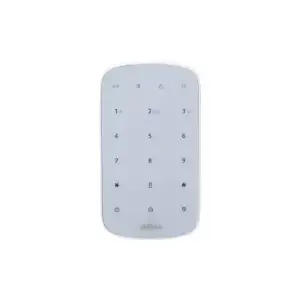
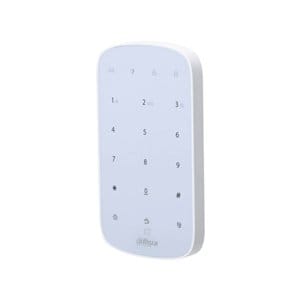
For use with the AirShield Keypad and the AirShield LCD Keypad, both with a built-in card reader.
Encrypted and secure
The DESFire chip is encrypted and difficult to copy, ideal when security comes first, at home and in business.
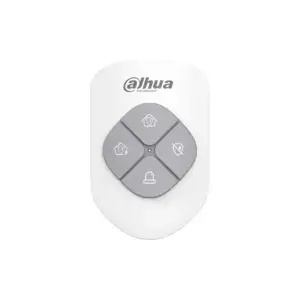
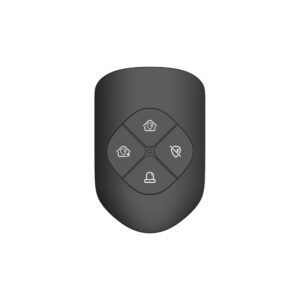
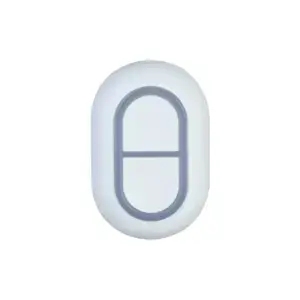
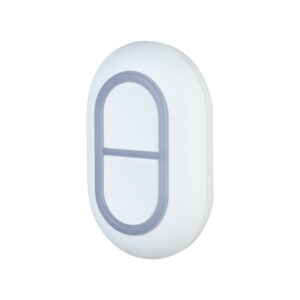
Product photos
Technical specifications
| Type | MIFARE DESFire proximity card |
| Function | Arm and disarm the alarm without a PIN code |
| Compatible | AirShield Keypad and AirShield LCD Keypad (with card reader) |
| Management | Can be assigned to each user for an overview in the log |
| In the box | 1x AirShield DESFire Card |
DESFire or MiFare?
Both cards are operated in the same way: hold the card up to an AirShield keypad with a card reader and the system arms or disarms, without a PIN code. The difference lies in the security of the chip.
| Card | Technology | Security | Suitable for |
|---|---|---|---|
| DESFire Card | MIFARE DESFire | High (encrypted chip) | Business and home |
| MiFare Card | MIFARE Classic | Basic | Affordable, home use |
Choose DESFire if you want maximum security (encrypted card that is hard to copy). The MiFare is an affordable basic card for everyday use at home. Both work with the AirShield Keypad and LCD Keypad.
Control and expansion
Everything in the Dahua DMSS app
In addition to physical operation, you can arm and disarm your AirShield system in the free DMSS app, manage users and receive push notifications in the event of an alarm. No subscription required, on iPhone and Android.
No AirShield system yet?
This control works with the wireless AirShield hub from Dahua. Put your system together room by room with the configurator, or have everything installed by our VEB-approved installers.
Frequently asked questions
Which devices does this card work with?
On the AirShield Keypad and the AirShield LCD Keypad, which both have a card reader. Hold the card up to it to arm or disarm.
What is the difference between DESFire and MiFare?
DESFire has an encrypted chip that is difficult to copy and is the most secure choice. MiFare (Classic) is an affordable basic card for everyday home use.
Can I use multiple cards?
Yes. Assign each user their own card, so that everyone can operate the system themselves and you can see in the log who switched it and when.
Is a card included with the keypads?
The LCD Keypad comes with 2 IC cards as standard. Extra or replacement cards can be bought separately here.
In the box
AirShield DESFire Card
Contactless access card.