

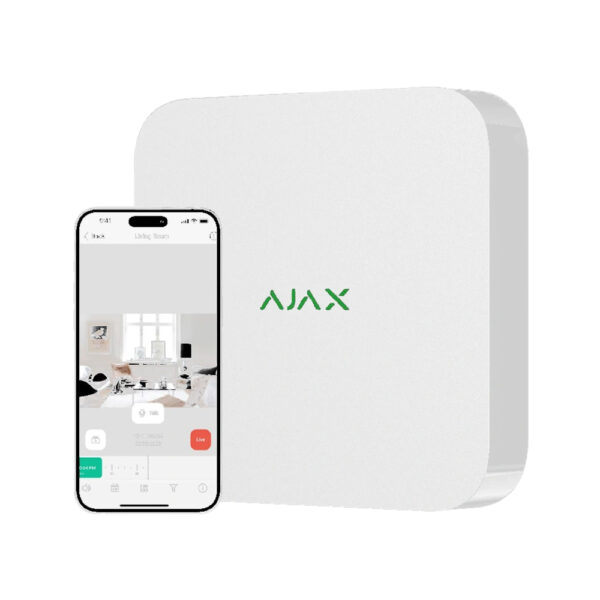





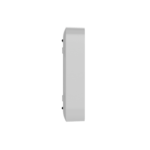
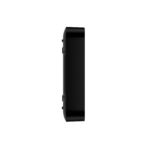
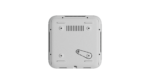
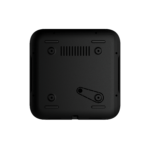
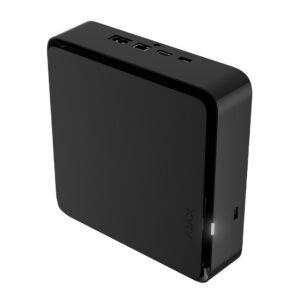
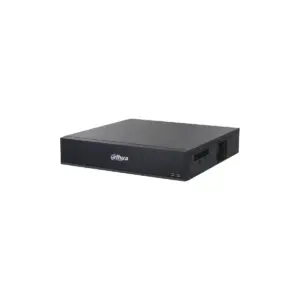
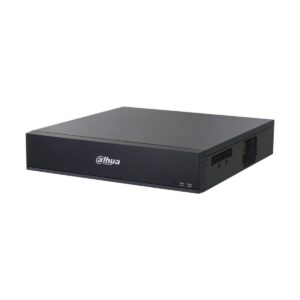
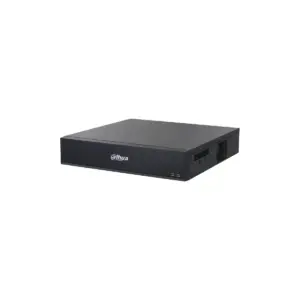
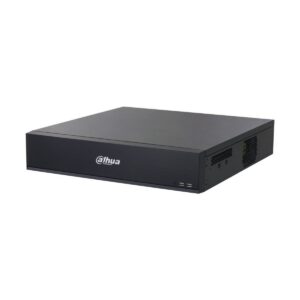
Ajax NVR: network video recorder on 230 V mains power
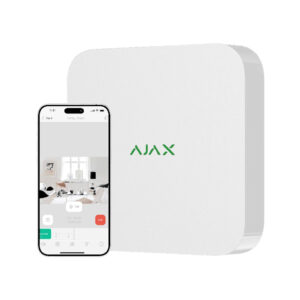
Record your Ajax and IP cameras in one place with 8 or 16 channels and a hard drive of up to 16 TB. View and manage everything in the Ajax app or through the built-in VMS. No subscription.
The NVR brings your Ajax cameras and third-party IP cameras (ONVIF/RTSP) together in one system, with motion detection, AI object detection and visual verification of Ajax alarms. It runs on standard mains power for a fixed installation. The footage stays local with you; remotely, you can view it through the Ajax app. NDAA-compliant and TLS-encrypted.
Why the Ajax NVR
Runs on mains power (230V)
Standard mains power supply 110-240 V. The familiar choice for a fixed installation with a socket nearby.
1 hard drive of up to 16 TB
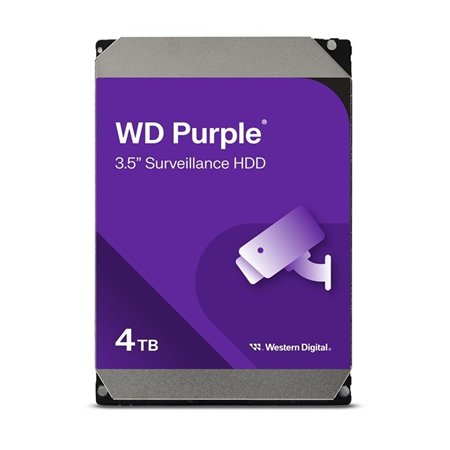
Space for one SATA drive (2.5″ or 3.5″) of up to 16 TB. Choose your own capacity based on your retention period; the drive is not included.
AI and motion detection
Records selectively through motion detection and AI object detection. Choose whether the recorder or the camera performs the analysis.
Visual verification of alarms
Connect it to your Ajax hub: when an Ajax detector raises an alarm, the relevant camera image is displayed, so you can see immediately what is happening.
ONVIF & RTSP
Integrate Ajax cameras and third-party IP cameras (ONVIF Profile S/T, RTSP), or connect to existing recording systems (VMS).
Quick playback search
Video wall, smart filters and a timeline with smooth preview. Find events quickly in the Ajax app or the VMS.
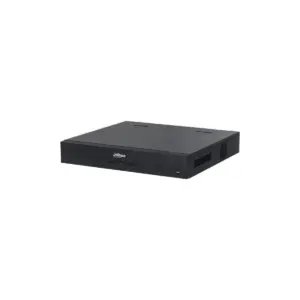
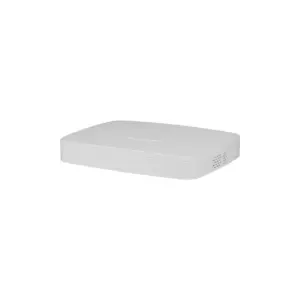
Ajax NVR in view


Technical specifications
| Recorder | |
| Type | Network video recorder (NVR) |
| Channels | 8 or 16 channels |
| Recording resolution | up to 4K (25/30 fps) |
| Hard drive | 1x SATA (2.5″ or 3.5″), up to 16 TB, not included (drive up to 7 W) |
| Video codec | H.265 / H.264 |
| Power supply and housing | |
| Power supply | 110-240 V mains power, up to 24 W |
| Housing | For indoor use, IP20 |
| Colour | White or black |
| Smart and integration | |
| Control | Ajax app + built-in VMS |
| Camera integration | ONVIF Profile S/T + RTSP |
| Slim | Motion detection, AI object detection, visual verification of Ajax alarms |
| Network | Ethernet up to 100 Mbps |
| Compliance | NDAA-compliant, TLS-encrypted |
NVR, NVR DC and NVR HAC compared
All three are 8 or 16-channel recorders with space for a hard drive of up to 16 TB, ONVIF/RTSP and visual verification. The difference lies in the power supply and the operation.
| Model | Power supply | Control | Recording resolution |
|---|---|---|---|
| NVR | 110-240 V mains power | Ajax app + VMS | up to 4K |
| NVR DC | 9-16 V low voltage | Ajax app + VMS | up to 4K |
| NVR HAC | 110-240 V mains power | HDMI monitor + Ajax app | up to 8 MP |
Need more storage security or to power cameras directly? The new NVR H2D series has two swappable HDDs (redundant or split) and up to 16 PoE ports.
Which NVR suits you?
Fixed location with a power socket
Choose the NVR on 230 V mains power. The standard choice for a home or business premises.
Location without mains power
Choose the NVR DC on low voltage (9-16 V): construction site, warehouse, boat, vehicle or battery/solar installation.
Local viewing on a screen
Choose the NVR HAC with HDMI output: operate it with a mouse and keyboard on a monitor, even without internet.
More storage or PoE
Do you want two hard drives (backup) or to power cameras directly? See the NVR H2D series.
Frequently asked questions
Is a hard drive included?
No. You choose your own SATA drive (2.5″ or 3.5″) of up to 16 TB, to suit your retention period. The drive uses a maximum of 7 W.
What is the difference between NVR, NVR DC and NVR HAC?
The NVR runs on 230 V mains power, the NVR DC on low voltage (9-16 V) for locations without mains power, and the NVR HAC has an HDMI output for local viewing and operation on a monitor.
Does it work with non-Ajax cameras?
Yes, you can connect common IP cameras via ONVIF (Profile S/T) and RTSP. For full functionality, use Ajax cameras within the Ajax ecosystem.
Do I need an Ajax Hub?
Not for recording. For visual verification of alarms and notifications in the app, connect it to an Ajax hub.
Are there subscription costs?
No. You record locally on the drive and the footage stays with you.










Ingrid (verified owner) –
Simply good, nice and compact
Ruud (verified owner) –
Good product, looks neat.
Rob (verified owner) –
Good product and easy to install.
Renzo Schuman (verified owner) –
Good NVR, easy installation.