
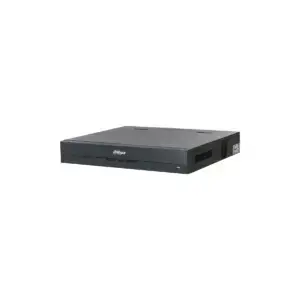
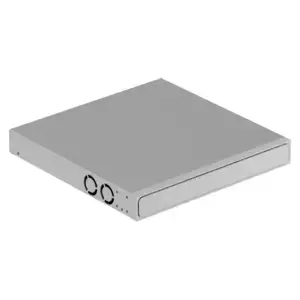
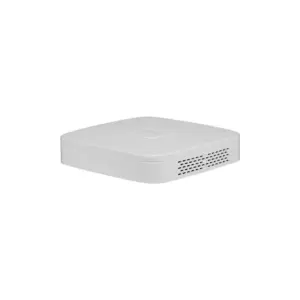
Ajax NVR H2DAC: network video recorder with 4K HDMI and 2 replaceable HDDs
Record your Ajax and IP cameras centrally with 8 or 16 channels, two hot-swap hard drives and 4K HDMI. View live and recorded footage in the Ajax app or locally via the built-in VMS. No subscription.
The NVR H2DAC from the Ajax NVR H2D series brings your Ajax cameras and third-party IP cameras together in one system. Power the cameras via a separate PoE switch. Two replaceable drives provide a deeper archive and reliable backup, with redundant or split recording. The footage stays local with you; you can view it remotely via the Ajax app. NDAA-compliant and can be integrated via ONVIF and RTSP.
Why the NVR H2DAC
Without built-in PoE
Power your cameras via a separate PoE switch or separate power supplies. The most affordable recorder if you already have that switch.
2 replaceable HDDs
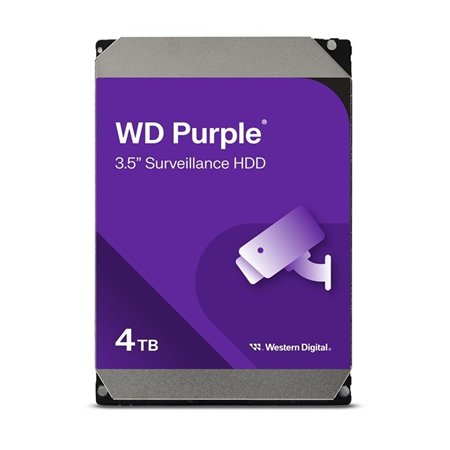
Two hot-swap HDD bays: replace or add a drive without switching off the recorder. Continuous recording, also during maintenance.
Redundant or split recording
Redundant: footage is recorded twice, once on each drive, as a full back-up. Split: footage is spread across both drives for more capacity. Lower risk of data loss.
4K HDMI + local VMS
Connect a screen directly and operate everything locally with the built-in VMS, or watch remotely via the Ajax app.
Quick search (JetSparrow)
Smooth playback and navigation thanks to Ajax's own JetSparrow protocol. Filter by motion, object recognition or scenario and view several cameras at the same time.
ONVIF & RTSP
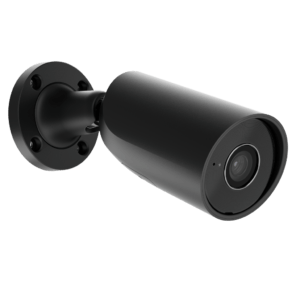
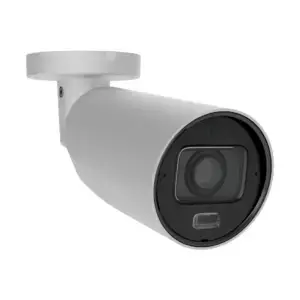
Integrate both Ajax cameras and third-party IP cameras, or connect the recorder to existing video management systems (VMS).
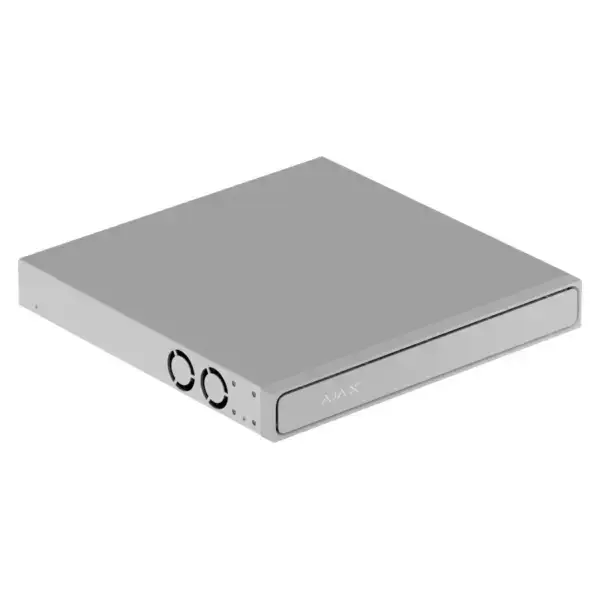
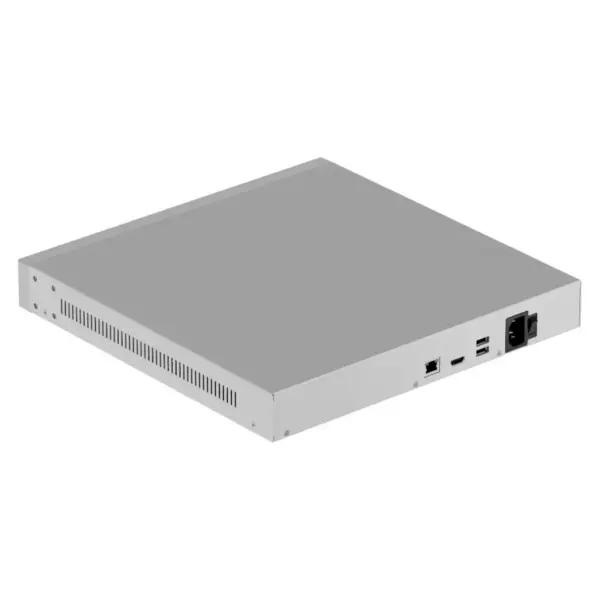
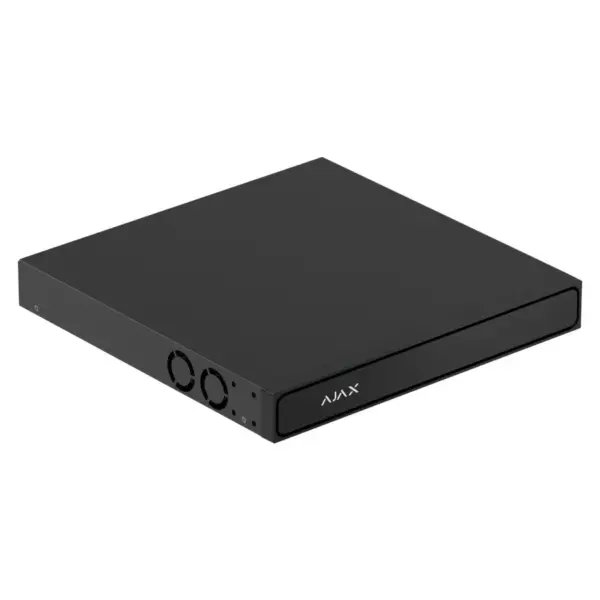
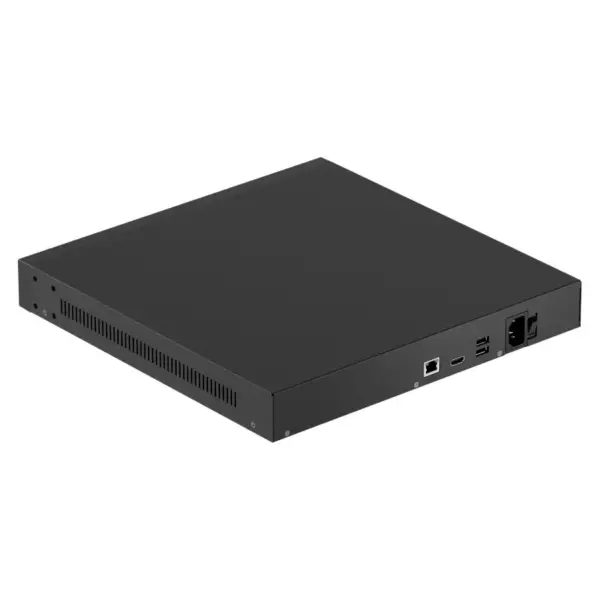
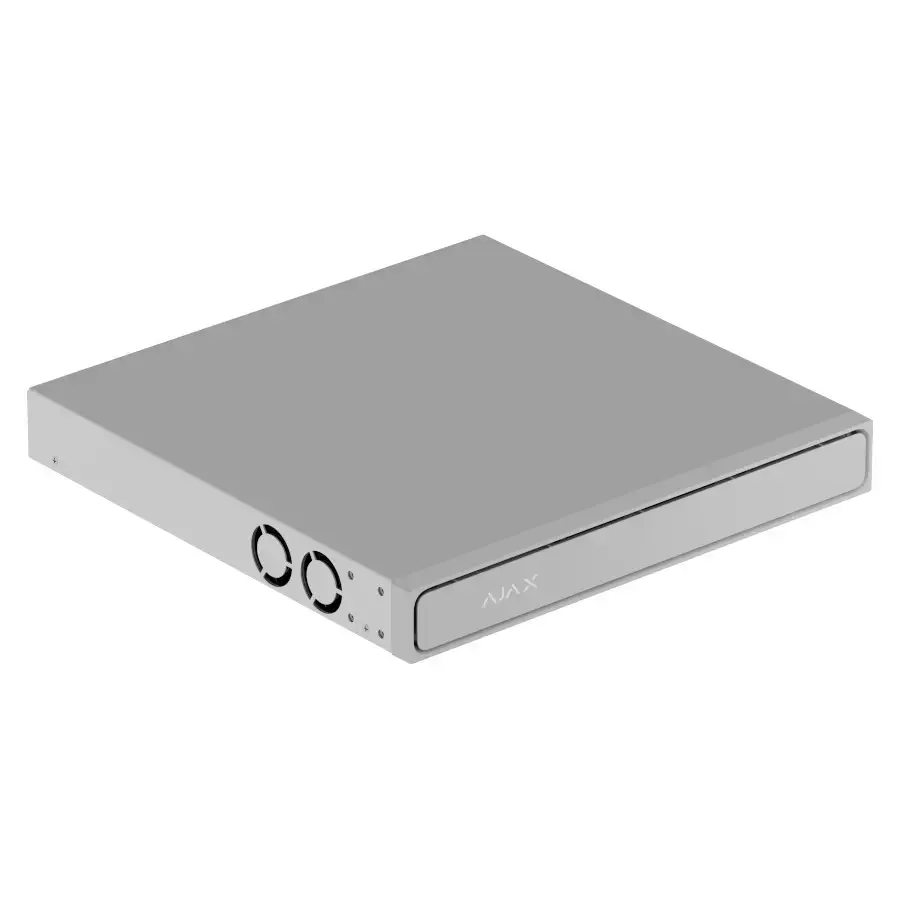
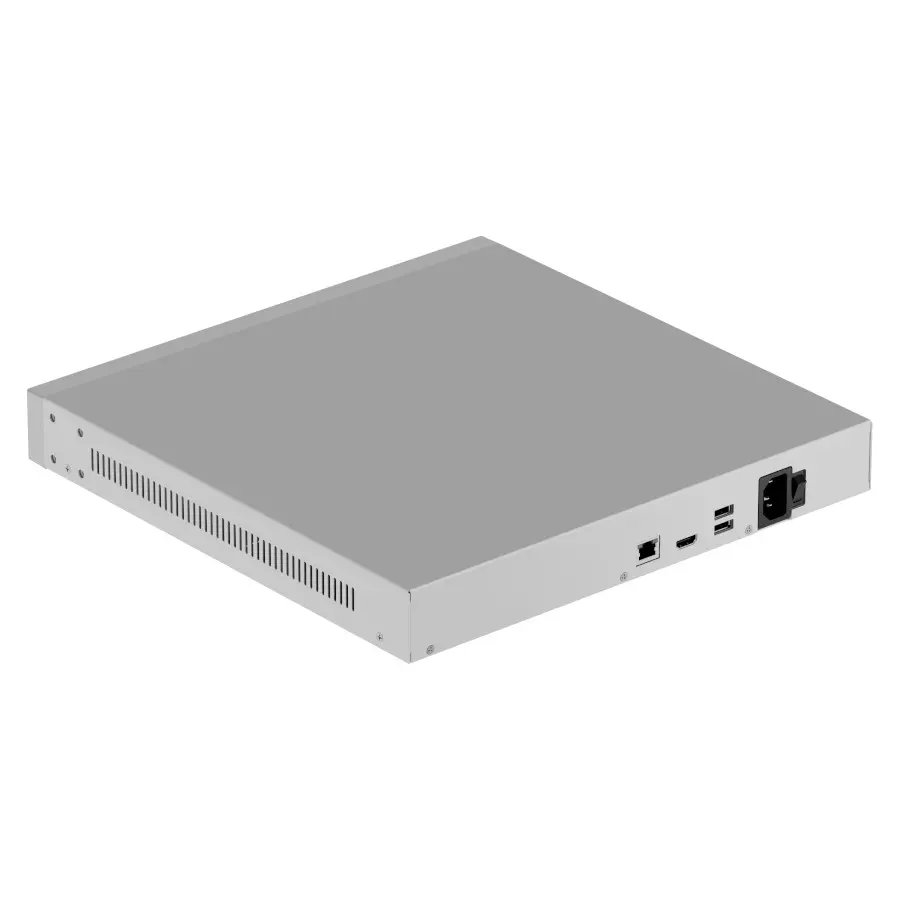
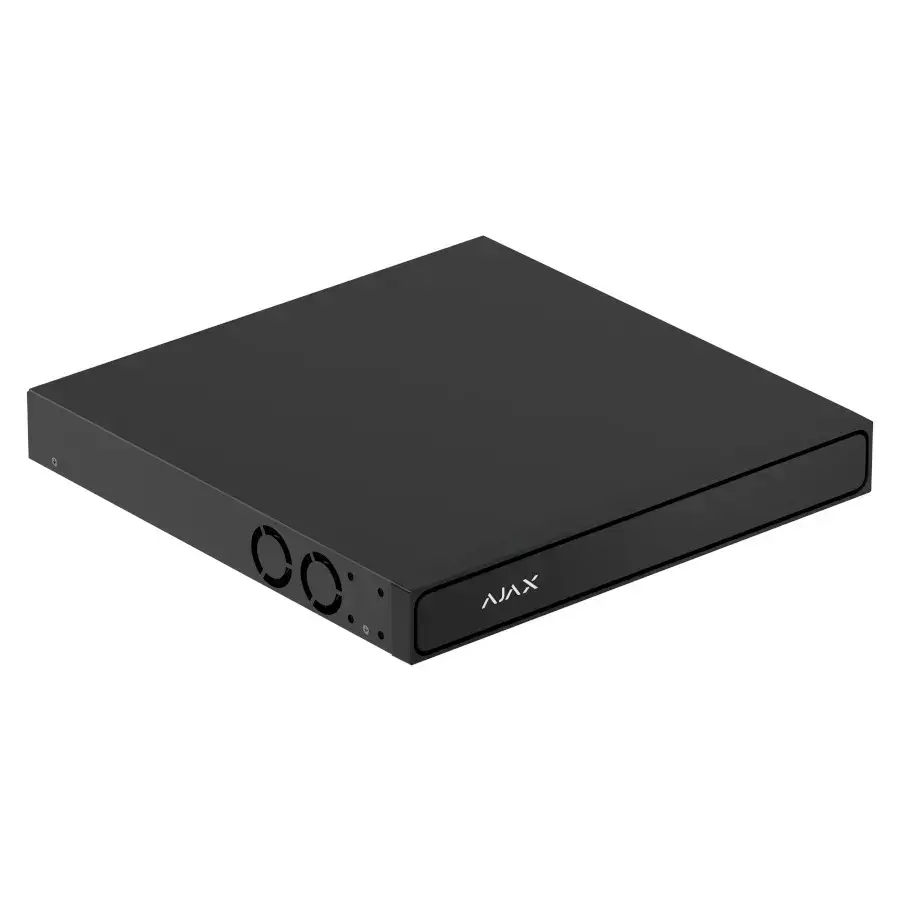
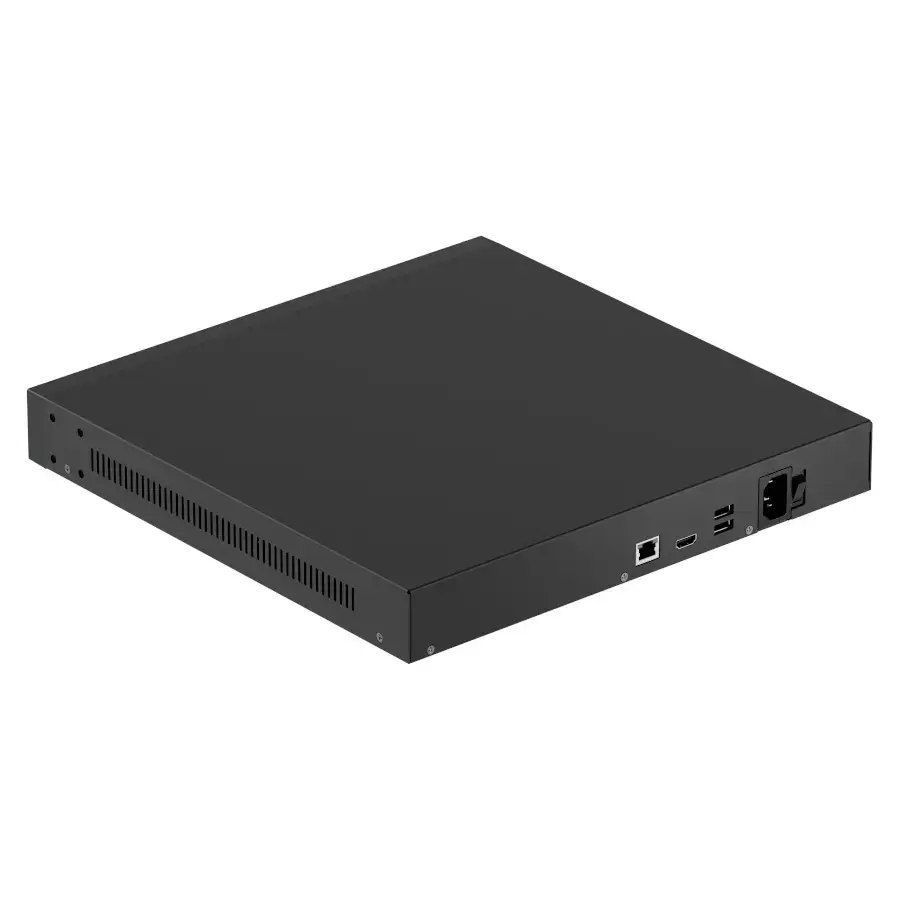
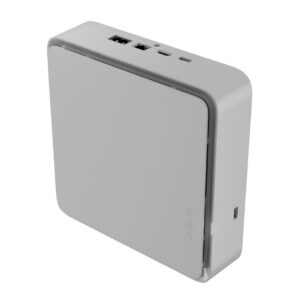
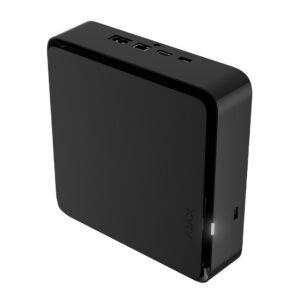
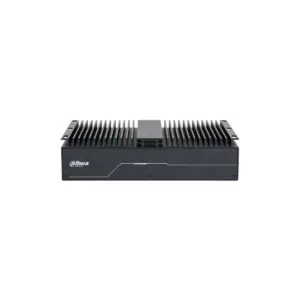
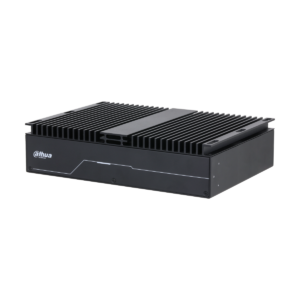
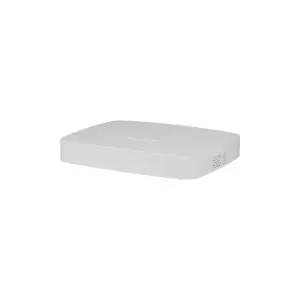
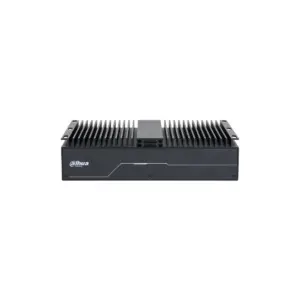
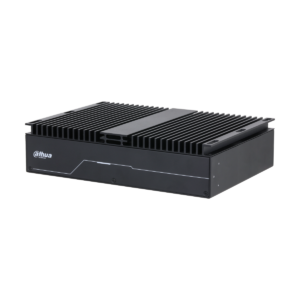
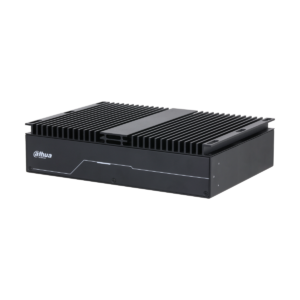
NVR H2DAC in view
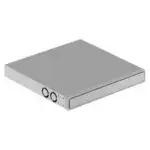
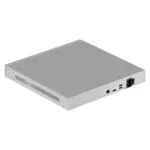
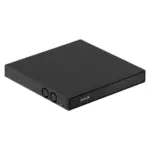
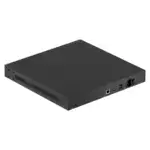
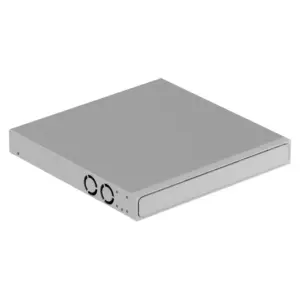
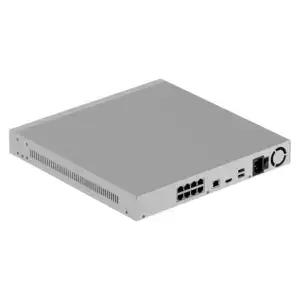
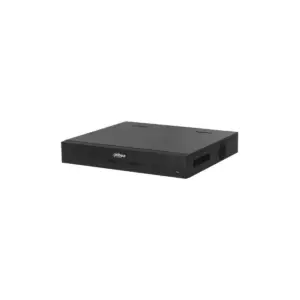
The recorder in white and in black, front and rear.
Technical specifications
| Recorder | |
| Type | Network video recorder (NVR) |
| Channels | 8 or 16 channels |
| PoE ports | None |
| Hard drives | 2x swappable (hot-swap), SATA |
| Recording modes | Redundant or Split |
| Display and operation | |
| Video output | 4K HDMI |
| Video codec | H.265 (HEVC) / H.264 |
| Control | Ajax app (iOS, Android, desktop) + built-in VMS |
| Smart search | Filters by motion, object recognition and scenario; simultaneous viewing |
| Integration | |
| Interoperability | ONVIF Profile S + RTSP |
| User roles | Administrator, Operator, User |
| Compliance | NDAA compliant |
NVR H2DAC, H2D8PAC and H2D16PAC compared
The three recorders are technically the same (4K HDMI, 2 swappable HDDs, Ajax app and local VMS). The difference lies in the PoE ports: how many cameras you power directly from the recorder.
| Model | PoE ports | Camera connection | Channels | Hard drives |
|---|---|---|---|---|
| NVR H2DAC | None (no separate PoE switch needed) | Via a separate PoE switch or separate power supply | 8 or 16 channels | 2 hot-swap HDD bays |
| NVR H2D8PAC | 8 PoE ports (powers up to 8 cameras) | Up to 8 cameras directly via PoE | 8 or 16 channels | 2 hot-swap HDD bays |
| NVR H2D16PAC | 16 PoE ports (powers up to 16 cameras) | Up to 16 cameras directly via PoE | 16 channels | 2 hot-swap HDD bays |
No PoE needed? The H2DAC is the most affordable; you then power the cameras via a separate PoE switch. If you want to power everything from the recorder, choose the H2D8PAC (up to 8) or H2D16PAC (up to 16).
Frequently asked questions
What is the difference between the H2DAC, H2D8PAC and H2D16PAC?
Only the PoE ports. The H2DAC has none, the H2D8PAC has 8 and the H2D16PAC has 16. More PoE ports mean more cameras that you power directly from the recorder. In other respects they are the same.
Do I need PoE?
PoE delivers power and video over a single network cable per camera. With a PAC model you power the cameras directly from the recorder. If you choose the H2DAC without PoE, you use a separate PoE switch or a separate power supply.
How many cameras can I connect?
This recorder supports 8 or 16 channels. You can add both Ajax cameras and third-party IP cameras (via ONVIF/RTSP).
Why two hard drives?
For reliability and capacity. In redundant mode everything is stored twice (back-up); in split mode you use the full capacity. Both drives are hot-swap, so they can be replaced without switching off the recorder.
Does it work with non-Ajax cameras?
Yes, you can connect common IP cameras via ONVIF Profile S and RTSP. For all functions and the app, use Ajax cameras within the Ajax ecosystem.
Are there subscription costs?
No. You record locally on the drives and the footage stays with you. For notifications and remote control, connect with the Ajax app.







Reviews
There are no reviews yet.