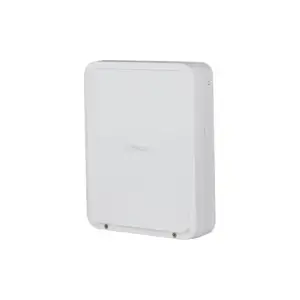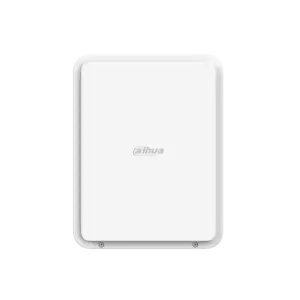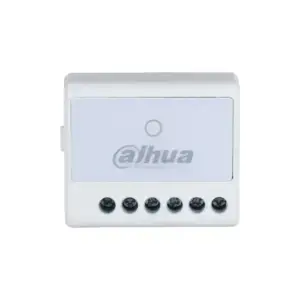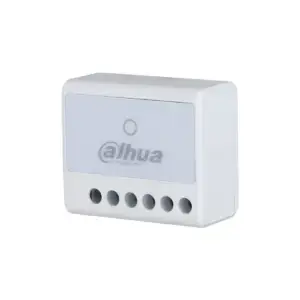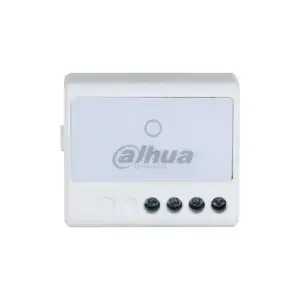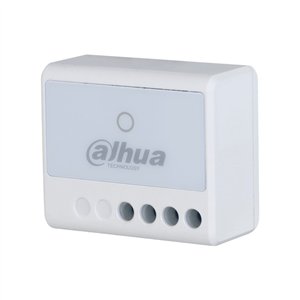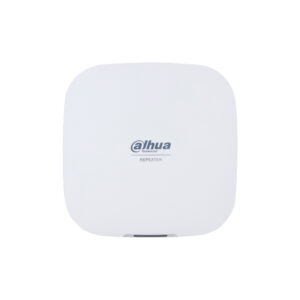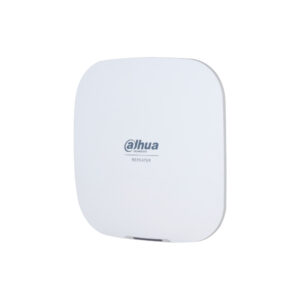
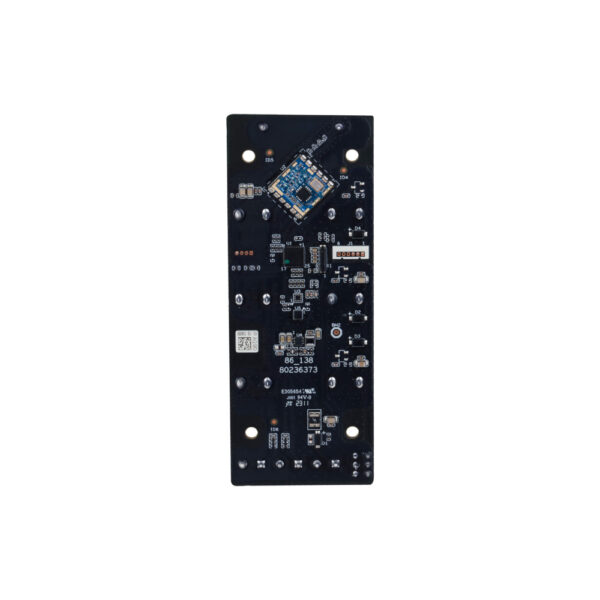
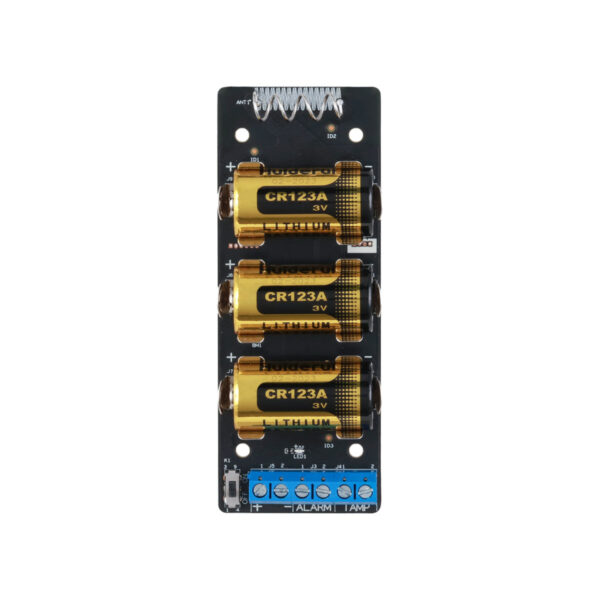
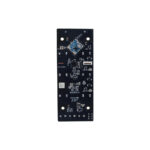
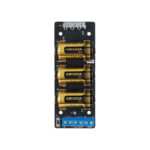
AirShield Transmitter: connect external detectors wirelessly
With the AirShield Transmitter you connect existing or external detectors wirelessly to your AirShield hub, without replacing them. If a connected detector is triggered, the Transmitter passes this on to your system immediately.
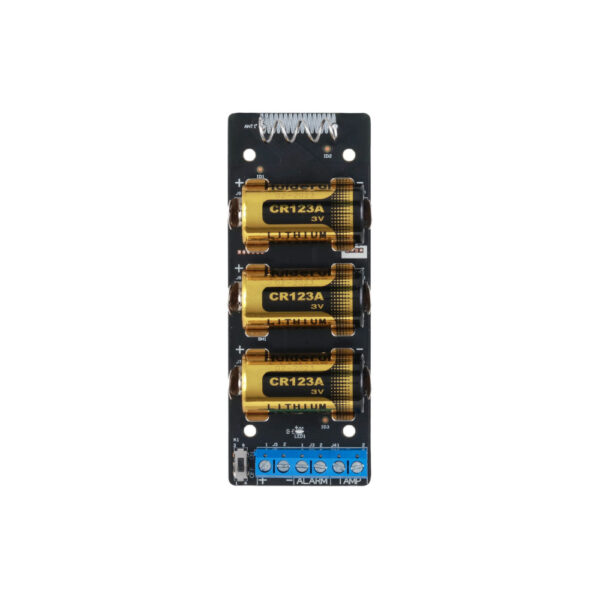
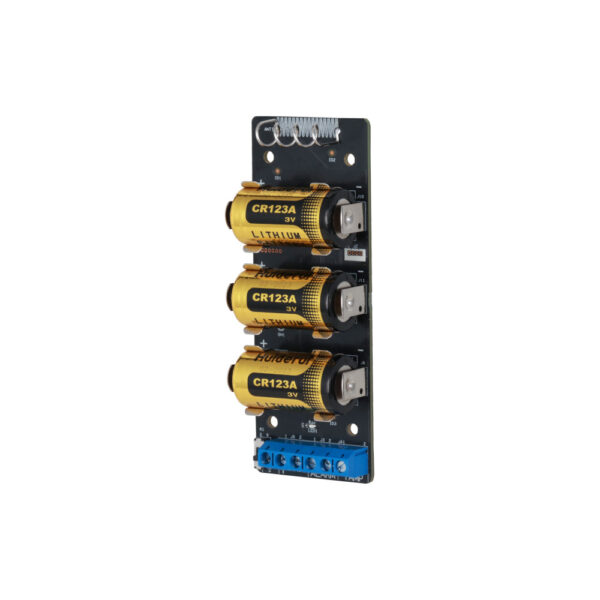
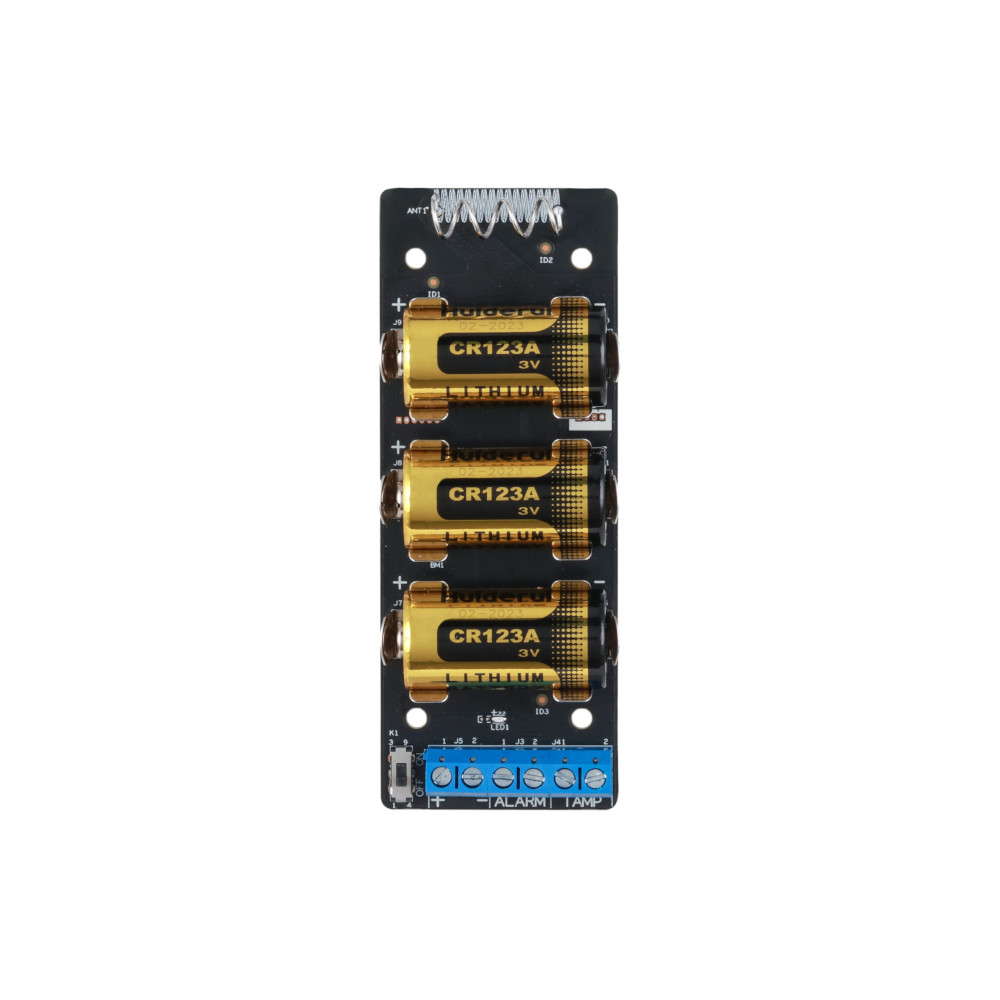
The Transmitter (Dahua ARM320-W2(868)) has two inputs: one for the alarm and one for tamper. In the DMSS app you choose the alarm type for each input. A built-in accelerometer raises an alarm if the device is moved.
Why the AirShield Transmitter
Connect existing detectors
Two inputs (NO or NC): one for the alarm and one for tamper. Choose one of six alarm types for each detector (intrusion, medical, fire, emergency, gas or tamper) and include external detectors in your AirShield system.
Encrypted and stable
Two-way communication on 868 MHz with AES128 and frequency hopping, with a long range of up to approximately 1,600 metres in open terrain.
Tamper and movement
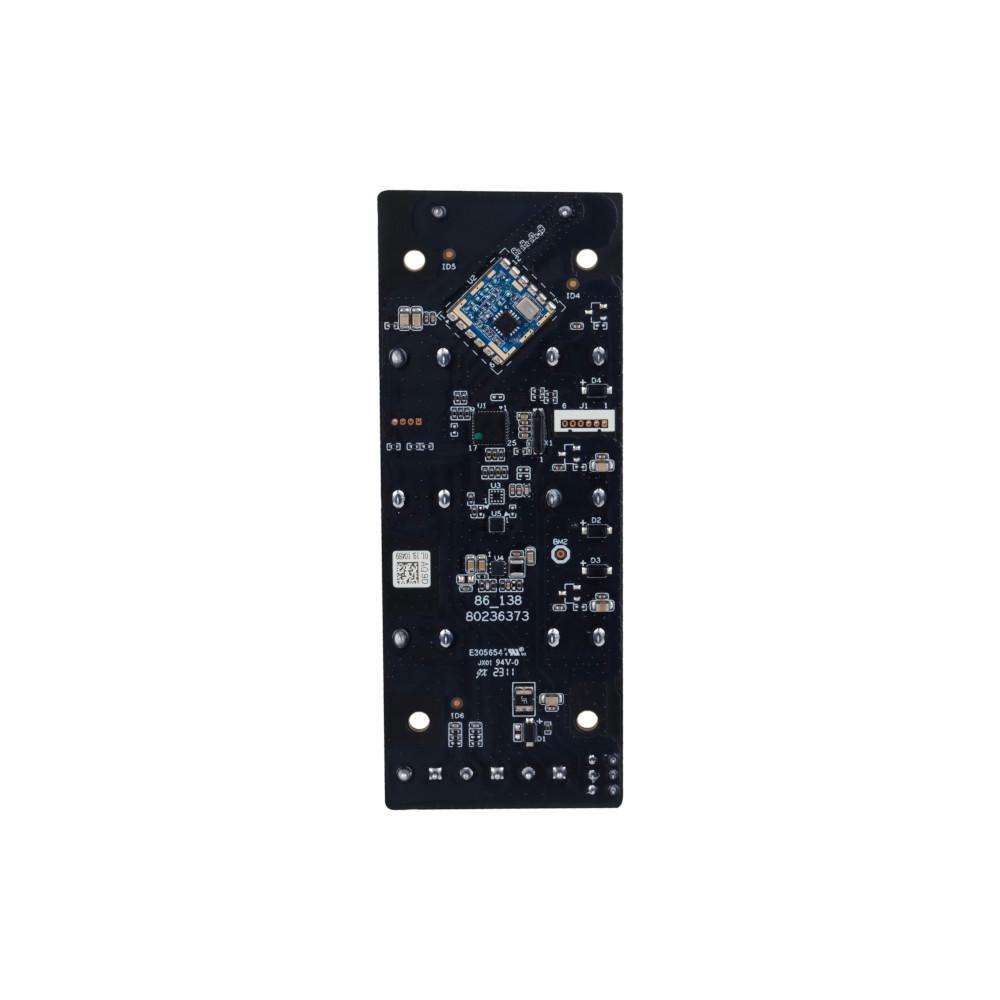
A built-in triaxial accelerometer raises an alarm if the module is moved. Temperature monitoring against overheating is also included.
Years on batteries
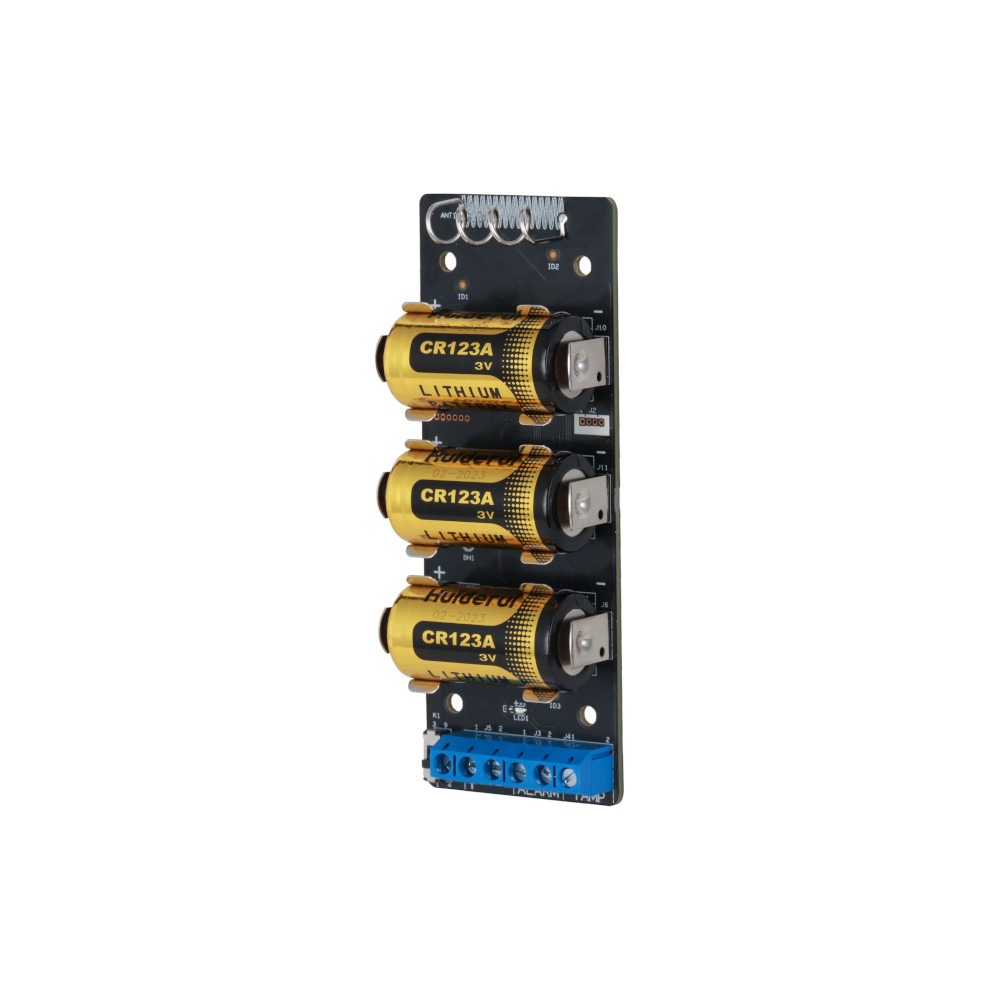
Runs on 3 CR123A batteries, up to approximately 5 years (4 years with a pulse input), with a 3,3 V auxiliary output to power the detector.
Product photos

Technical specifications
| Connection | |
| Inputs | 2 (1 alarm + 1 tamper), NO or NC |
| Alarm types | 6 (intrusion, medical, fire, emergency, gas, tamper) |
| Backup power supply | 3,3 V output up to 10 mA for the detector |
| Motion detection | Built-in triaxial accelerometer (movement) |
| Wireless | |
| Frequency | 868.0 to 868.6 MHz (EIRP up to 25 mW) |
| Communication | Two-way, AES128 encrypted, with frequency hopping |
| Range | Up to approx. 1,600 m in open field |
| General | |
| Power supply | 3x CR123A battery, up to 5 years (4 years with a pulse input) |
| Temperature monitoring | -10 to +55 °C |
| Dimensions | 102 × 39 × 21,5 mm, 77 g |
| Certification | CE, EN 50131 Grade 2 (Environmental Class II) |
| Model | Dahua ARM320-W2(868) |
Which interface module suits you?
Do you want to bring existing wired detectors or sirens into your AirShield system? For 1 individual detector, the compact Input Expander is enough. The Transmitter connects individual external detectors with a tamper input. For many zones at once, choose the Multi-Transmitter, or the PoE variant if you prefer a neat connection via a network cable.
| Model | Inputs | Outputs | Connection | Power supply | Ideal for |
|---|---|---|---|---|---|
| Input Expander | 1 wired zone | None | Wireless 868 MHz | 1x CR123A-batterij | Make 1 individual wired detector wireless |
| Transmitter | 2 (alarm + tamper) | 3.3 V auxiliary output | Wireless 868 MHz | 3x CR123A-batterij | Pair separate external detector(s) |
| Multi-Transmitter | 16 zones | 4 relays | Wireless 868 MHz | 100-240 VAC + optional battery | Many wired zones and sirens |
| PoE Multi-Transmitter | 16 zones | 4 relays | 868 MHz or Ethernet | PoE or 100-240 VAC | Neat cabling via the network |
All four communicate wirelessly on 868 MHz with two-way communication and AES128, and connect to the AirShield hub. The Multi-Transmitters run on mains power; the Input Expander and Transmitter run on CR123A batteries.
Pairing and management
Everything in the DMSS app
You pair and manage this extension in the free Dahua DMSS app. There you can see the status, change settings and receive notifications on your phone. No subscription required, on iPhone and Android.
No AirShield system yet?
This extension works with the wireless AirShield hub from Dahua. Put your system together with the configurator, or have everything installed by our VEB-approved installers.
Frequently asked questions
Which alarm types can I set?
For each connected detector you choose one of six alarm types: intrusion, medical, fire, emergency, gas or tamper. This way the hub (and you, in the app) immediately knows what kind of alert it is, so an appropriate response is possible. You would connect a smoke detector as fire, for example, and a panic button as emergency.
What is the difference from the Input Expander?
The Input Expander has 1 input for 1 detector. The Transmitter has 2 inputs (alarm + tamper), a movement sensor and a longer range.
Does this work with detectors from another brand?
Yes. As long as the detector provides a dry contact (NO or NC), you can connect it and select the alarm type in the app.
What does the accelerometer do?
It detects when the module is moved and can then raise an alarm, as extra protection against tampering.
In the box
AirShield Transmitter
The module itself.
Mounting materials
For surface or flush mounting.
Documentation
Quick start guide.