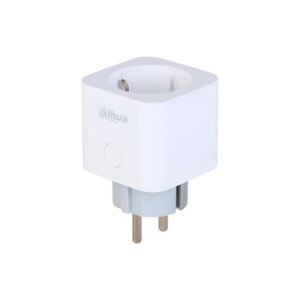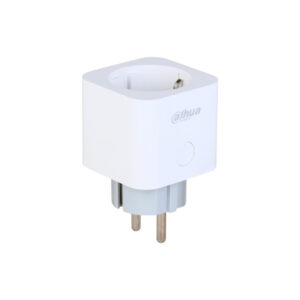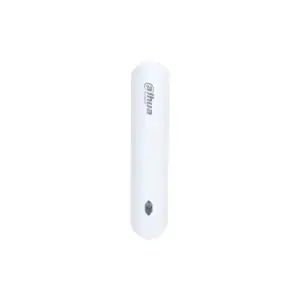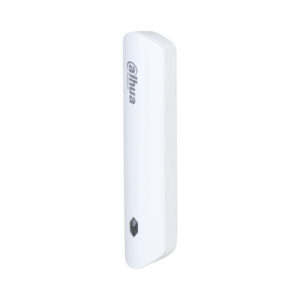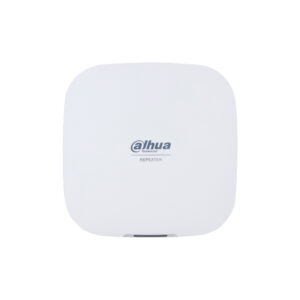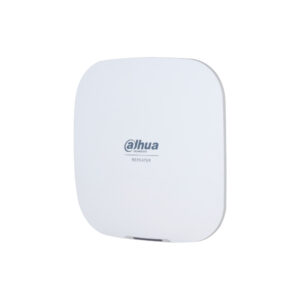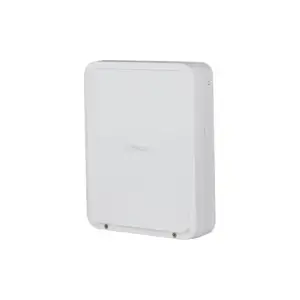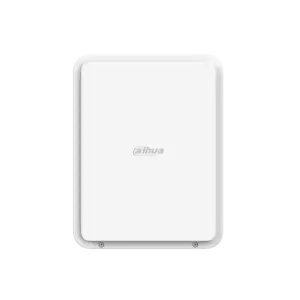
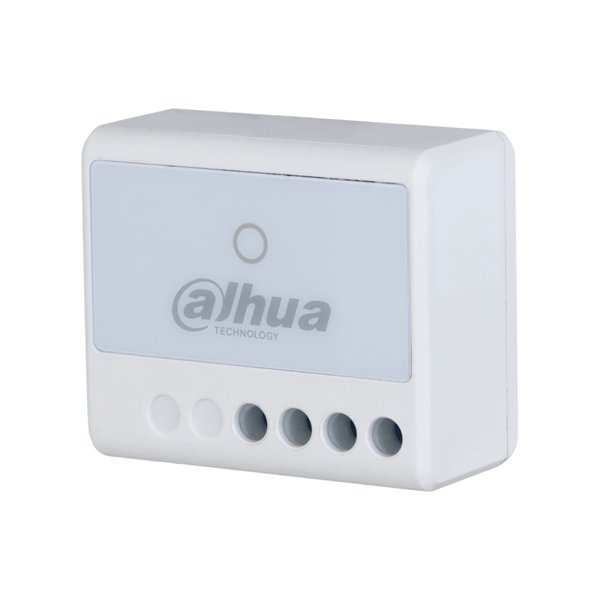
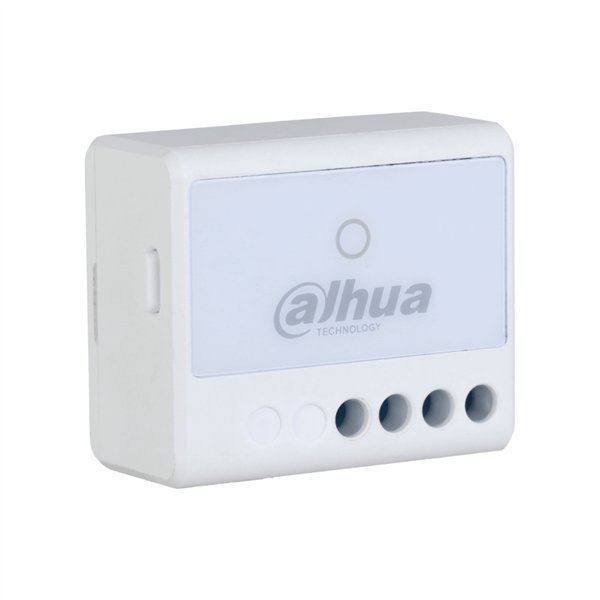
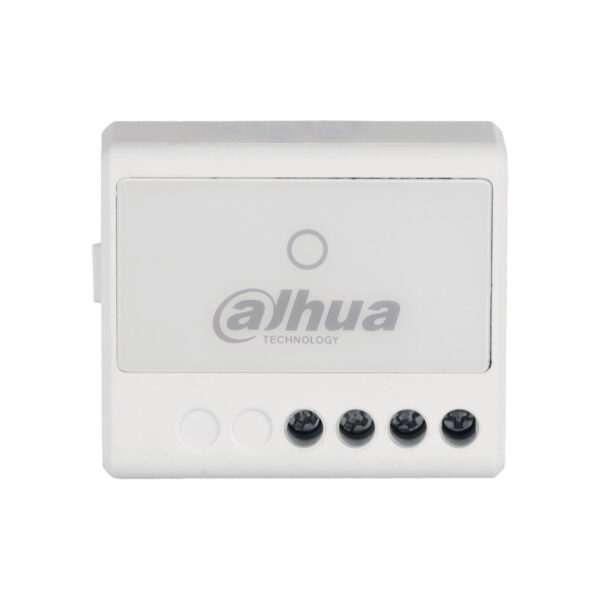
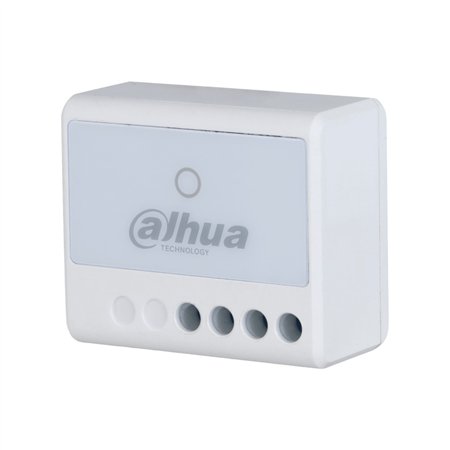
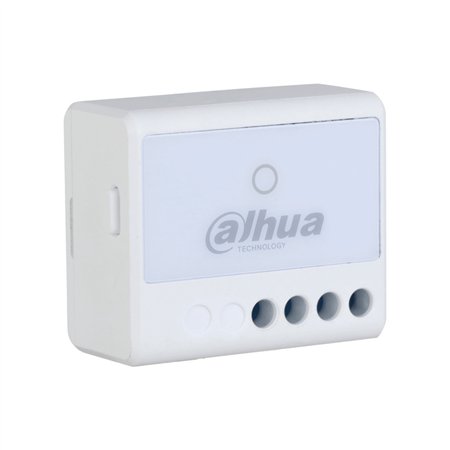
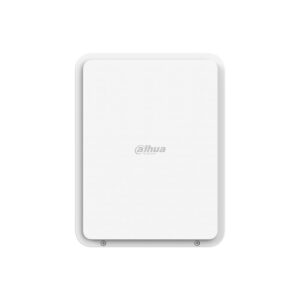
AirShield 100-240VAC Relay: wireless mains voltage switching
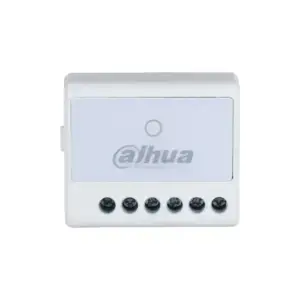
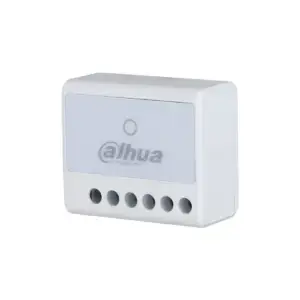
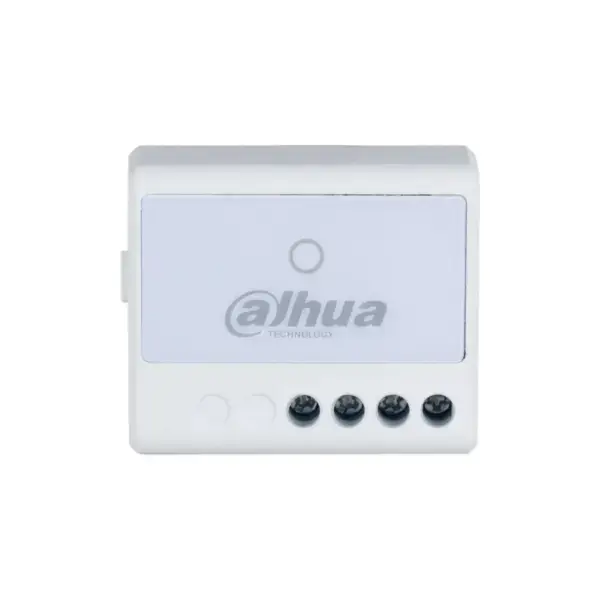
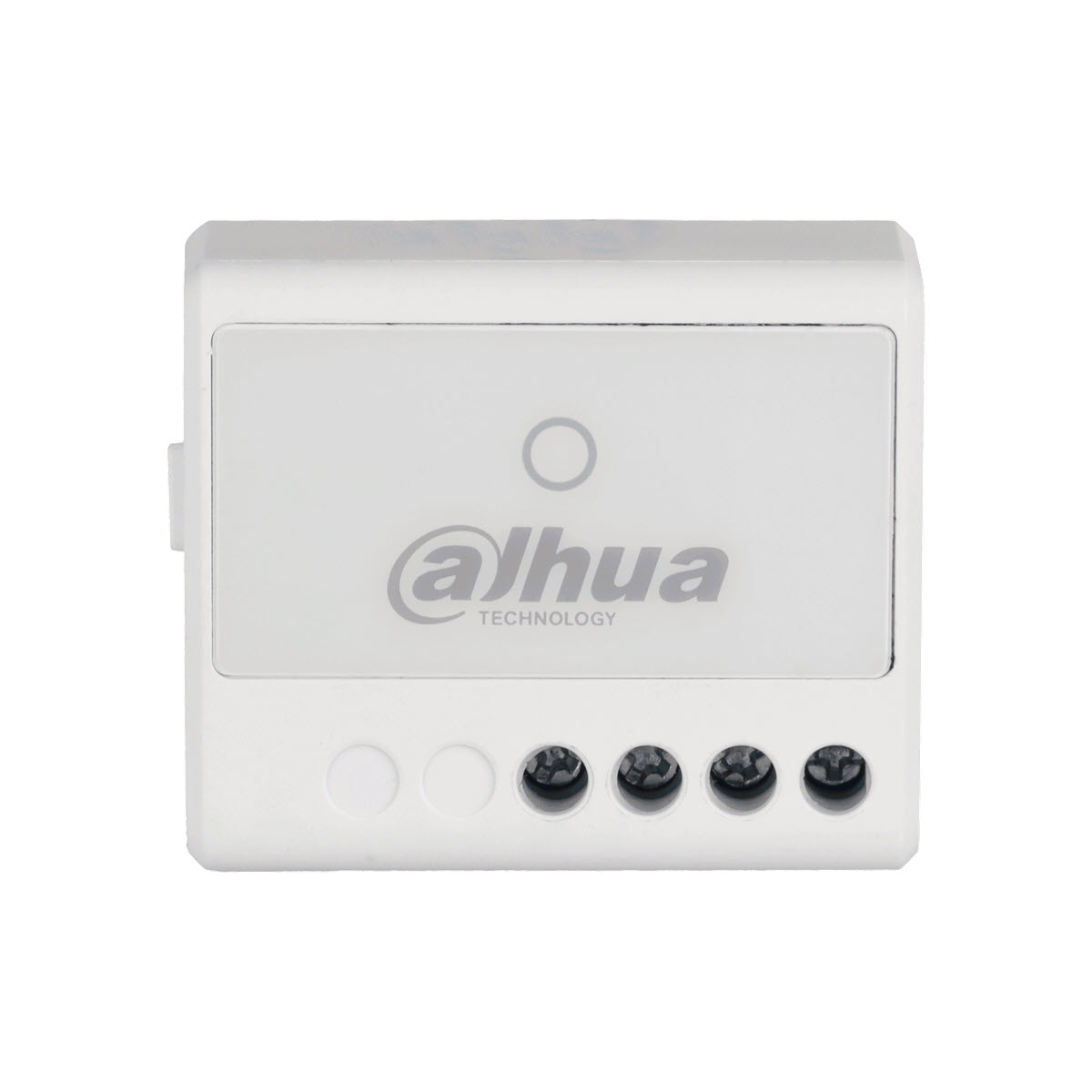
With the AirShield 100-240VAC Relay you switch mains voltage on or off wirelessly from your AirShield system. Ideal for lighting, ventilation, pumps or other fixed appliances that you want to be able to switch remotely.
This compact relay module switches the live conductor via an internal relay up to 13 A and measures voltage, current and energy consumption at the same time. With built-in protection against overheating, overload and overvoltage, you can switch with confidence.
Why the AirShield 100-240VAC Relay
Switching mains voltage
One relay output (NO or NC) for 100 to 240 VAC up to 13 A. You switch the live conductor, while the neutral remains connected through.
Insight into consumption
The module measures voltage, current and energy consumption, so you can see how much a connected device uses.
Triple protection
Built-in protection against overheating, overload and overvoltage, for safe switching of fixed installations.
Stable and encrypted
Two-way communication on 868 MHz with AES128 and frequency hopping, with a range of up to approximately 1,200 metres in open terrain.
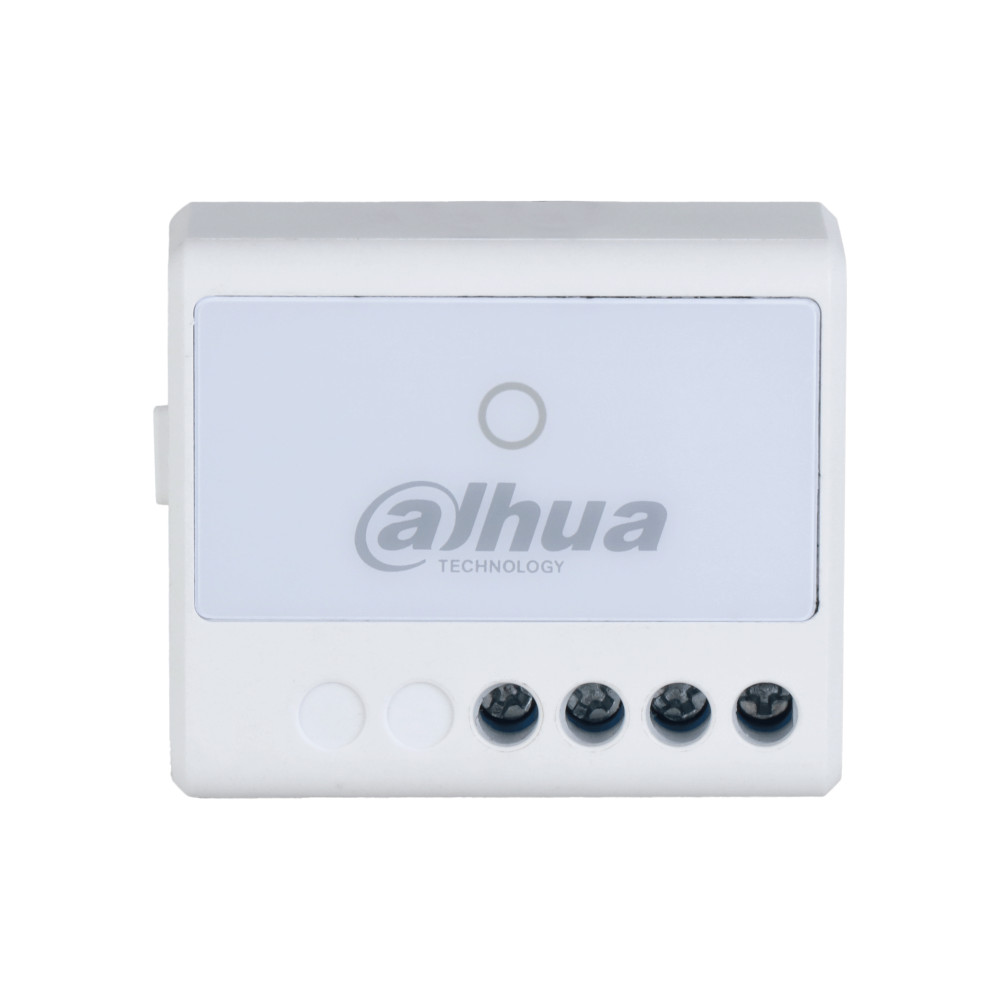
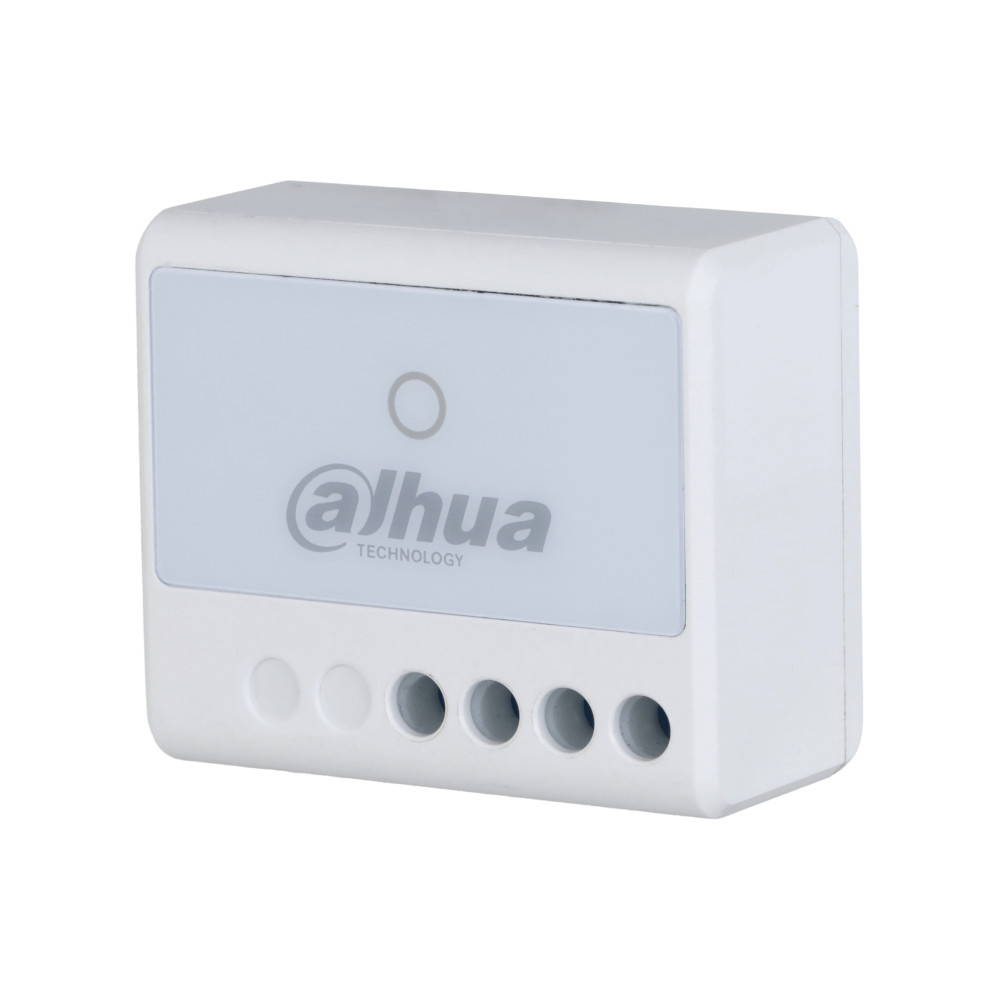
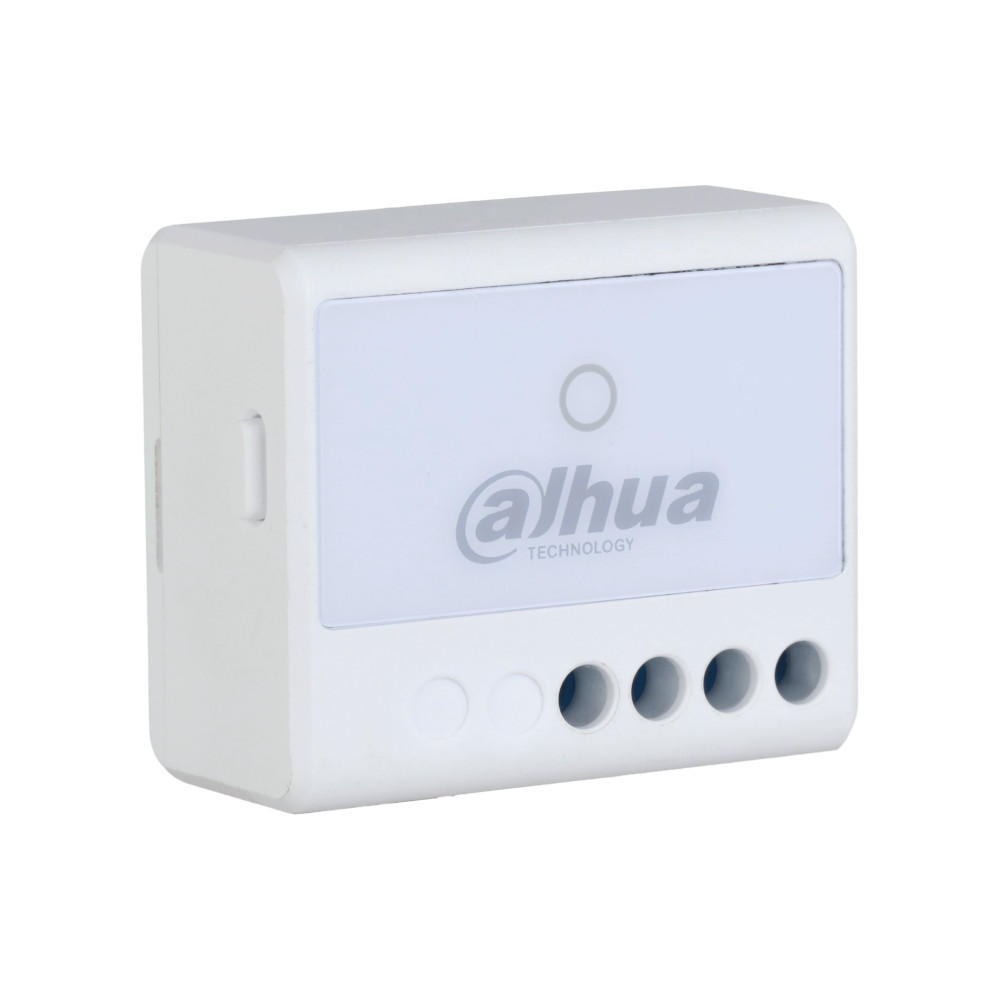
Product photos
Technical specifications
| Switching | |
| Relay output | 1x NO/NC, 100 to 240 VAC, up to 13 A |
| Measuring | Voltage, current and energy consumption |
| Protection | Overheating, overload and overvoltage |
| Wireless | |
| Frequency | 868,0 to 868,6 MHz |
| Communication | Two-way, AES128 encrypted, with frequency hopping |
| Range | Up to approx. 1,200 m in open field |
| Maintenance | Cloud updates with automatic recovery |
| General | |
| Power supply | 100 to 240 VAC, 50/60 Hz |
| Dimensions | 39 × 33 × 19 mm |
| Environment | Indoor, -10 to +55 °C, 10 to 90% RH |
| Housing and mounting | Plastic, wall mounting |
| Certification | CE |
| Model | Dahua ARM7012-W2(868) |
Which switch do you need?
Do you want to control something from your AirShield system? The 7-24 VDC Relay switches low voltage, such as a gate or lighting. The 100-240VAC Relay switches mains voltage in a fixed flush-mounted installation and measures consumption at the same time. The Smart Plug is the simplest: you plug it in between the socket and the appliance.
| Model | Switches | Max load | Measuring | Mounting | Ideal for |
|---|---|---|---|---|---|
| 7-24 VDC Relay | Low voltage 7-24 VDC | Up to 5 A | No | Built-in or wall-mounted | Gate, lighting, low voltage |
| 100-240VAC Relay | Mains voltage 100-240 VAC | Up to 13 A | Voltage, current, consumption | Built-in or wall-mounted | Fixed switching (flush-mounted) |
| Smart Plug | Mains voltage (socket) | Up to 16 A | Voltage, current, temperature | Plug (plug-in) | Switch a device smartly in no time |
All three switch wirelessly on 868 MHz with two-way communication and AES128, and work with the AirShield hub. The 100-240VAC Relay and the Smart Plug also measure energy consumption.
Pairing and management
Everything in the DMSS app
You pair and manage this extension in the free Dahua DMSS app. There you can see the status, change settings and receive notifications on your phone. No subscription required, on iPhone and Android.
No AirShield system yet?
This extension works with the wireless AirShield hub from Dahua. Put your system together with the configurator, or have everything installed by our VEB-approved installers.
Frequently asked questions
What can I switch with this?
Fixed appliances on mains voltage (100 to 240 VAC) up to 13 A, such as lighting, ventilation or a pump. The module measures consumption at the same time.
What is the difference from the Smart Plug?
You install this relay permanently (flush or wall mounting). The Smart Plug simply goes between the socket and the appliance, with no installation.
Is connecting it safe?
The module has protection against overheating, overload and overvoltage. We recommend having a qualified professional connect mains voltage.
Can I see the consumption?
Yes. The relay measures voltage, current and energy consumption, so you can see what a connected device uses.
In the box
AirShield 100-240VAC Relay
The module itself.
Documentation
Manual.