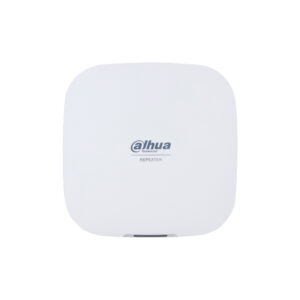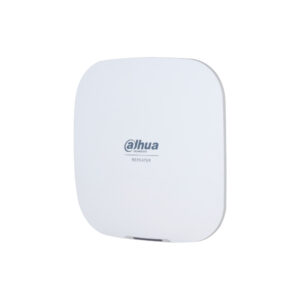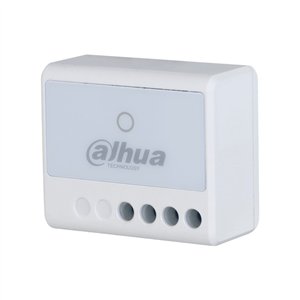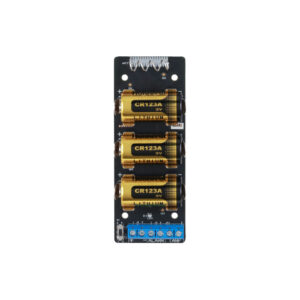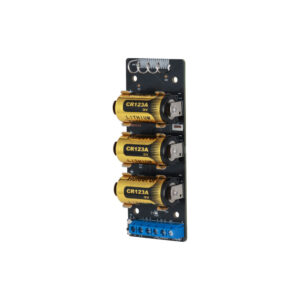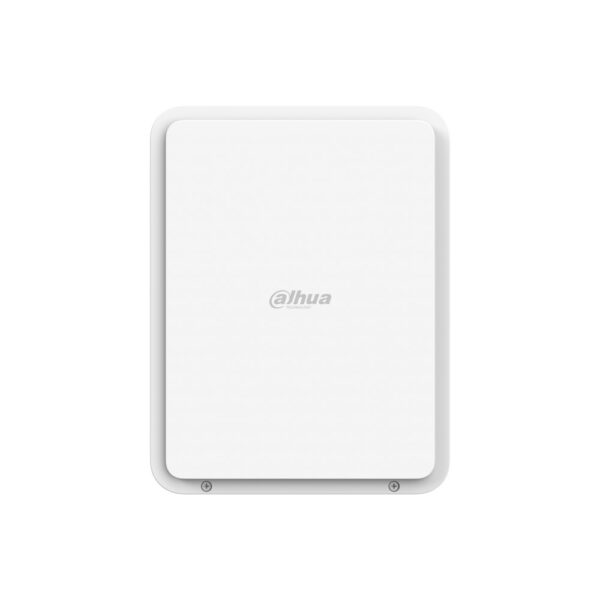
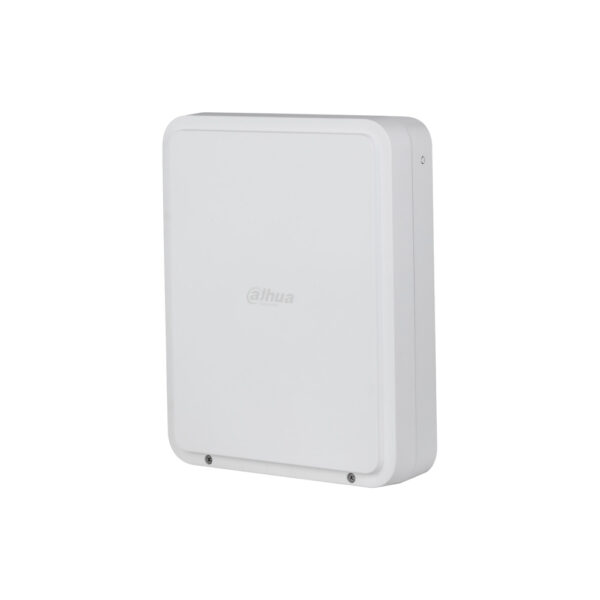
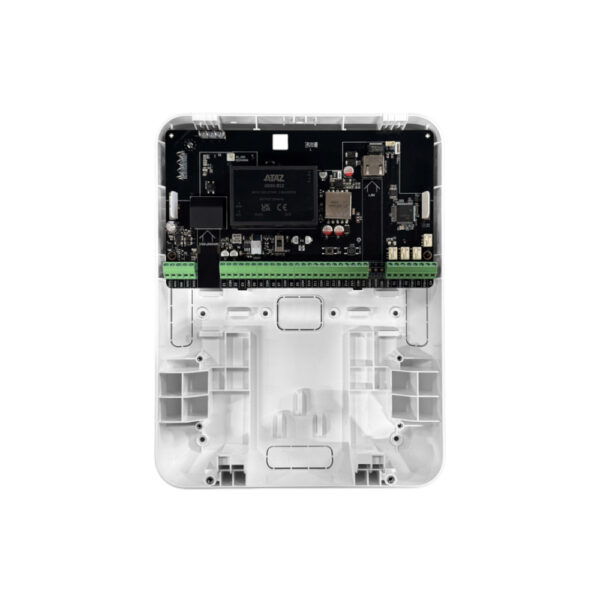
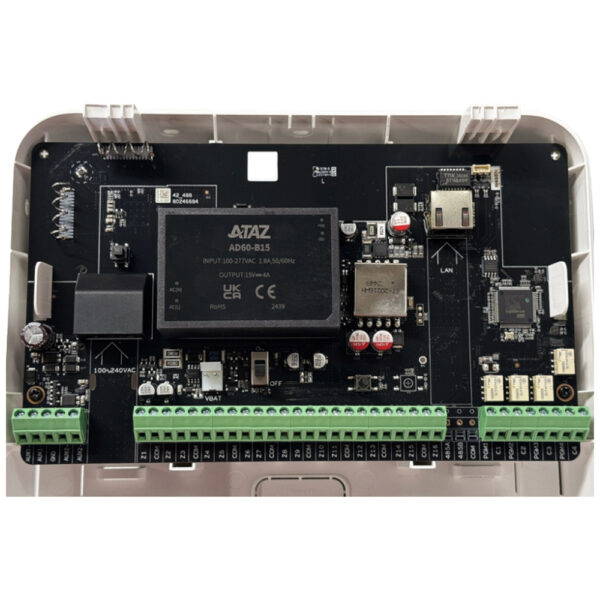
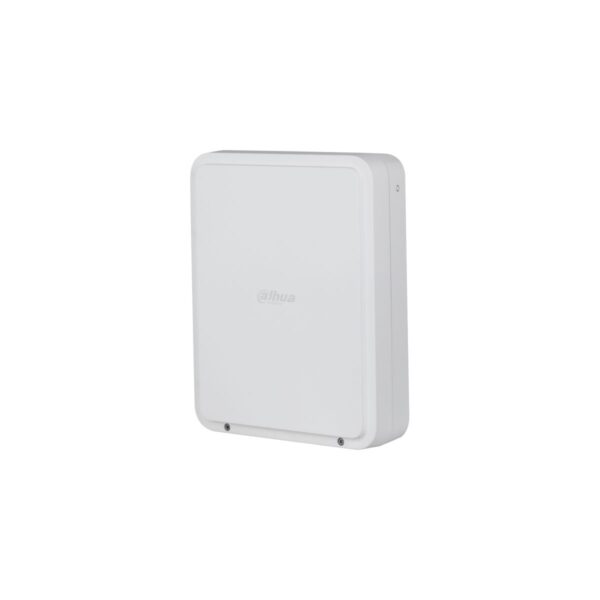
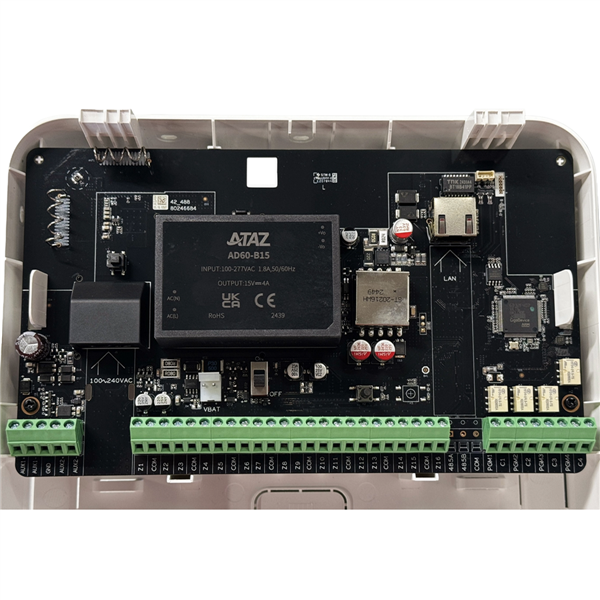
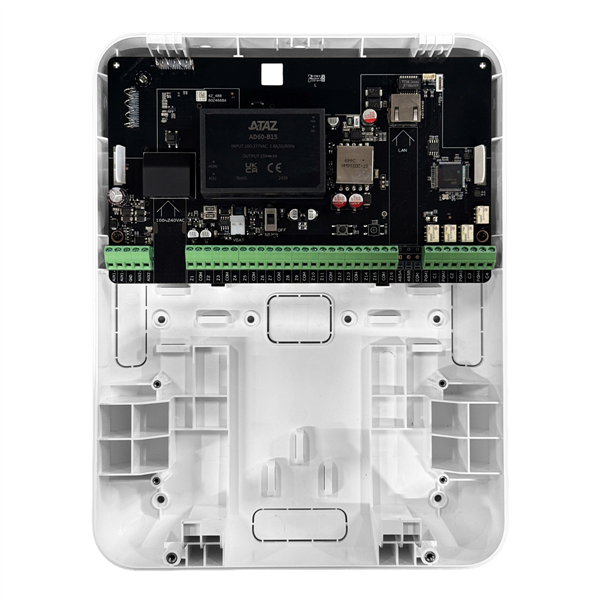
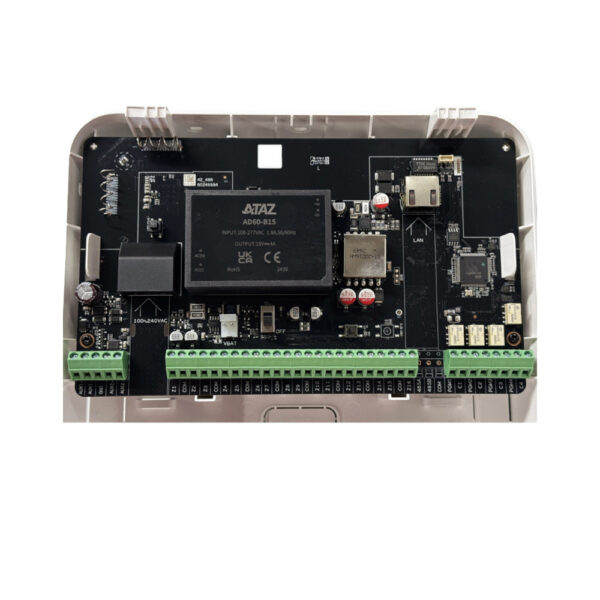
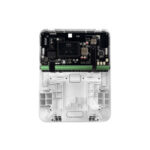
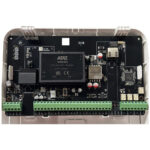
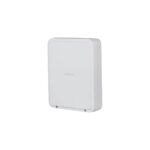
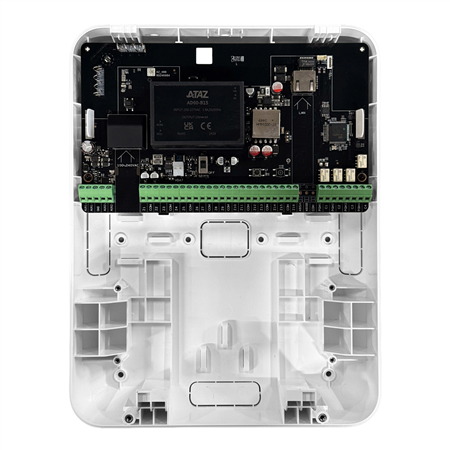
AirShield PoE Multi-Transmitter: 16 zones via network or wireless
The AirShield PoE Multi-Transmitter does the same as the Multi-Transmitter, but with a network connection added. You connect existing wired detectors and outputs to your AirShield system, wirelessly on 868 MHz or neatly cabled via the network.
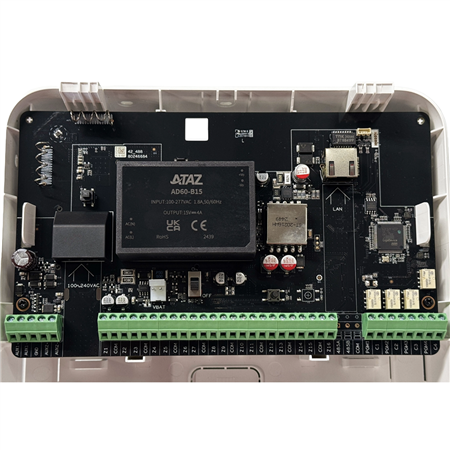
This module (Dahua DHI-ARM9A4-P-W2(868)) has 16 alarm inputs and 4 relay outputs. With PoE, data and power run through a single network cable, which keeps the installation tidy and easy to follow. Intended for indoor use.
Why choose the AirShield PoE Multi-Transmitter
Neatly via a network cable
A single network cable for both data and power (PoE). This keeps a larger installation tidy and easy to follow, without separate power supplies.
16 inputs and 4 relays
Up to 16 wired zones (pulse detection on channels 1 to 6) and 4 relay outputs up to 30 VDC and 3 A for switching external devices.
PoE or mains power
Powered via PoE (802.3at) or 100 to 240 VAC, with support for an optional backup battery. Two auxiliary 14.5 V power outputs together supply up to 24 W.
Wireless or wired
Connect via 868 MHz with AES128 and frequency hopping, or wired via Ethernet (RJ-45). With tamper protection, LED status and cloud updates.
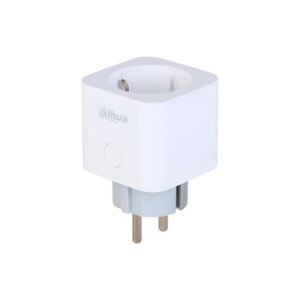
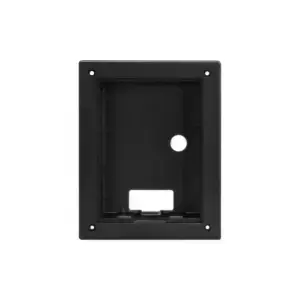
Product photos
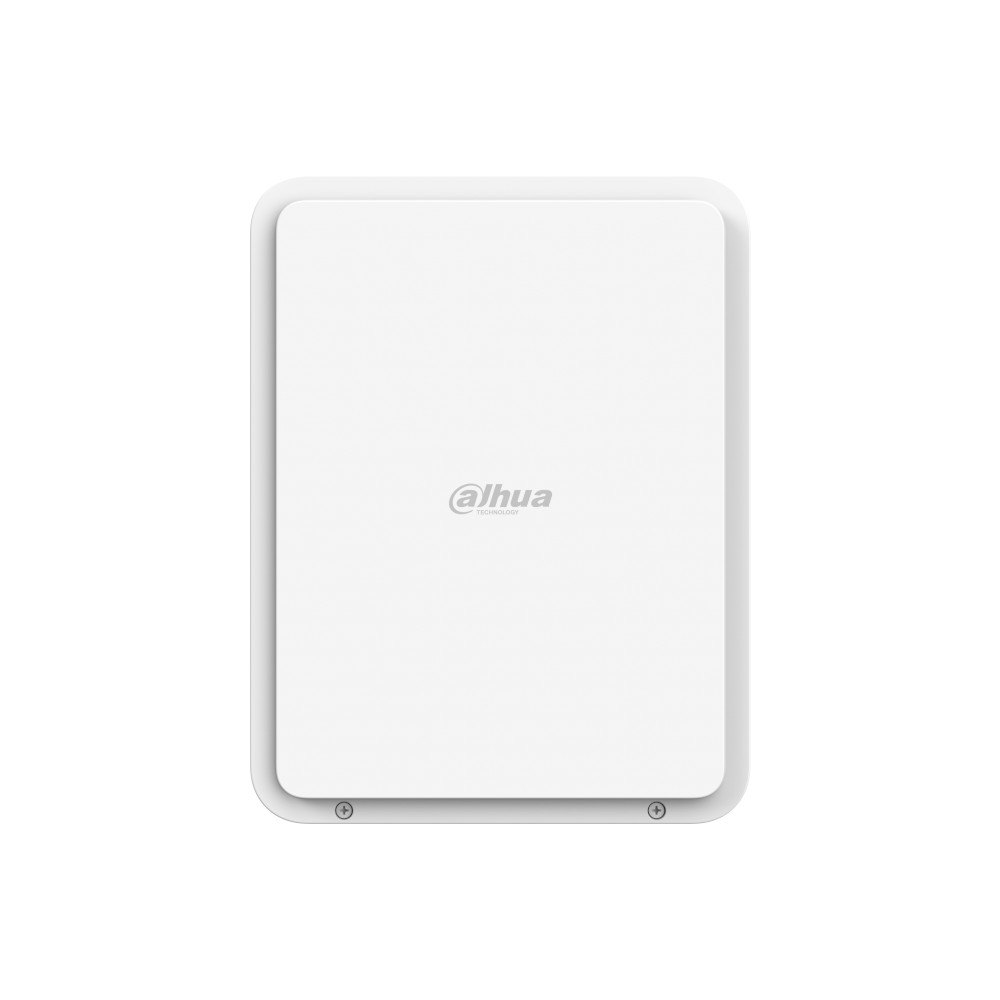
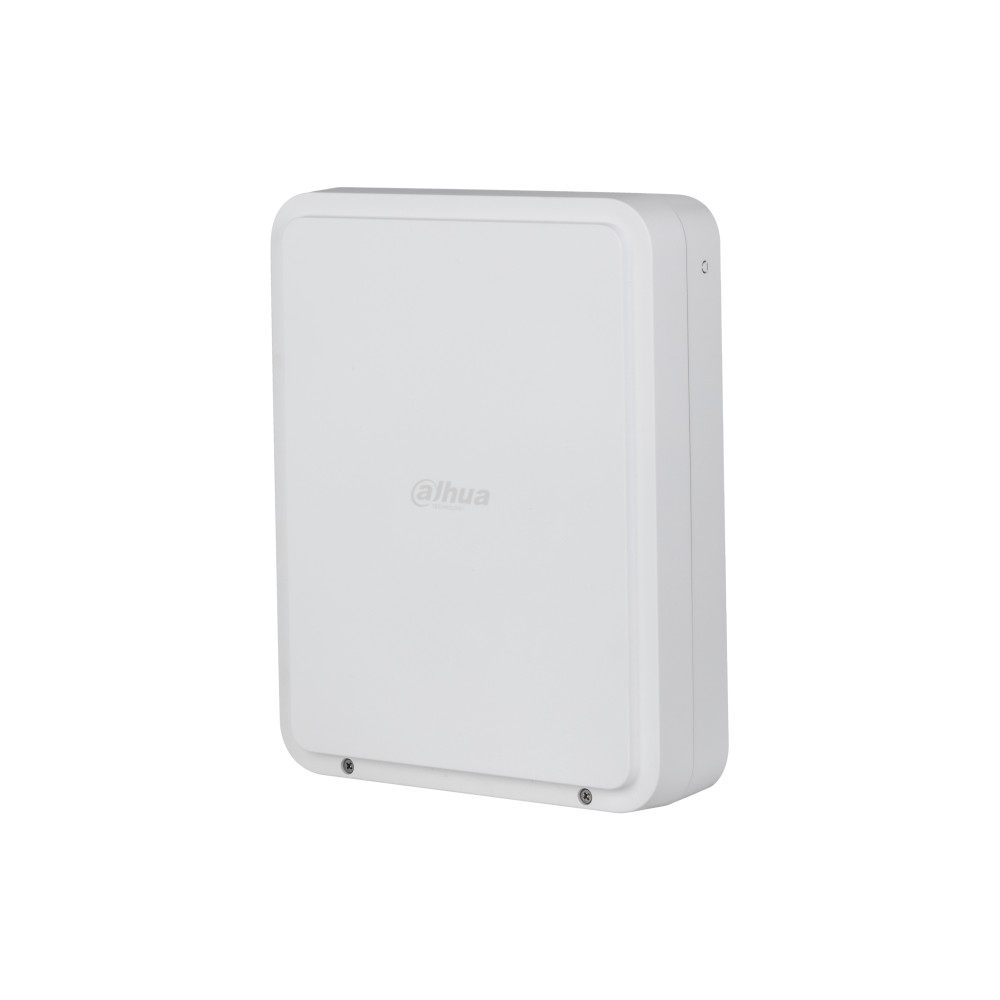
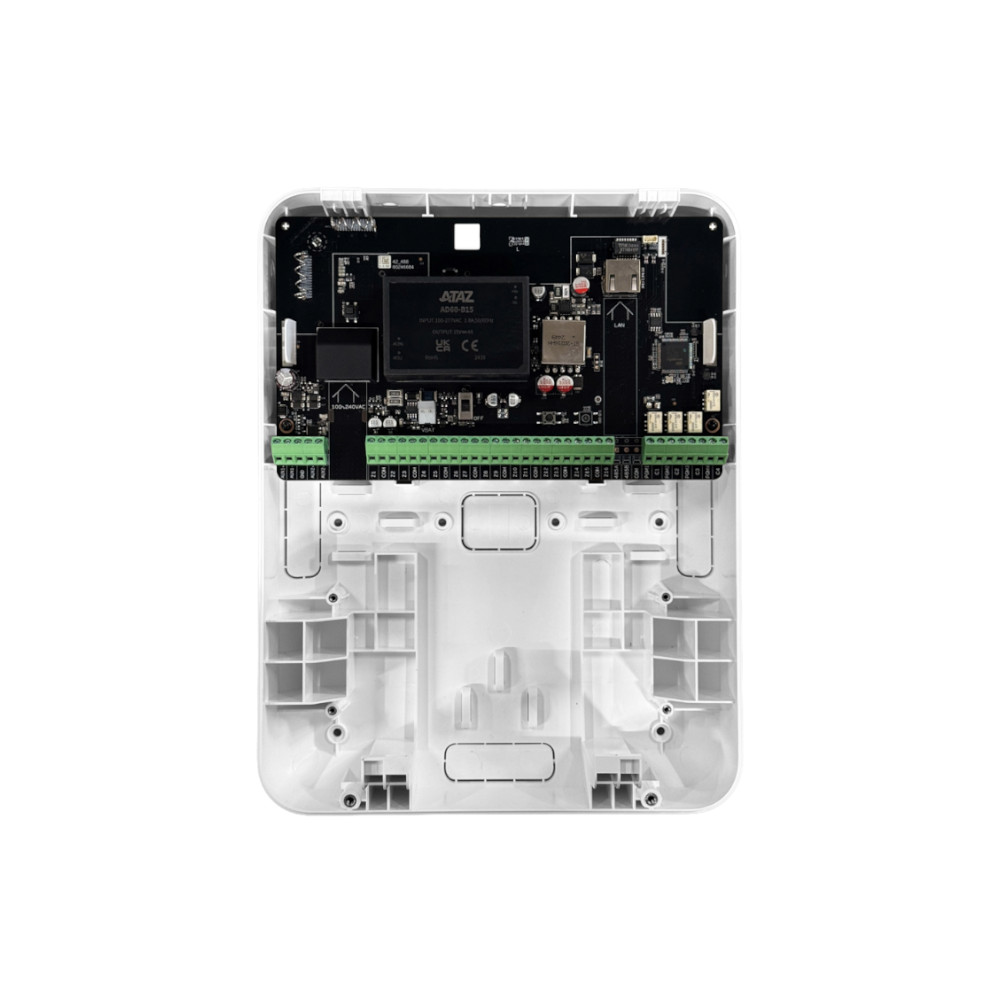
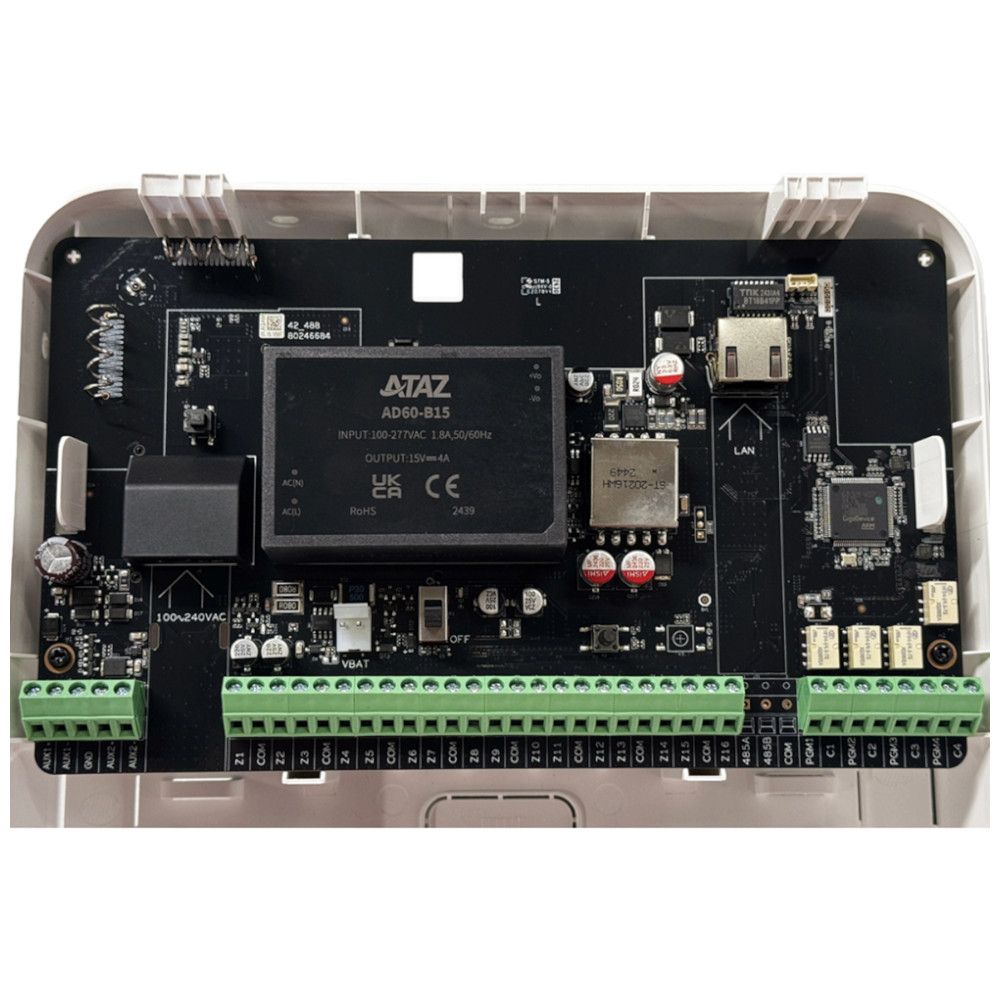
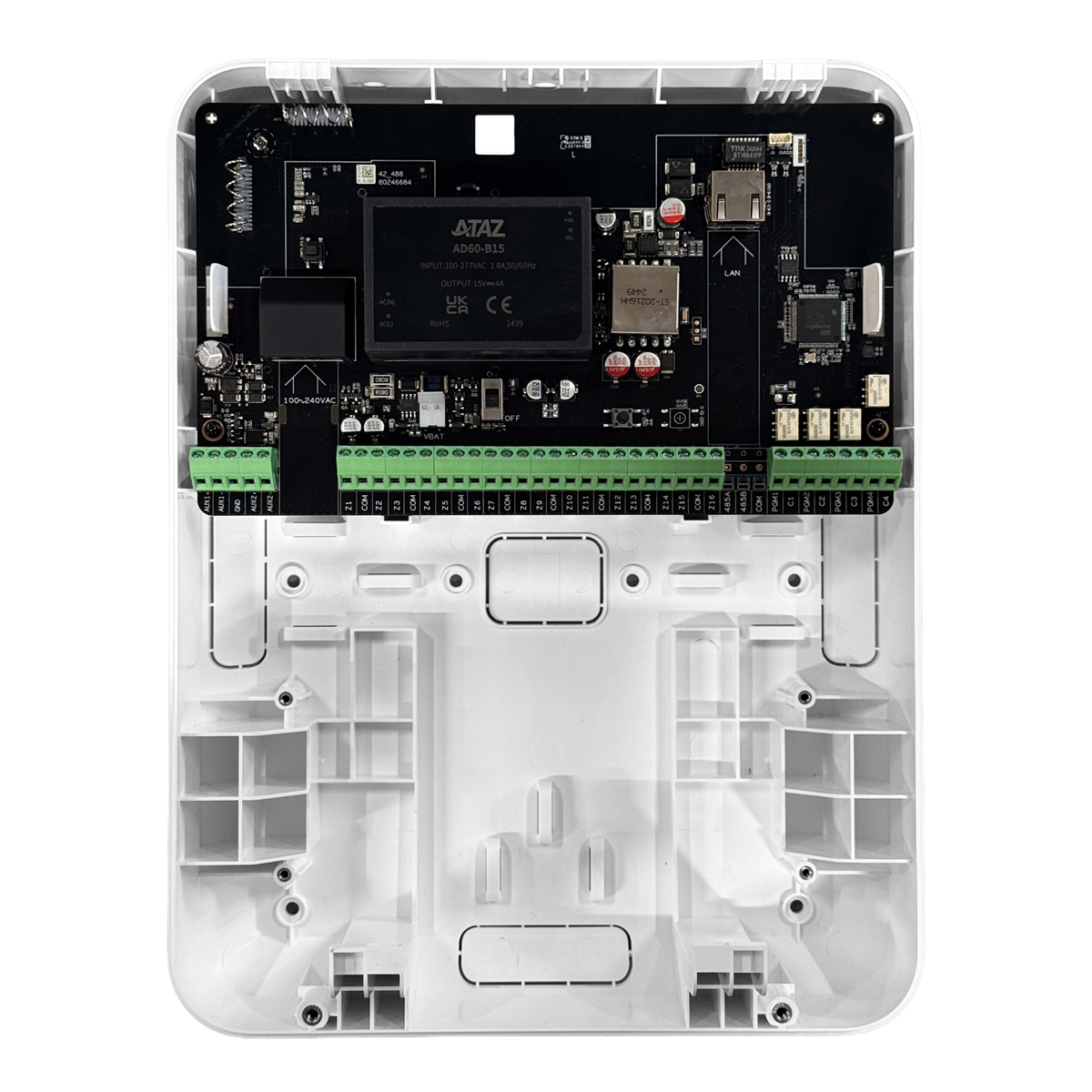
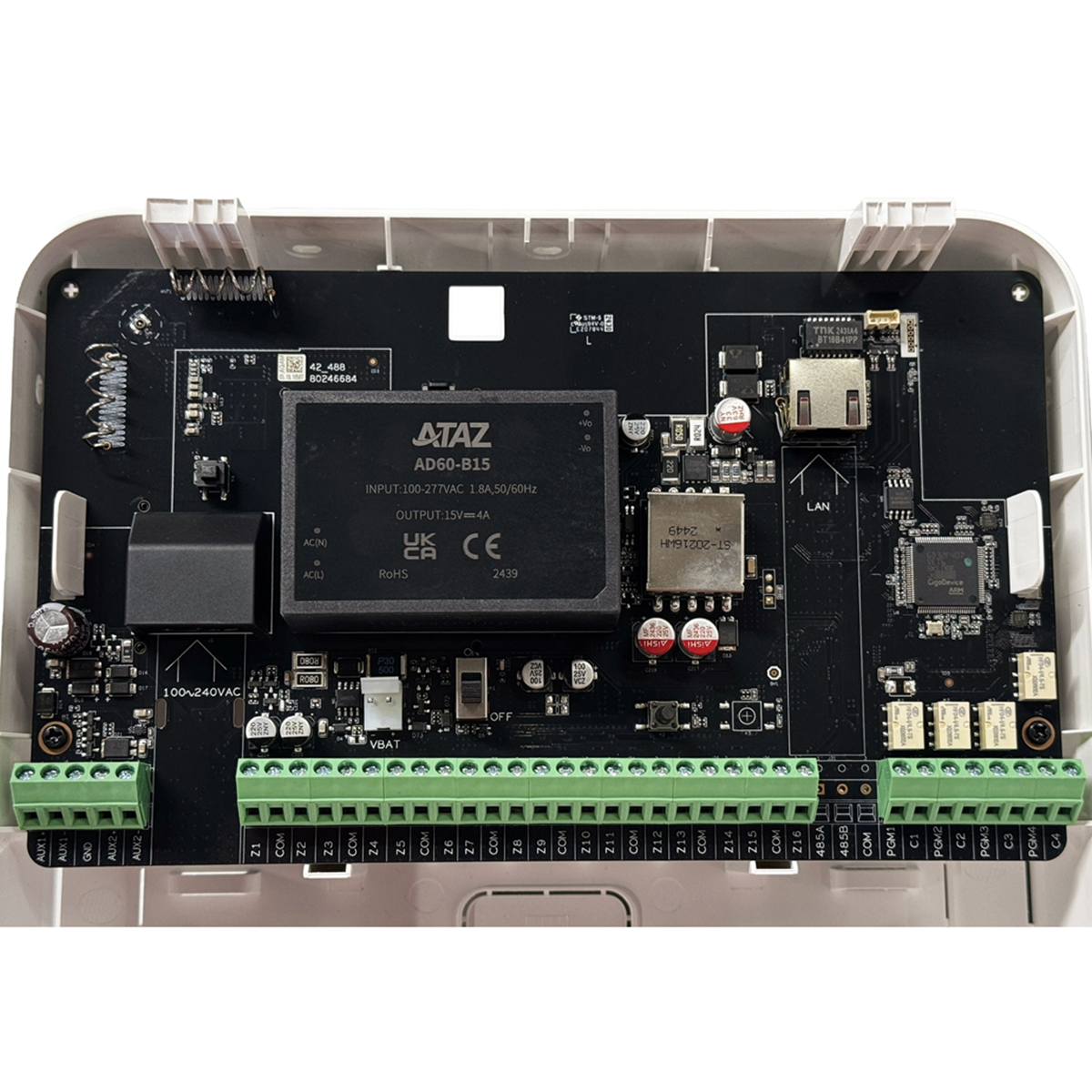
Technical specifications
| Connection | |
| Inputs | 16 alarm zones (pulse detection on channels 1 to 6) |
| Outputs | 4 relays, up to 30 VDC / 3 A |
| Backup power supply | 2x 14.5 V, up to 24 W combined |
| Connection | |
| Wireless | 868 MHz, AES128 encrypted, with frequency hopping |
| Wired | Ethernet via 1x RJ-45 (10/100 Mbps) |
| General | |
| Power supply | PoE (802.3at) or 100 to 240 VAC, with optional backup battery |
| Protection | IP30 (indoor use) |
| Security | Tamper, LED status, low battery detection, cloud updates |
| Mounting | Wall mounting, indoors |
| Model | Dahua DHI-ARM9A4-P-W2(868) |
Which interface module suits you?
Do you want to bring existing wired detectors or sirens into your AirShield system? For 1 individual detector, the compact Input Expander is enough. The Transmitter connects individual external detectors with a tamper input. For many zones at once, choose the Multi-Transmitter, or the PoE variant if you prefer a neat connection via a network cable.
| Model | Inputs | Outputs | Connection | Power supply | Ideal for |
|---|---|---|---|---|---|
| Input Expander | 1 wired zone | None | Wireless 868 MHz | 1x CR123A-batterij | Make 1 individual wired detector wireless |
| Transmitter | 2 (alarm + tamper) | 3.3 V auxiliary output | Wireless 868 MHz | 3x CR123A-batterij | Pair separate external detector(s) |
| Multi-Transmitter | 16 zones | 4 relays | Wireless 868 MHz | 100-240 VAC + optional battery | Many wired zones and sirens |
| PoE Multi-Transmitter | 16 zones | 4 relays | 868 MHz or Ethernet | PoE or 100-240 VAC | Neat cabling via the network |
All four communicate wirelessly on 868 MHz with two-way communication and AES128, and connect to the AirShield hub. The Multi-Transmitters run on mains power; the Input Expander and Transmitter run on CR123A batteries.
Pairing and management
Everything in the DMSS app
You pair and manage this extension in the free Dahua DMSS app. There you can see the status, change settings and receive notifications on your phone. No subscription required, on iPhone and Android.
No AirShield system yet?
This extension works with the wireless AirShield hub from Dahua. Put your system together with the configurator, or have everything installed by our VEB-approved installers.
Frequently asked questions
What is the advantage of PoE?
With PoE, data and power run through a single network cable. This makes the installation tidier and you do not need a separate socket or power supply near the module.
Do I have to use the network?
No. You can also simply run the module wirelessly on 868 MHz and connect it to mains power. The network connection is an additional option.
Is this module suitable for outdoor use?
No, this is an indoor model with IP30. Choose a dry indoor location with good range or a good network connection.
When should I choose this one instead of the standard Multi-Transmitter?
Choose the PoE version if you want to connect and power the module neatly via the network. If you do not need that, the Multi-Transmitter is the more affordable option.
In the box
AirShield PoE Multi-Transmitter
The module itself.
Mounting materials
For wall mounting.
Documentation
Basic documentation.
A PoE switch or injector and network cable are not included. The optional backup battery is available separately.