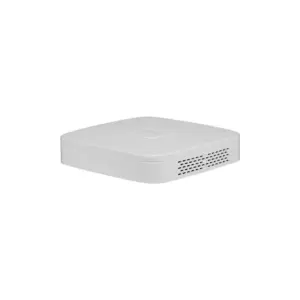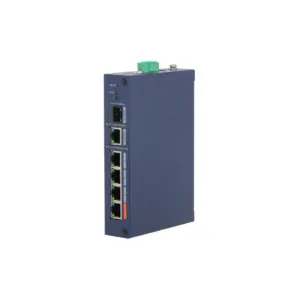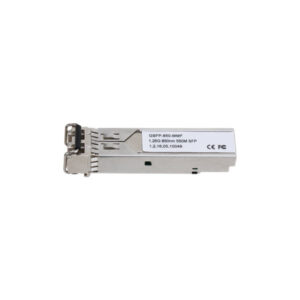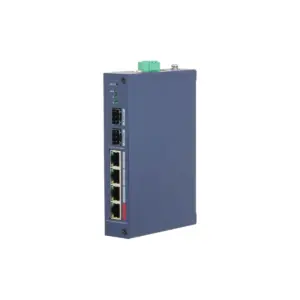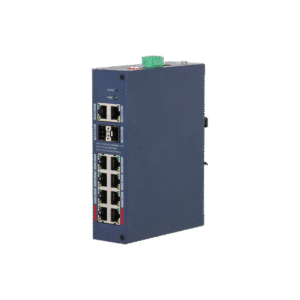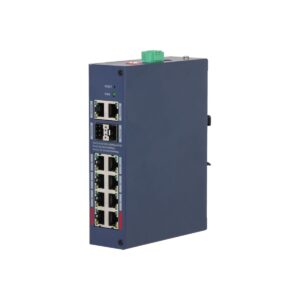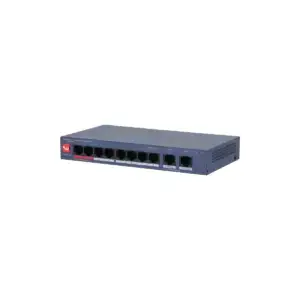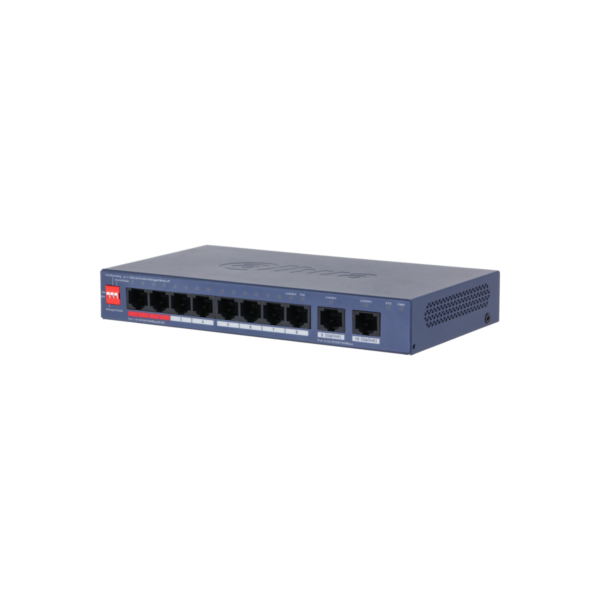
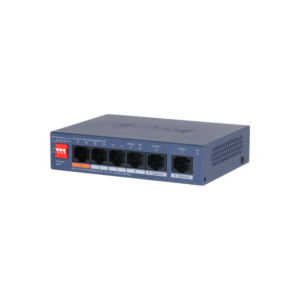
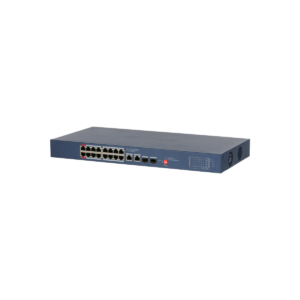
Dahua CS4010-8GT-110-V2 Cloud Managed 8x Gb PoE 110W 2x Gb Uplink
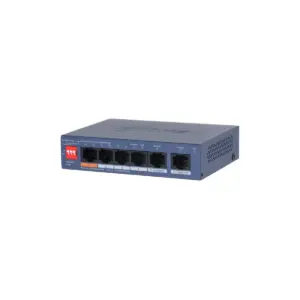
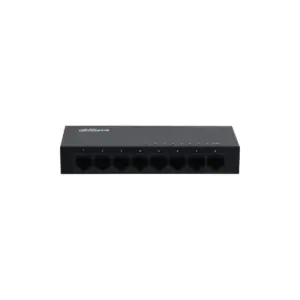
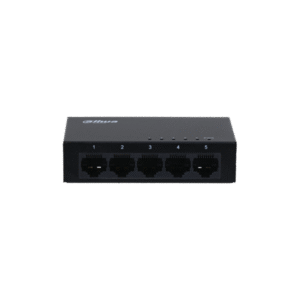
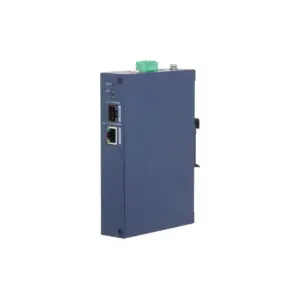
The Dahua CS4010-8GT-110-V2 is a versatile Gigabit PoE switch for professional network installations. With 8 PoE ports, 2 Gigabit uplink ports and a total PoE budget of 110 W, you can easily power and connect IP cameras, access points and other network equipment.
What you can do with it
This is a Layer 2 managed switch with 8 Gigabit PoE ports and 2 additional Gigabit uplink ports. The switch supports IEEE 802.3af/at/bt and Hi-PoE, with up to 90 W on ports 1 and 2 and up to 30 W on ports 3 to 8. This makes this PoE switch suitable for modern security and network environments. The Dahua CS4010-8GT-110-V2 combines powerful performance with smart protection and management. Real-time monitoring via the cloud, PoE Watchdog, surge protection up to 6 kV and operation from -10 °C to 55 °C make this switch a reliable choice for indoor installations where continuity is important.
What this switch does
- 8× Gigabit PoE ports and 2× Gigabit uplink ports
- PoE budget up to 110 W with support for 802.3af/at/bt and Hi-PoE
- Managed and Unmanaged mode via a physical switch
- Cloud management via the DoLynk App with real-time monitoring
- VLAN, STP, RSTP, Link Aggregation and PoE Watchdog
The details at a glance
| PoE ports | 8 |
| PoE budget | 10 W |
| Uplinks | 8 |
| Management | cloud, via DoLynk Care |
| Model code | CS4010-8GT-110-V2 |
The full specification is in the Dahua datasheet.
What you will receive
- Switch
- Power adapter
- Manual
Frequently asked questions
How many cameras can I power with this?
This switch has 8 PoE ports with a combined 10 W. Add up the power consumption of your cameras and stay below that figure. An ordinary bullet or dome camera uses around 6 to 12 W, while a PTZ camera or a camera with lighting uses considerably more.
Do I still need a power supply for each camera?
No. With PoE, power and data run over the same network cable, so you do not need a power socket at the camera. Only the switch itself is connected to the mains.
Do I need to configure the switch?
No, you connect it and it does its job. There is no web interface in which you need to configure anything.
Which cable do I need?
Network cable of at least category 5e, installed as fixed wiring. For outdoor use or underground, choose a cable that is made for that purpose. If you are unsure, call or email us and we will help you decide.
Is the housing suitable for wall mounting?
Yes, both desktop and wall mounting are possible.