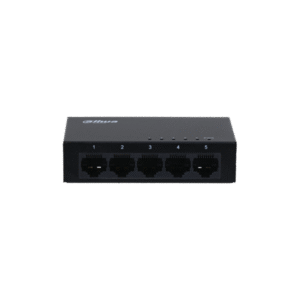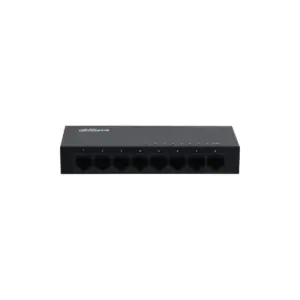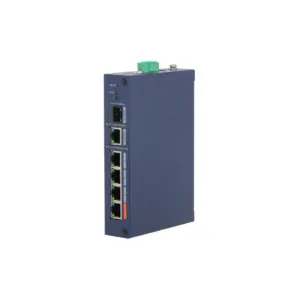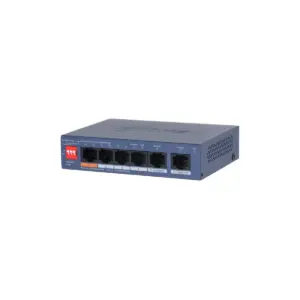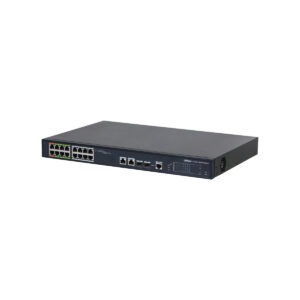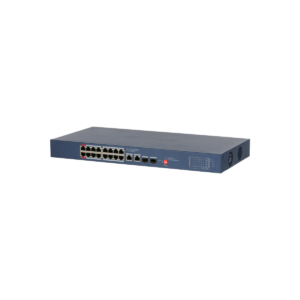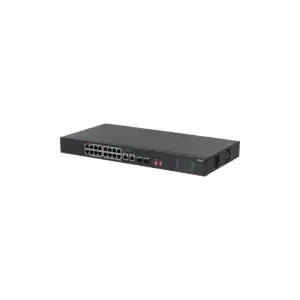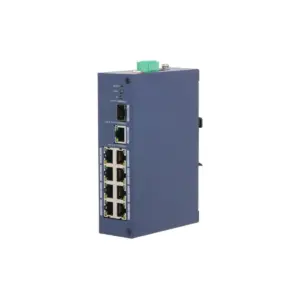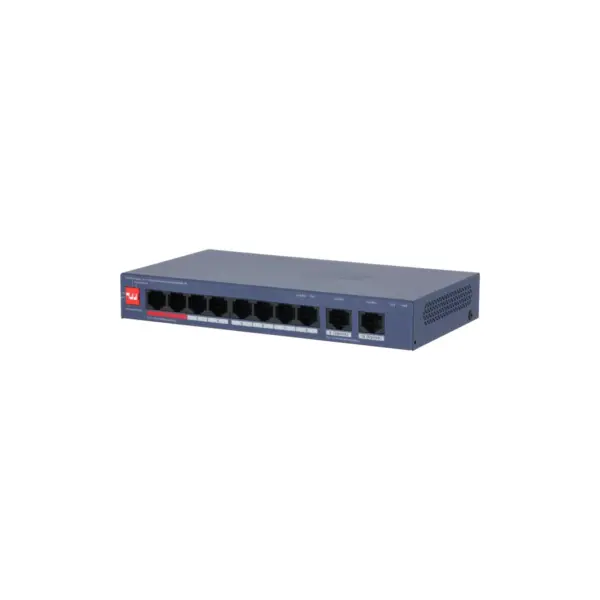
Dahua CS4010-8ET2GT Cloud Managed 8x 100Mbps PoE 110W 2x Gb Uplink
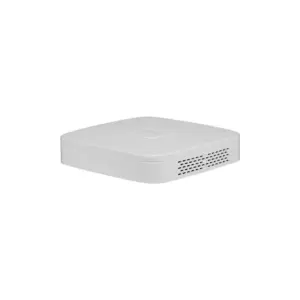
The Dahua CS4010-8ET2GT is a smart PoE switch for stable network and camera applications. With 8 PoE ports, 2 Gigabit uplinks and a total PoE budget of 110 W, this switch is suitable for efficient IP installations.
What you can do with it
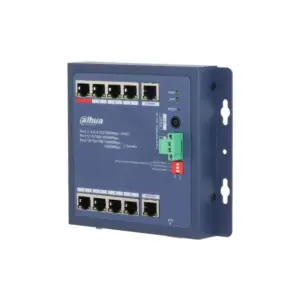
This is a cloud managed Layer 2 PoE switch with 8 RJ45 10/100 Mbps PoE ports and 2 RJ45 Gigabit uplink ports. The switch supports IEEE 802.3af/at/bt and Hi-PoE, with up to 90 W on ports 1 and 2 and Long Distance PoE up to 250 metres at 10 Mbps. This network switch combines flexible PoE power with simple management. Using the DIP switch you activate Cloud Managed, PoE Watchdog and Extend Mode, while functions such as VLAN, port isolation, storm control and loop prevention contribute to a stable and secure network.
What this switch does
- 8x 10/100 Mbps PoE ports and 2x 10/100/1000 Mbps uplink ports
- 110 W total PoE budget, with a maximum of 90 W on ports 1 and 2
- Supports IEEE 802.3af, 802.3at, 802.3bt and Hi-PoE
- Cloud management via DoLynk Care with monitoring and topology visualisation
- Long Distance PoE up to 250 m, plus PoE Watchdog and VLAN support
The details at a glance
| PoE ports | 8 |
| PoE budget | 110 W |
| Uplinks | 2 |
| Management | cloud, via DoLynk Care |
| Cable range | up to 250 m in extend mode |
| Model code | CS4010-8ET2GT |
The full specification is in the Dahua datasheet.
What you will receive
- DH-CS4010-8ET2GT-110 switch
- Power supply
- Manual
Frequently asked questions
How many cameras can I power with this?
This switch has 8 PoE ports with a combined 110 W. Add up the power consumption of your cameras and stay below that figure. A standard bullet or dome camera uses around 6 to 12 W, while a PTZ camera or a camera with lighting uses considerably more.
Do I still need a power supply for each camera?
No. With PoE, power and data run over the same network cable, so you do not need a power socket at the camera. Only the switch itself is connected to the mains.
Do I need to configure the switch?
Not for ordinary use: connecting it is enough. If you want to monitor it remotely or manage the ports, you register it in DoLynk Care.
Which cable do I need?
Network cable of at least category 5e, installed as fixed wiring. For outdoor use or underground, choose a cable that is made for that purpose. If you are unsure, call or email us and we will help you decide.
How can I mount the switch?
On a desktop or on the wall.