Purpose
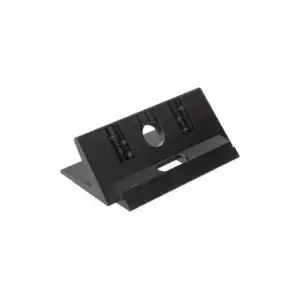
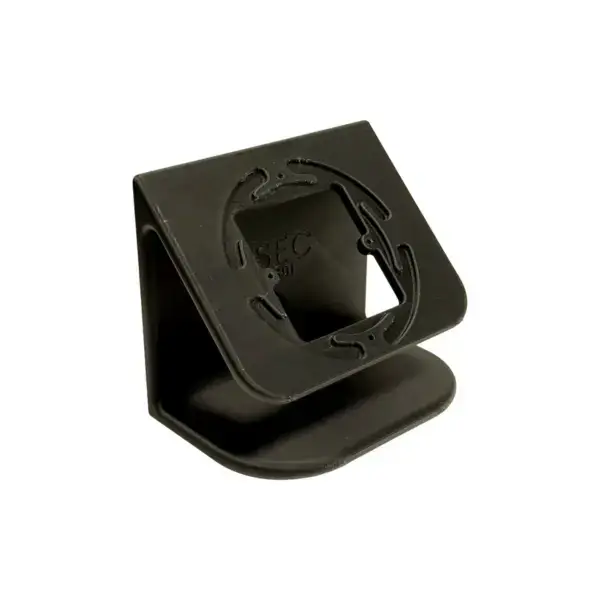
Universal desk stand, heavier version
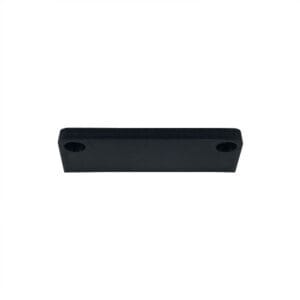
The sturdier version of the universal desk stand: larger base, so a larger indoor station stays stable when you operate it.
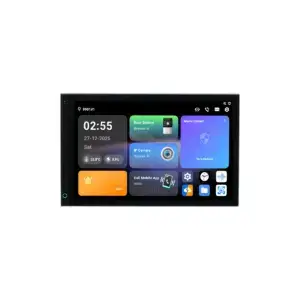
With a 10-inch screen or daily use at a reception desk, the base matters: a light stand moves with every touch.
Features
What you can count on
- Heavier base: stays in place when the screen is operated
- Brand-independent: for the common indoor stations
- PLA, RAL 9005 black: custom printed, matt black
- Dimensions 137 x 90 x 115 mm: length, width and height
Please note
Our own product, not a Dahua item
This part is Osec's own work and is custom 3D-printed. You will therefore not find it in a Dahua datasheet.
Specifications
The details at a glance
| Function | Desk stand |
| Type | Heavy |
| Dimensions | 137 x 90 x 115 mm |
| Material | PLA |
| Colour | RAL 9005 black |
The full specification is in the Dahua datasheet.
Questions
Frequently asked questions
What is the difference from the standard version?
The base is larger and heavier. You will notice this with a larger screen and with stations that are operated all day.
Does my indoor station fit on this?
The stand is made for the common indoor stations. If you are unsure, please tell us your model type and we will confirm it before you order.
Is the indoor station included?
No, the stand only.