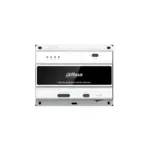
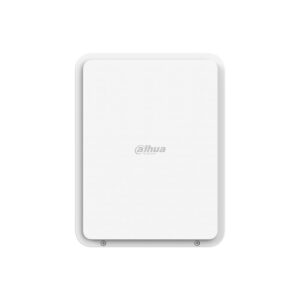
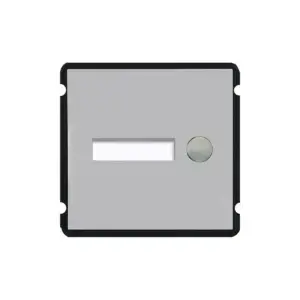
The core of a Dahua 2-wire intercom
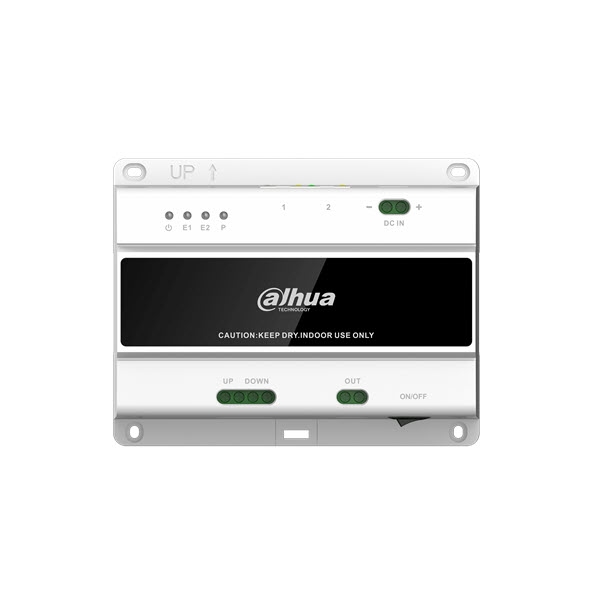
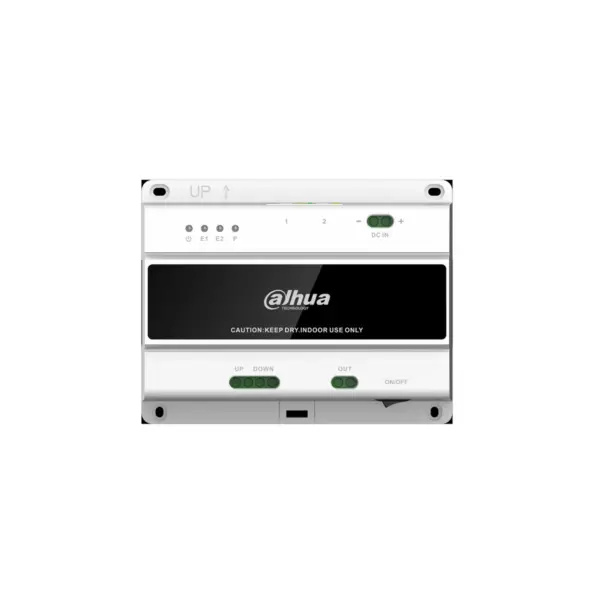
The VTNS2003B-2 carries the intercom over two wires instead of network cable. One switch in the meter cupboard connects up to 20 indoor stations and 2 outdoor stations, and powers them at the same time. Separate power supplies per station are not needed.
That makes the switch particularly interesting for renovations. If there is already two-core doorbell wiring to the homes, you can reuse it for a modern IP intercom with video, app and door release. The polarity does not matter, so you do not need to work out which core is which.
Which power supply you need
The switch runs on 48 VDC and is supplied without a power supply. The number of devices you can connect depends on the current your power supply delivers. Dahua gives these limits in the manual, measured with RVV cable up to 50 metres per line:
| 48 VDC, 1.25 A | 6 indoor stations and 1 outdoor station |
| 48 VDC, 3 A | 10 indoor stations and 2 outdoor stations |
| 48 VDC, 5 A | 20 indoor stations and 2 outdoor stations |
For a home with a few screens, the ADS-65LSI-52-1 of 1.25 A is sufficient. If you want to get the maximum out of the switch or work on a DIN rail, choose the EDP-240-48 of 5 A.
What you can count on
- Power and data connection over the same two wires, without plus and minus
- One connection for both the VTH indoor stations and the VTO outdoor stations
- Maximum of 20 indoor stations and 2 outdoor stations per switch
- Cascade ports to connect up to 10 switches together, 200 devices in total
- Two 10/100 Mbps network ports, for connecting the switch to the network or to a next switch
- Works with the DMSS app on your phone and with DSS Pro management software
- Mounting on a 35 mm DIN rail or on the wall with four screws
The network ports do not provide PoE
The two RJ45 ports are regular network ports. They connect the switch to your router or to a further switch, but they do not power any devices. If a network cable runs to the outdoor station, you therefore have two options.
Use two cores of that cable as the 2-wire connection to the switch. The outdoor station then receives power and signal from the switch and you need nothing extra. This is allowed up to 30 metres and only with solid copper cable; copper on aluminium or steel does not work here.
If the cable is longer or of lower quality, use it as a regular network and power the outdoor station with a PoE injector or PoE switch compliant with 802.3af or 802.3at.
The details at a glance
| Connections | 1x 2-wire device port, 2x 2-wire cascade port, 2x RJ45 10/100 Mbps |
| Capacity | 20 indoor stations and 2 outdoor stations per switch |
| Cascade | Up to 10 switches, 200 devices in total |
| Power supply | 48 VDC, 1 to 5 A (not included) |
| Consumption | Maximum 15 W |
| Mounting | 35 mm DIN rail or wall mounting (rail not included) |
| Dimensions | 131,1 x 103 x 40 mm |
| Operating temperature | -10 to +55 degrees |
| Model code | VTNS2003B-2 |
The full specification is in the Dahua datasheet.
Cable type and maximum distance
| Cable type for cascading VTNS2003B-2 | Number of devices | Maximum distance |
| 2-core cable, 2×0.5mm² with a maximum resistance of 3.9Ω or less per 100 metres. Maximum distance 50 metres | 20 VTHs and 2 VTOs. | 50 metres Between 2x VTNS2003B-2 Between the VTNS2003B-2 and 1 VTH/VTO |
|
4-core cable, 4×0.5mm² with a maximum resistance of 4Ω per 100 metres | 20 VTHs and 2 VTOs. | 50 metres Between 2x VTNS2003B-2 Between the VTNS2003B-2 and 1 VTH/VTO |
| Ethernet cable, 0.45mm with a maximum resistance of 12Ω per 100 metres. | 12 VTHs and 2 VTOs. | 50 metres. Between 2x VTNS2003B-2 30 metres. Between the VTNS2003B-2 and VTO (with 1 VTO) Min 5 metres and max 30 metres. The distance from the 2 VTOs to the VTNS2003B-2 |
Also observe the following: at least 1 metre of cable between the switch and a station, and at least 3 metres between two switches.
Frequently asked questions
Is a power supply included?
No, the switch is supplied without a power supply. You need a 48 VDC power supply. For up to 6 indoor stations and 1 outdoor station, 1.25 A is sufficient; if you want to connect more stations, choose 5 A. A 24 volt power supply does not work.
Can I connect the outdoor station to a network port?
The RJ45 ports are ordinary network ports without PoE, so they do not supply power. Connect the outdoor station to the 2-wire port, or use a PoE injector if you want to connect it as a network device.
Can I reuse my existing doorbell wiring?
Often yes. Two cores are enough and the polarity does not matter. Note the maximum distance of 50 metres between the switch and a station, and the resistance of the cable. The table above shows what is allowed per cable type.
Does the app also work with this switch?
Yes. Connect the switch to your router with a network cable, and all connected stations will be online and the DMSS app will work. If you do not want that, you can also choose indoor stations with Wi-Fi, which use their own internet connection.
How do I mount the switch?
On a standard 35 mm DIN rail, or on the wall with four screws. The rail is not included.