
Recorders
NVR and XVR to record your footage
The recorder records the footage from your cameras and stores it. Which one you need follows from your cameras: an NVR for IP cameras, an XVR for coax.
Choose below by type of recorder or by the number of channels you need.
Showing 91–110 of 110 results
- Retail price€ 1.258,40Fixed low price€ 943,75Adviesprijs€ 1.040,00Vaste lage prijs€ 779,96Add to cart
- Retail price€ 2.147,75Fixed low price€ 1.610,75Adviesprijs€ 1.775,00Vaste lage prijs€ 1.331,20Add to cart
- Retail price€ 1.825,89Fixed low price€ 1.369,50Adviesprijs€ 1.509,00Vaste lage prijs€ 1.131,82Add to cart
- Retail price€ 2.795,10Fixed low price€ 2.096,25Adviesprijs€ 2.310,00Vaste lage prijs€ 1.732,44Add to cart
- Retail price€ 2.144,12Fixed low price€ 1.608,00Adviesprijs€ 1.772,00Vaste lage prijs€ 1.328,93Add to cart
- Retail price€ 3.124,22Fixed low price€ 2.343,25Adviesprijs€ 2.582,00Vaste lage prijs€ 1.936,57Add to cart
- Retail price€ 1.264,45Fixed low price€ 948,25Adviesprijs€ 1.045,00Vaste lage prijs€ 783,68Add to cart
- Retail price€ 1.863,40Fixed low price€ 1.397,50Adviesprijs€ 1.540,00Vaste lage prijs€ 1.154,96Add to cart
- Retail price€ 2.957,24Fixed low price€ 2.218,00Adviesprijs€ 2.444,00Vaste lage prijs€ 1.833,06Add to cart
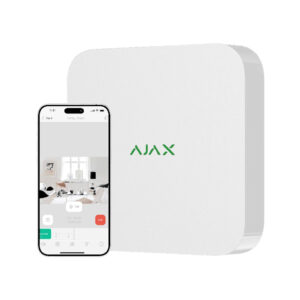
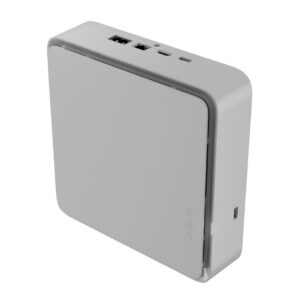
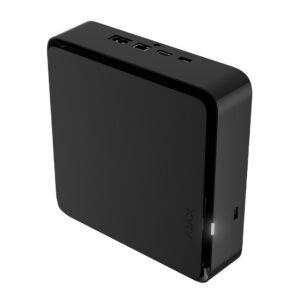
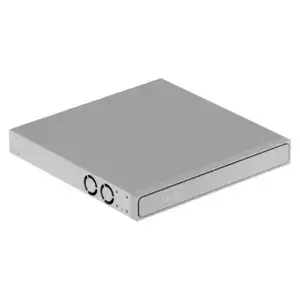
Ajax Systems, Ajax NVR & storage
Price range: € 249,95 through € 385,00 Price range: € 206,57 through € 318,18Select options This product has multiple variants. The options may be chosen on the product pageAjax Systems, Ajax NVR & storage
Price range: € 249,00 through € 389,00 Price range: € 205,79 through € 321,49Select options This product has multiple variants. The options may be chosen on the product pageAjax Systems, Ajax NVR & storage
Price range: € 299,95 through € 469,00 Price range: € 247,89 through € 387,60Select options This product has multiple variants. The options may be chosen on the product pageAjax Systems, Ajax NVR & storage
Price range: € 352,50 through € 542,50 Price range: € 291,32 through € 448,35Select options This product has multiple variants. The options may be chosen on the product pageAjax Systems, Ajax NVR & storage
Price range: € 462,25 through € 652,50 Price range: € 382,02 through € 539,26Select options This product has multiple variants. The options may be chosen on the product pageAjax Systems, Ajax NVR & storage
Retail price€ 1.333,78Fixed low price€ 762,00Adviesprijs€ 1.102,30Vaste lage prijs€ 629,75Select options This product has multiple variants. The options may be chosen on the product page
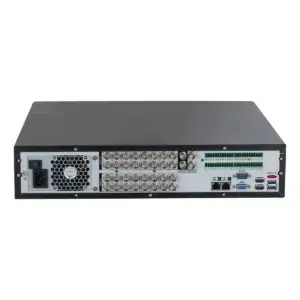
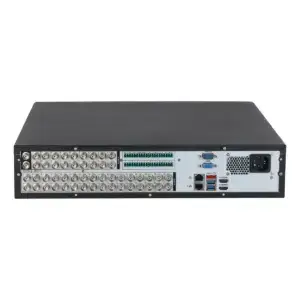
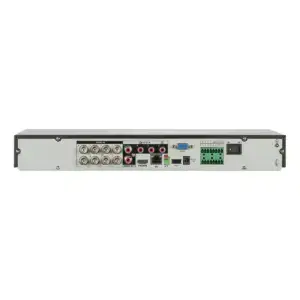
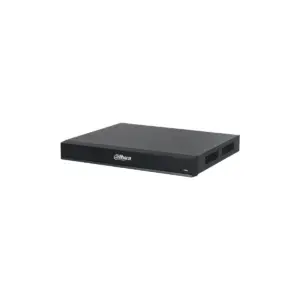
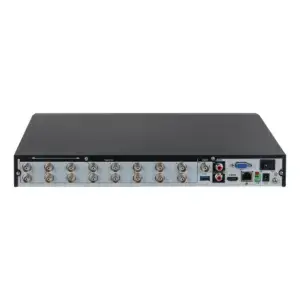
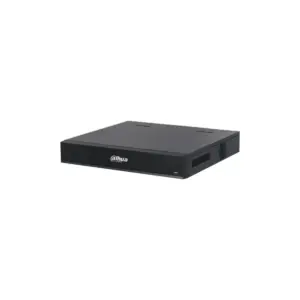

Showing 91–110 of 110 results
Recorders
Where your footage is recorded and played back
The recorder records the footage from your cameras, stores it and is the place where you play it back. Which one you need follows from your cameras: an NVR for IP cameras, an XVR for coax.
Do you not yet know which cameras you will choose? Then first look at surveillance cameras and come back here for the matching recorder.
Choosing by type
Which recorder suits your cameras
NVR for IP cameras
The network recorder for IP cameras: one network cable per camera, often with PoE so that the recorder also powers the cameras. From 4 to 128 channels.
XVR for coax cameras
The recorder for coax cameras, with one connection per camera over coax cable. For those who want to reuse existing coax cabling. From 4 to 32 channels.
Video servers and platforms
For larger or composite installations: separate video encoders and management platforms to bring several recorders and cameras together.
Choose to suit your needs
What you need to know beforehand
Three things determine which recorder you need, apart from the type.
The number of channels is the number of cameras the recorder can record at the same time. Allow some room: an 8-channel recorder is tight if you have four cameras now and want to add more later. In the subcategories below, you can filter directly by channels.
The storage determines how far back you can view. More cameras, a higher resolution or a longer retention period require more disk space; a recorder with room for several hard drives grows with you.
The recorder must be able to follow the series of your cameras. A camera with AI functions only delivers them fully if the recorder supports them. You can read how this works on the page about Dahua series and model codes.
Frequently asked questions
Frequently asked questions about recorders
What is the difference between an NVR and an XVR?
An NVR (network recorder) works with IP cameras over a network cable, usually with PoE. An XVR works with coax cameras over coax cable. Which one you need therefore follows from the type of camera you have or choose.
How many channels do I need?
The number of channels is the number of cameras recorded at the same time. Count your current cameras and allow room for expansion: if you have four cameras now, an 8-channel recorder gives you more room than a 4-channel one. You can filter directly by channels below.
Is there storage in the recorder?
This differs per model: some recorders are supplied with a hard drive, others without. Check this on the product page, and take the desired retention period into account. If you are unsure about the right drive size, please ask us.
Does my recorder have to match the series of my camera?
Not for recording footage, but for the smart functions, yes. AI functions such as person/vehicle differentiation or facial recognition only work if the recorder supports them. Therefore, choose a recorder that is in at least the same class as your cameras; see Dahua series and model codes.
Can I mix IP and coax cameras on one recorder?
Some XVRs record a number of IP cameras in addition to coax, but an NVR is for IP only. If you want to combine both types, look for an XVR that explicitly supports this or get in touch, and we will find the right model for your situation.
Also of interest
Further reading
Camera accessories
Mounting materials, power supplies, storage and converters to complete a camera system.


