




Ajax KeyPad: operate your alarm with a code, without needing your phone
A wireless keypad that lets you arm and disarm your Ajax system with a numeric code. Convenient next to the front door, so that everyone in the house can operate the alarm without opening the app.
The KeyPad arms and disarms the whole system or individual groups with a general or personal code. With a duress code you silently send an alarm to the alarm receiving centre while the system appears to be disarmed as normal. The backlit keys and the buzzer confirm every action, and after too many incorrect attempts the KeyPad locks temporarily as protection against brute-force attacks. If you also want contactless operation with a card or tag, take a look at the KeyPad Plus.
Why the Ajax KeyPad
Operating with codes
Arm and disarm the system or a group with a general code or a personal code for each user.
Duress code
Are you being forced to disarm? With a duress code, an alarm is silently sent to the alarm receiving centre.
Resistant to guessing
After too many incorrect codes the KeyPad locks temporarily, so that nobody can watch you enter your code or guess it.
Clear feedback
Backlit keys and a buzzer confirm arming, disarming and the entry and exit delay.
Years on batteries
Up to 2 years on the four pre-installed AAA batteries. The app warns you well in advance.
Wireless mounting
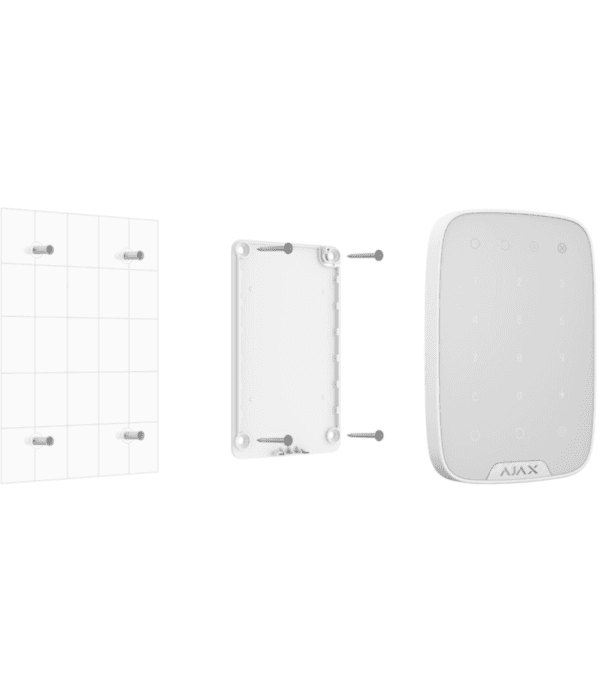
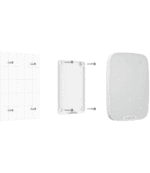
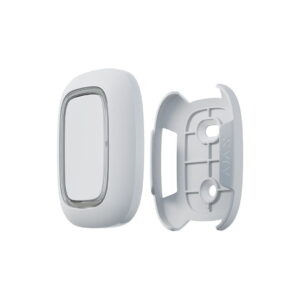
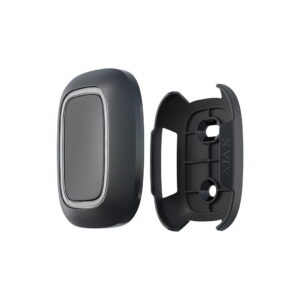
With the supplied SmartBracket, the KeyPad is on the wall in a few minutes, without cables.
The KeyPad at a glance
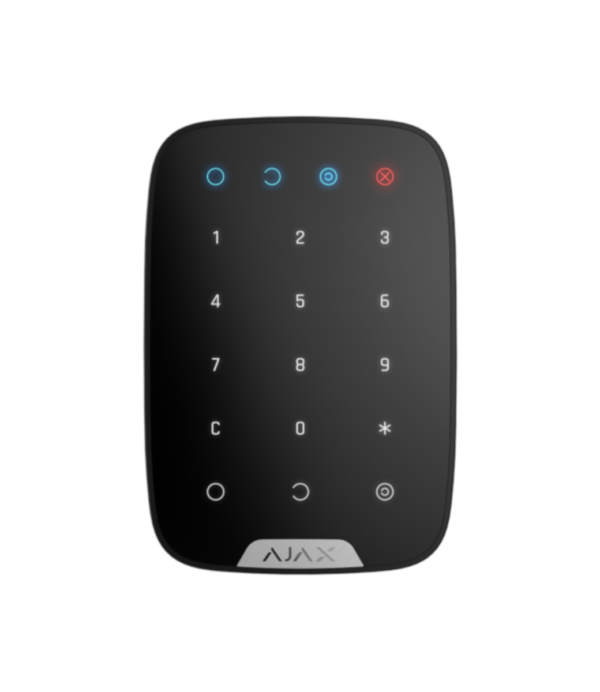
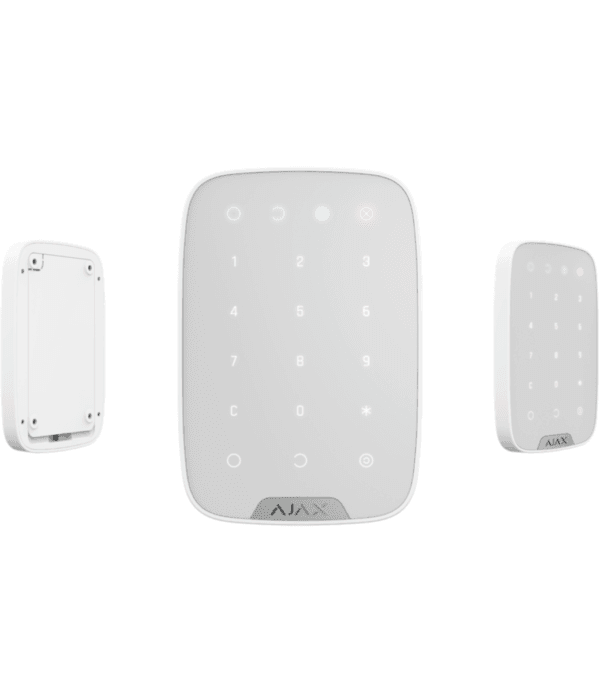
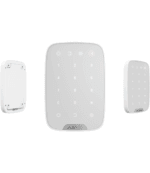
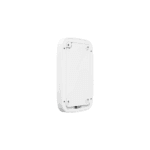
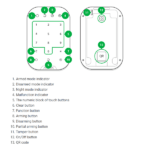
The keypad in white and black, and mounting with the SmartBracket. See below what the KeyPad looks like.


Mounted in a few minutes
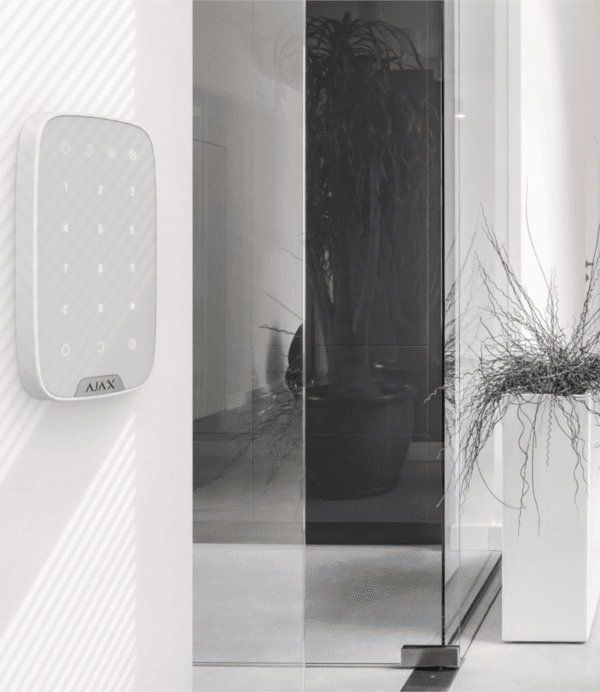
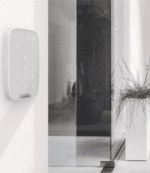
Mount the KeyPad with the supplied SmartBracket next to the door you use most, at roughly hip height. Use the supplied screws and wall plugs for a fixed mounting. The batteries are already installed, so you can pair the KeyPad with your Hub in a few taps via the Ajax app. You then set up the codes and users in the app. A Hub is required to use the KeyPad.
Technical specifications
| Control | |
| Type | Wireless keypad with code keys, for indoor use |
| Control | General code or personal code per user |
| Modes | Full arming, partial arming (night mode) and disarming |
| Duress code | Silently sends an alarm to the alarm receiving centre |
| Security code | Temporary lockout after too many incorrect attempts |
| Feedback | Backlit keys and buzzer |
| Communication | |
| Protocol | Jeweller, encrypted |
| Frequency | 868 MHz (depending on the region) |
| Radio range | Up to 1700 m in open field |
| Security | Frequency hopping, device authentication and tamper protection |
| Power supply | |
| Battery | 4x AAA (pre-installed) |
| Service life | Up to 2 years |
| Housing | |
| Protection class | IP50 (for indoor use) |
| Dimensions | 150 x 103 x 14 mm |
| Weight | 197 g |
| Mounting | SmartBracket panel (included) |
| Operating temperature | -10 to +40 °C |
| Colours | White or black |
Which keypad suits you?
Operating with a code
The KeyPad (this page) is the entry-level keypad: arm and disarm with a numeric code.
Also with card or tag
Do you want contactless operation? The KeyPad Plus also reads Pass cards and Tags.
Frequently asked questions about the Ajax KeyPad
Can I operate the KeyPad with a card or tag?
No, the standard KeyPad works with codes. If you want contactless operation with a Pass card or Tag, you need the KeyPad Plus, KeyPad TouchScreen or KeyPad Outdoor.
What is a duress code?
A separate code that appears to disarm the system but at the same time silently sends an alarm to the alarm receiving centre. Useful if someone forces you to disarm.
Do I need a Hub?
Yes. The KeyPad is a keypad for an Ajax system and works together with an Ajax Hub. No hub yet? Have a look at the Ajax StarterKit.
How long do the batteries last?
Up to 2 years on the four pre-installed AAA batteries. The Ajax app warns you well in advance when replacement is needed.
In the box
Ajax KeyPad
The wireless keypad, in white or black.
SmartBracket
Mounting panel for quick fixing to the wall.
Installation kit
Screws and wall plugs for mounting.
Four AAA batteries
They come pre-installed, so you do not need to insert any batteries yourself.











Reviews
There are no reviews yet.