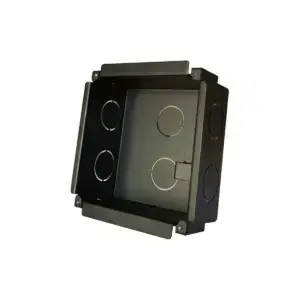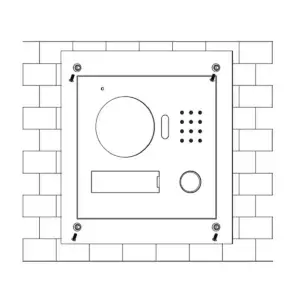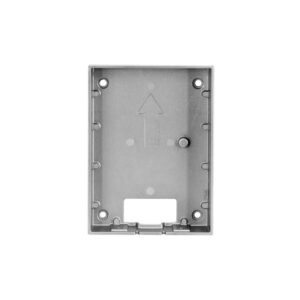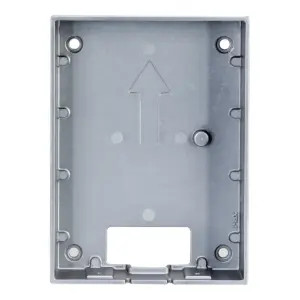
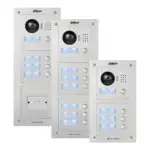
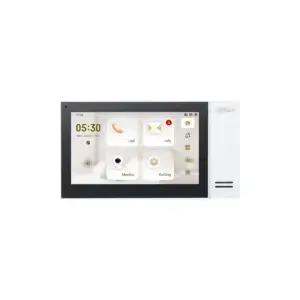
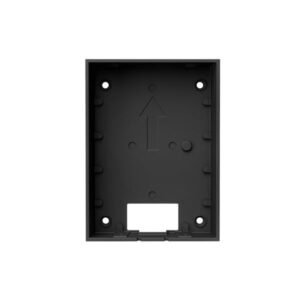
Dahua VTO2000A-E Blanking Plate

Retail price€ 44,77Fixed low price€ 33,50

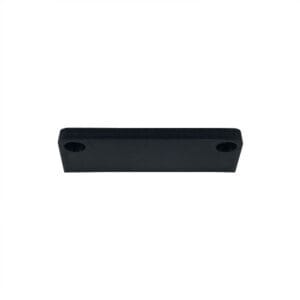
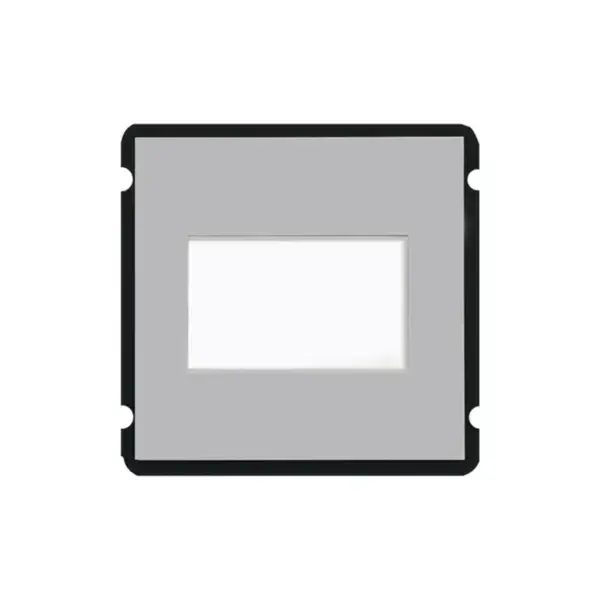
VTO2000A-E closes off an unused position in a VTO2000A setup, so that no open gap remains in the façade.

FunctionBlanking plateCloses an empty position
SeriesVTO2000AModular frame
LaterCan be removedWhen expanding

In stock

Warranty: 2 Years

Fixed daily price, no temporary offer. Our pricing policy

Plenty in stock

Authorised Dahua partner

Purpose

Blanking plate for an empty position

The panel you use to close an unused position in a VTO2000A setup. This keeps the row neat and prevents water or dirt from getting into the housing.

Useful if you currently use fewer modules than the housing can take, but want to expand later: the plate can then be removed again.

Purpose

When you need it

  • Seal off an empty position: no open gap in the façade
  • For the VTO2000A series: fits in the modular frame
  • Expand later: the plate can be removed again
Specifications

The details at a glance

FunctionBlanking plate
SeriesVTO2000A
Model codeVTO2000A-E

The full specification is in the Dahua datasheet.

Questions

Frequently asked questions

Why a blanking plate?

Because an empty position in the housing is left open. The plate closes it off, keeps dirt and moisture out and completes the unit.

Can I remove it again later?

Yes. If you want to use the position for a module later, you remove the plate.

Does this fit in a newer series?

No, this is for the VTO2000A. The modular VTO4202 series has its own blanking module.

Additional information

Brand

Dahua

components

Accessories

Documentation for this product

The manufacturer's official documents for this model. They open in a new tab.

DatasheetDahua VTO2000A-E Blanking Plate

App for your phone

With DMSS you can view the camera live, play back recordings and receive notifications. Free, for iPhone and Android.

Download on theApp StoreGet it onGoogle Play

Computer software

SmartPSS Lite is the free viewing and management software for Windows and Mac. ConfigTool finds cameras on the network and sets the IP address.

Download forWindows and Mac

Manuals and firmware from Dahua

In the Dahua download centre you search by model code and find the manual, drawings and firmware together. We deliberately do not host firmware here ourselves: the wrong version can make a camera unusable, and on the model page you choose the right one. Not sure? Call or email us and we will help you check.

Search by model codeManuals and drawingsPer modelFirmware from Dahua