




![Ajax Outlet [type F] Jeweller](https://secures.nl/wp-content/uploads/2023/12/Ajax-Outlet-Type-F-Jeweller-front-300x300.png)
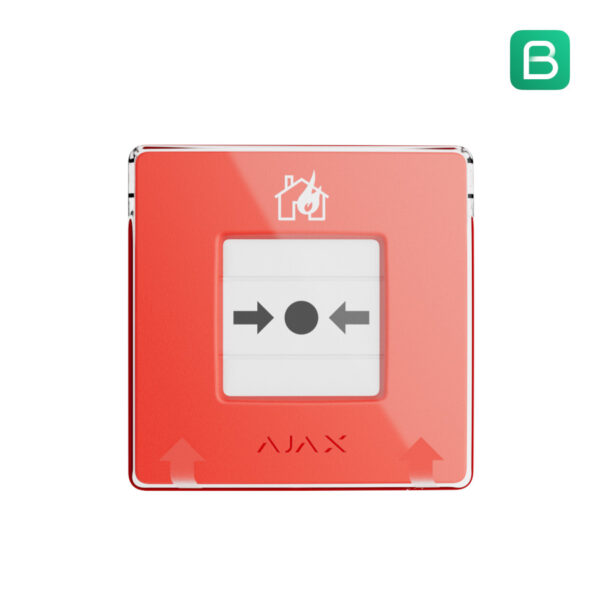
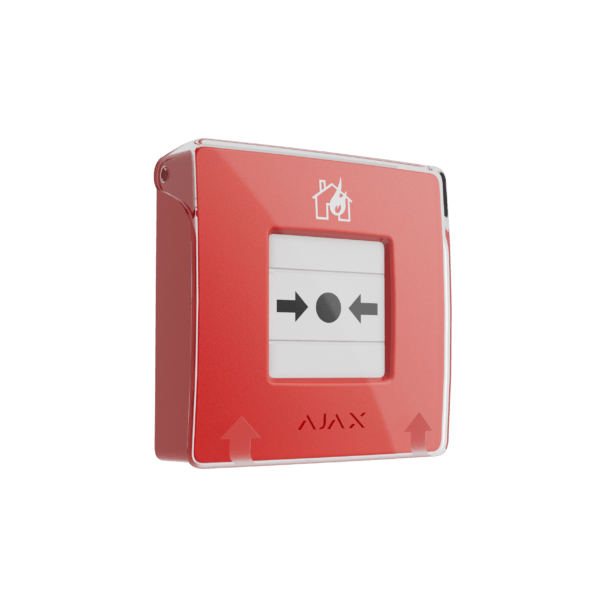
Ajax ManualCallPoint (red): wireless manual call point
Start the fire alarm and the sirens of your entire Ajax system with a single press, or link your own scenario to it. Wireless, resettable with a key and easy to install yourself.
The Ajax ManualCallPoint (red) is a wireless manual call point that you link to your Ajax system. In an emergency the button saves valuable time: one press activates the sirens of all fire detectors. Afterwards you reset the button with the supplied key.
Why choose the ManualCallPoint (red)
Alarm with a single press
Pressing the button immediately starts the sirens and buzzers of all fire detectors in the system, so that people can evacuate.
Automation scenarios
Link scenarios to the button: unlock emergency exits, switch on ventilation or emergency lighting, or cut the power to the building.
Reset with key
After pressing, you reset the button with the supplied key. No glass to break.
Battery pre-installed
2x CR123A, pre-installed. Up to 7 years with normal use. The app warns you well in advance.
Wireless via Jeweller
Connects wirelessly to the Ajax hub. No cabling required, every press is immediately shown in the app and at the alarm receiving centre.
Quick to install
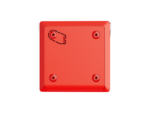
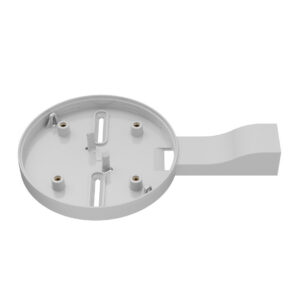
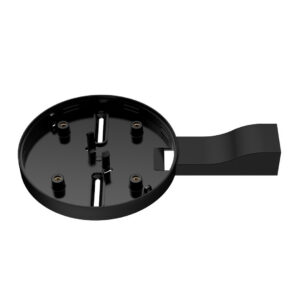
On the supplied bracket, with a tamper contact against opening and removal.
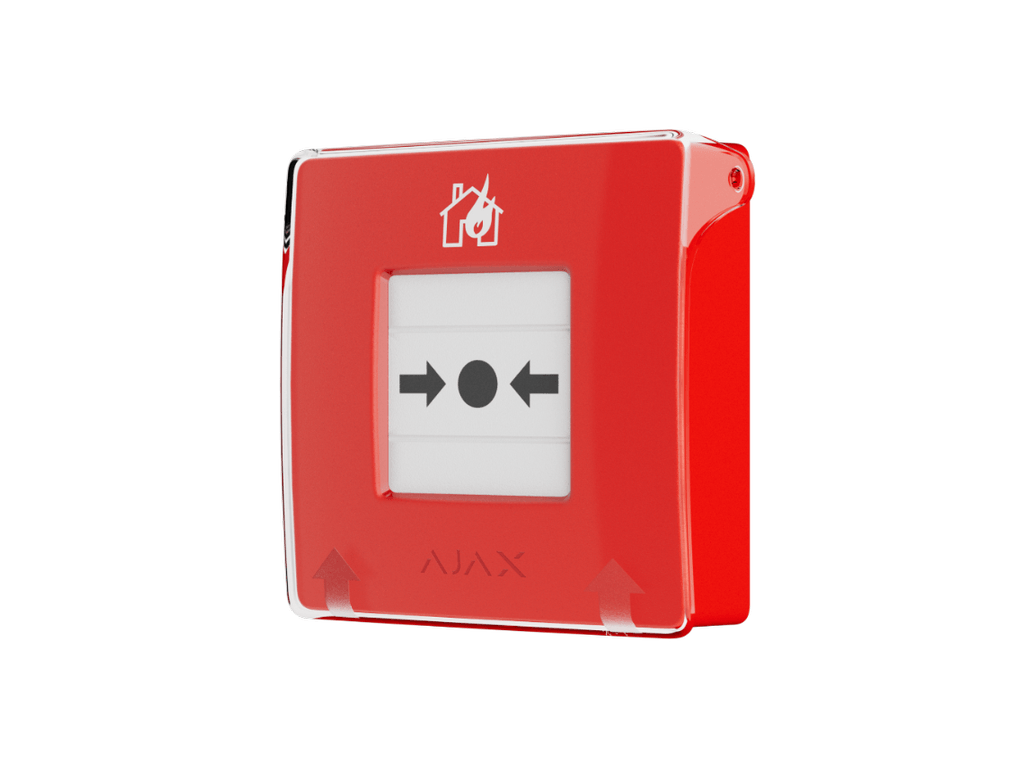
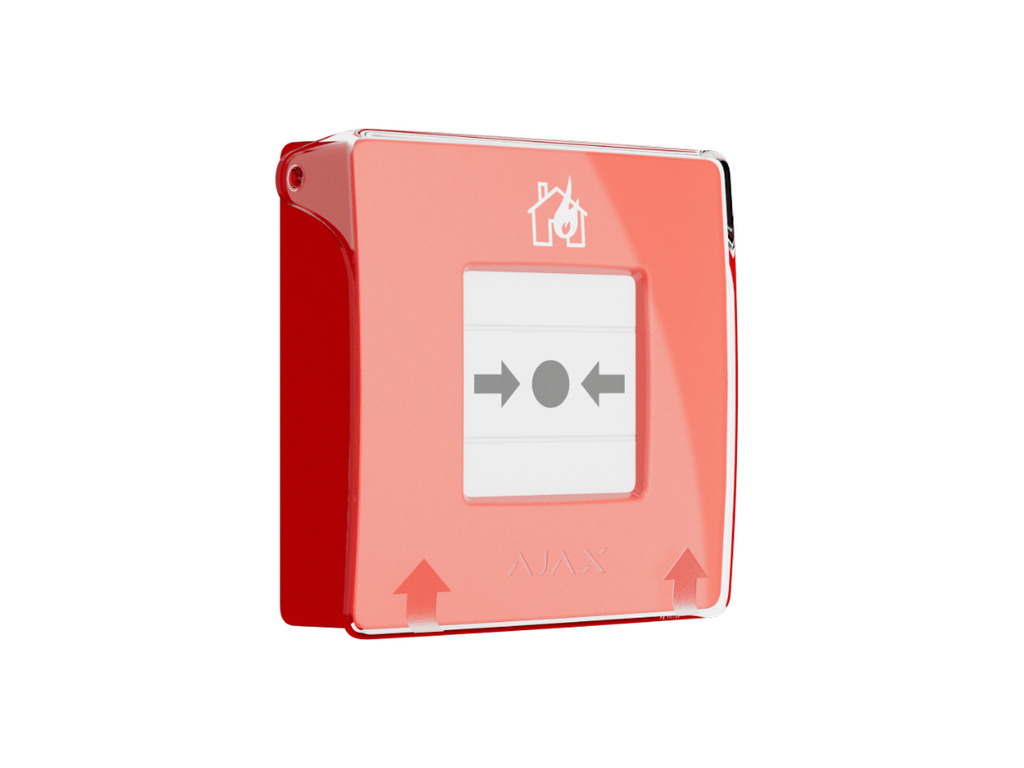
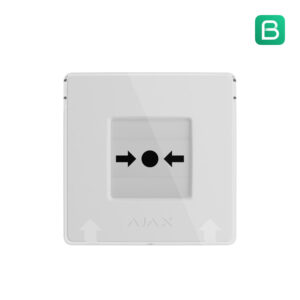
The ManualCallPoint (red) in pictures



Quick to install
Mount the button on the supplied bracket and add it in the Ajax app by scanning the QR code. A tamper contact gives a warning as soon as someone opens or removes the button.
Technical specifications
| Function | |
| Type | Wireless, resettable manual call point (addressable) |
| Control | Press; reset with supplied key |
| Scenarios | Start sirens/buzzers, emergency exits, ventilation, emergency lighting, power isolation |
| Power supply | |
| Battery | 2x CR123A (pre-installed) |
| Battery life | Up to 7 years with normal use according to Ajax, not a minimum |
| Connection | |
| Wireless | Jeweller, frequency hopping |
| App | Ajax Security System (iOS and Android) |
| Housing | |
| Dimensions | 102 x 104 x 39 mm |
| Operating temperature | 0 to +50 °C |
| Colour | Red |
Specifications as stated by Ajax Systems. We do our utmost to keep the information on this page accurate and up to date, but a manufacturer may modify a model in the meantime and a typing error can never be entirely ruled out, so no rights can be derived from this information. In case of doubt, the Ajax Systems manual is leading; it contains all specifications. Do you see an error, are you missing something or are you unsure whether a feature is right for your situation? Let us know or ask before you order: we will look into it, update the page and thank you for it. If a product does not match what is stated here, we will put it right.
Which ManualCallPoint do you choose?
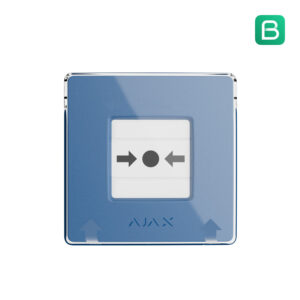
The same button, in five colours. The colour determines the application; function, reset (with key) and battery (2x CR123A, up to 7 years) are the same for all versions.
| Type | Red | 4 colours |
|---|---|---|
| Intended for | Manual fire alarm | Own scenario per colour |
| Colour | Red | Blue, yellow, green, white |
| Reset | With key | With key |
| Battery | 2x CR123A, up to 7 years | 2x CR123A, up to 7 years |
| View | This page | 4 colours |
Frequently asked questions
Do I need an Ajax Hub?
Yes. The ManualCallPoint is a control button within the Ajax system and requires an Ajax hub to control the detectors and scenarios. We recommend at least a Hub 2 for easy installation and configuration.
Do I have to break a glass?
No. You press the button and then reset it with the supplied key. Nothing to replace.
What happens when I press it?
The sirens and buzzers of all fire detectors in the system start and everyone receives a notification. You can also link scenarios to it, such as unlocking emergency exits or switching on ventilation.
What do the colours mean?
The function and specifications are identical; the colour is a coding. Red is the classic fire button. You use blue, yellow, green and white for your own scenarios.
How long does the battery last?
Ajax states up to 7 years for the pre-installed 2x CR123A with normal use. This is an upper limit, not a minimum: how often the button is used and tested, the temperature and the signal strength make it shorter in practice. The app warns you when the battery is low.
In the box
Ajax ManualCallPoint (red)
The manual call point, in red.
Mounting bracket
For wall mounting.
Reset key
To restore the button after it has been pressed.
Batteries
2x CR123A, pre-installed.
Documentation
Quick start guide and safety information.










Reviews
There are no reviews yet.