
NVR
The network recorder for your IP cameras
Records the footage from your IP cameras, stores it on a hard drive and lets you watch live and search back via a screen or the app.
From 4 to 128 channels, often with PoE. Choose by number of channels below.
Showing 61–72 of 72 resultsSorted by price: low to high
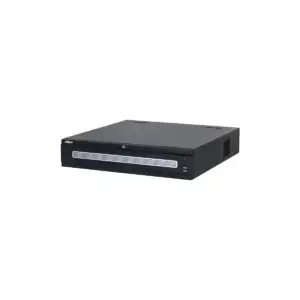
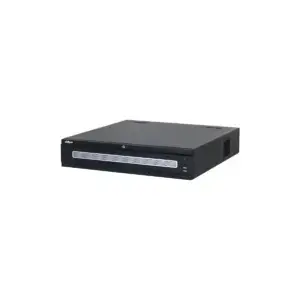
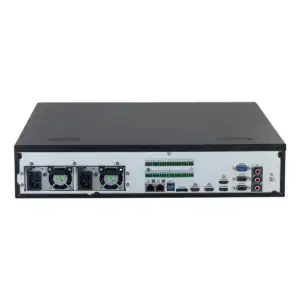
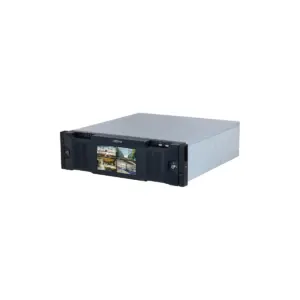
Dahua, NVR - recorder for IP cameras
Retail price€ 2.914,89Fixed low price€ 2.186,25Adviesprijs€ 2.409,00Vaste lage prijs€ 1.806,82Add to cartDahua, NVR - recorder for IP cameras
Retail price€ 3.194,40Fixed low price€ 2.395,75Adviesprijs€ 2.640,00Vaste lage prijs€ 1.979,96Add to cartDahua, NVR - recorder for IP cameras
Retail price€ 3.305,72Fixed low price€ 2.479,25Adviesprijs€ 2.732,00Vaste lage prijs€ 2.048,97Add to cart- Retail price€ 3.862,32Fixed low price€ 2.896,75Adviesprijs€ 3.192,00Vaste lage prijs€ 2.394,01Add to cart
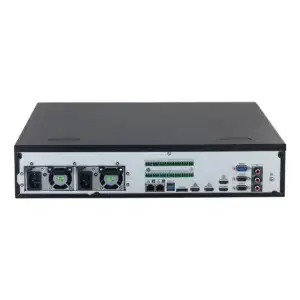
Dahua, NVR - recorder for IP cameras
Retail price€ 4.504,83Fixed low price€ 3.378,50Adviesprijs€ 3.723,00Vaste lage prijs€ 2.792,15Add to cart- Retail price€ 4.812,17Fixed low price€ 3.609,25Adviesprijs€ 3.977,00Vaste lage prijs€ 2.982,85Add to cart
- Retail price€ 5.150,97Fixed low price€ 3.863,25Adviesprijs€ 4.257,00Vaste lage prijs€ 3.192,77Add to cart
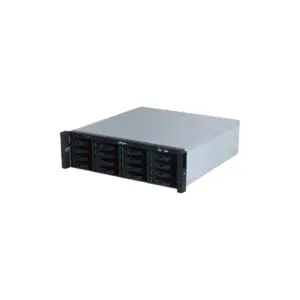
Dahua, NVR - recorder for IP cameras
Retail price€ 5.401,44Fixed low price€ 4.051,00Adviesprijs€ 4.464,00Vaste lage prijs€ 3.347,93Add to cart- Retail price€ 5.793,48Fixed low price€ 4.345,00Adviesprijs€ 4.788,00Vaste lage prijs€ 3.590,91Add to cart
- Retail price€ 7.079,71Fixed low price€ 5.309,75Adviesprijs€ 5.851,00Vaste lage prijs€ 4.388,22Add to cart
- Retail price€ 7.085,76Fixed low price€ 5.314,25Adviesprijs€ 5.856,00Vaste lage prijs€ 4.391,94Add to cart
- Retail price€ 9.336,36Fixed low price€ 7.002,25Adviesprijs€ 7.716,00Vaste lage prijs€ 5.786,98Add to cart
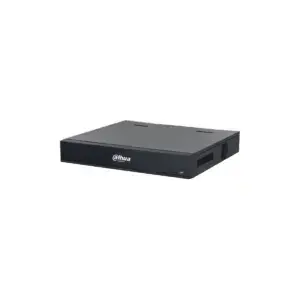
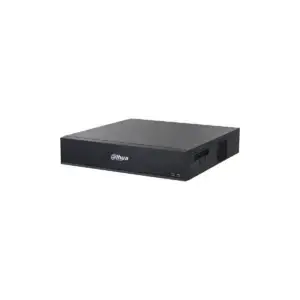
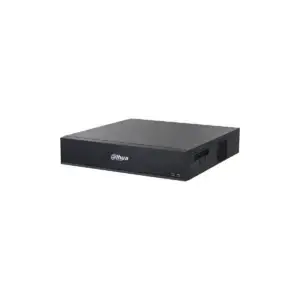
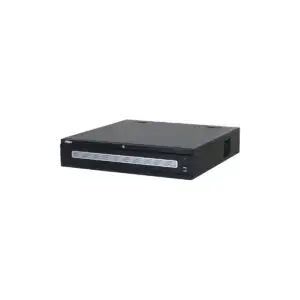
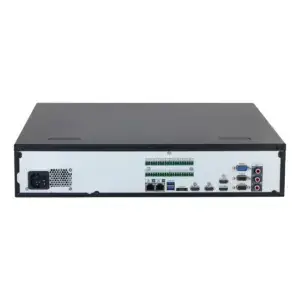
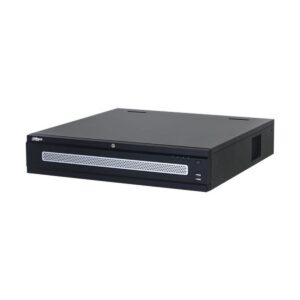
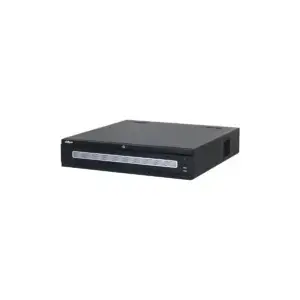
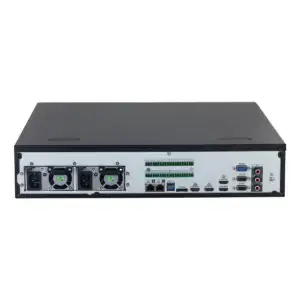
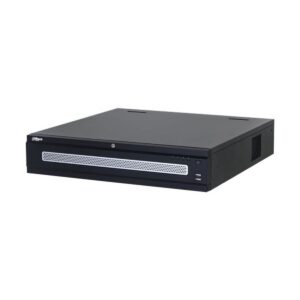
Showing 61–72 of 72 resultsSorted by price: low to high
NVR
The network recorder for your IP cameras
An NVR records the footage from your IP cameras, stores it on a hard drive and is the point where you watch live and search back, via a screen or the app. From a compact model for 4 cameras to a recorder for 128 channels.
These recorders are for IP cameras. If you work with coax, see the XVR recorders.
Choose to suit your needs
Channels, resolution and storage
Three things determine which NVR suits you. You can filter directly by number of channels below.
The number of channels is the number of cameras the recorder records at the same time. If you currently have five cameras, choose an 8-channel model and keep room to expand later.
The resolution the NVR can handle must keep up with your cameras. If you record in 4K, the recorder must be able to process and store it. A higher resolution gives a sharper image, but requires more bandwidth and storage.
Storage determines how far back you can look. As a rough guideline: 4 cameras of 3 Mbps recording 24 hours a day and keeping footage for 30 days require approximately 105 GB per month in a single calculation. For a precise estimate with more cameras or a higher resolution, we are happy to help. For continuous use we recommend a drive made for that purpose, such as the WD Purple, which withstands the vibrations and day-and-night use of a surveillance system.
Connecting
PoE and cabling
Many NVRs have built-in PoE ports. PoE (Power over Ethernet) means that the camera receives its power over the same network cable, so you only need to run one cable per camera and do not need a power socket at the camera.
If you connect more cameras than there are PoE ports on the NVR, you expand with a PoE switch. This is useful for larger installations or cameras that are further away.
Smart functions
AI only works if the recorder supports the series
Many Dahua NVRs support smart functions, depending on the model: distinguishing between people and vehicles, filtering out animals and weather to limit false alarms (Smart Motion Detection), face recognition with its own database, and people counting. Which functions you get depends on the series.
Important: these functions only work if the recorder can support the series of your camera. An AI camera connected to an entry-level recorder simply records the image, without the extra layer. How to read this from the model number is explained on the page about Dahua series and model codes.
Frequently asked questions
Frequently asked questions about NVRs
How many channels do I need?
The number of channels is the number of cameras recorded at the same time. Count your current cameras and allow room for expansion: if you have five cameras now, an 8-channel NVR gives you more room than a 4-channel one. You can filter directly by channels below.
Does it come with a hard drive?
That differs per model: some NVRs are supplied with a drive, others without. Check this on the product page. For 24/7 surveillance we recommend a drive made for that purpose, such as the WD Purple, instead of an ordinary desktop drive.
How much storage do I need?
That depends on the number of cameras, the resolution and how long you want to keep footage. As a rough guideline, 4 cameras of 3 Mbps recording 24/7 for 30 days require approximately 105 GB. More cameras, a higher resolution or a longer retention period add up proportionally. If you are unsure, we will calculate it with you.
What does PoE mean on an NVR?
PoE ports supply power to the camera over the network cable, so you only need to run one cable per camera. If you have more cameras than ports, you add a PoE switch.
Does the AI of my camera work automatically on the NVR?
Only if the recorder supports the camera's series. Therefore choose an NVR that is at least in the same class as your cameras; see Dahua series and model codes. Otherwise the recorder will record the image, but without the smart functions.
Can I connect cameras from another brand?
Most NVRs support the ONVIF protocol, which allows cameras from different brands to work together. The smart AI functions work most reliably within the same brand and the same series. Ask us if you want a specific combination.
Also of interest


