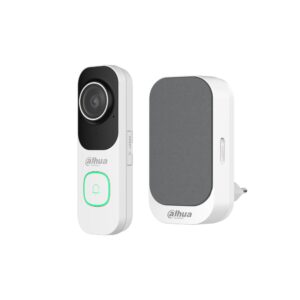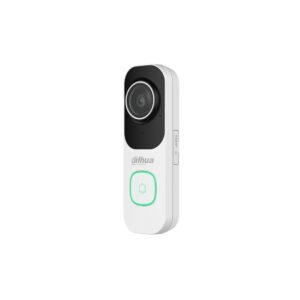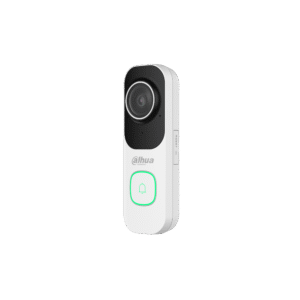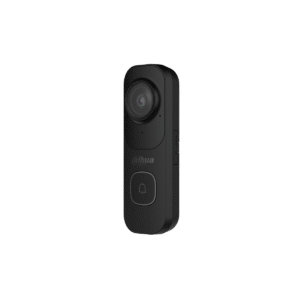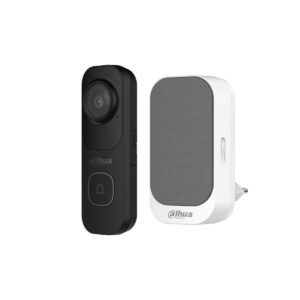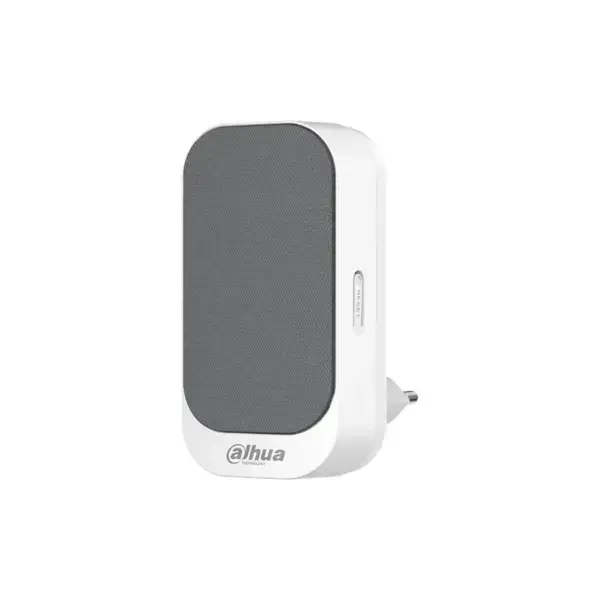
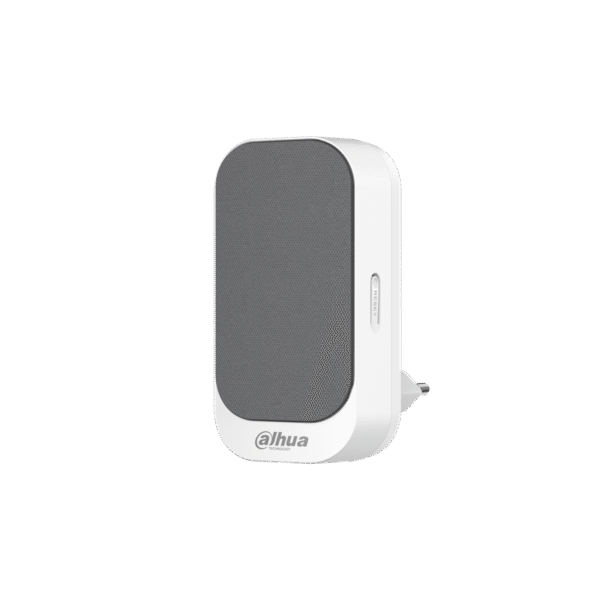
Dahua DS1AG: wireless chime for your Dahua video doorbell
Hear visitors at home, even without your phone nearby. The DS1AG is a wireless indoor chime that you plug into a socket and pair with your Dahua video doorbell. You set the ringtone and volume yourself via the DMSS app.
The DS1AG works with the Dahua video doorbells (DB41AW, DB41AB and the VDKP01 kits). No extra wiring needed: plug it into a socket, pair it in the app and it rings as soon as someone presses the doorbell. You can place several chimes around the house and pair several doorbells with one chime.
Why the DS1AG
Hear visitors in the house
A physical chime that rings as soon as someone presses the doorbell, even if your phone is on silent or out of range.
In the wall socket
Plug & play on 230 V. No extra wiring, put it where you want to hear it.
Adjustable ringtones
Choose your ringtone and set the volume via the free DMSS app.
Works with your Dahua doorbell
Pairs with the DB41AW and DB41AB. Multiple doorbells and multiple chimes at the same time are possible.
Wi-Fi 6
Connection via 2.4 GHz Wi-Fi 6, stable even on a busy network.
Compact and discreet
Small size (96 x 50 x 30 mm) that fits discreetly in any room.
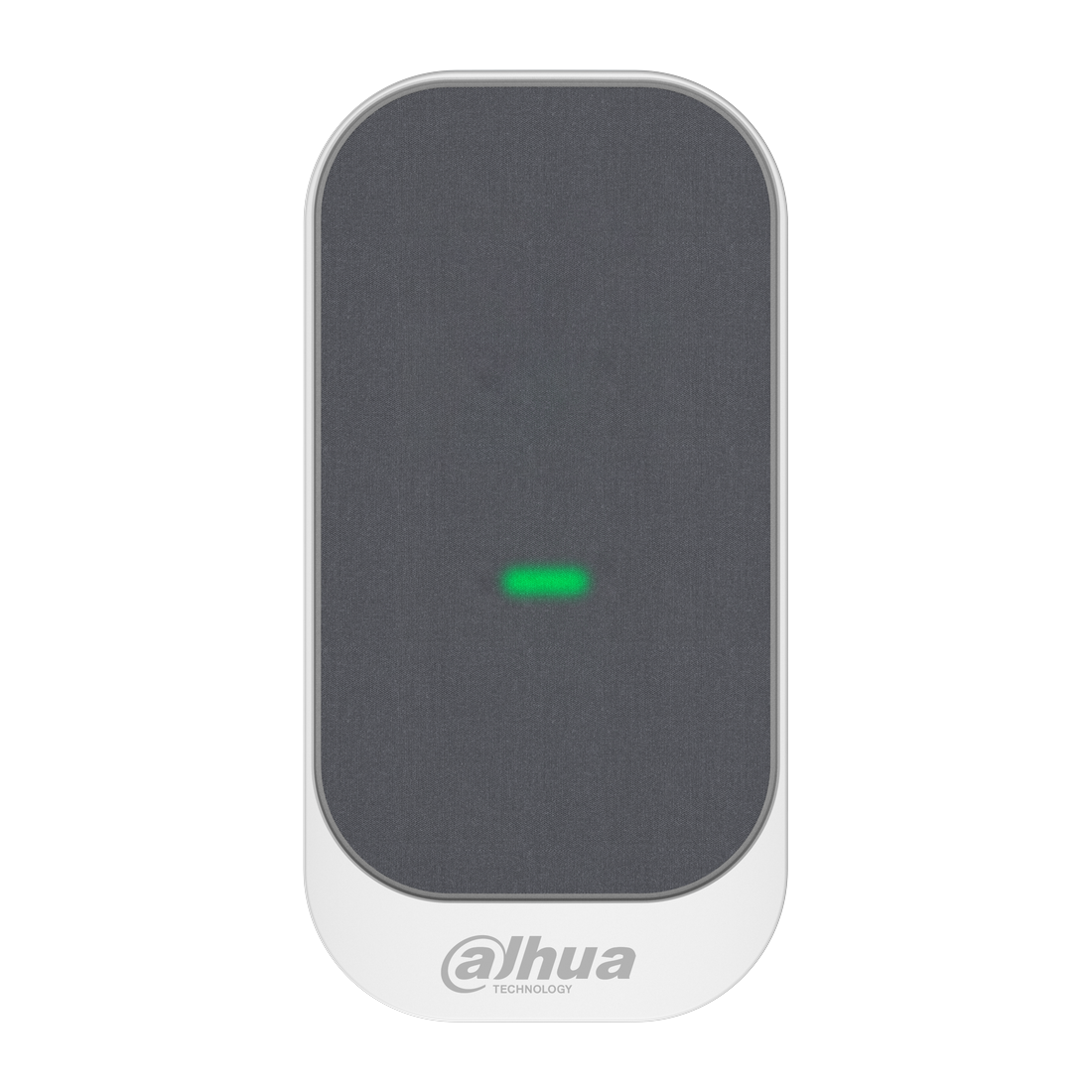
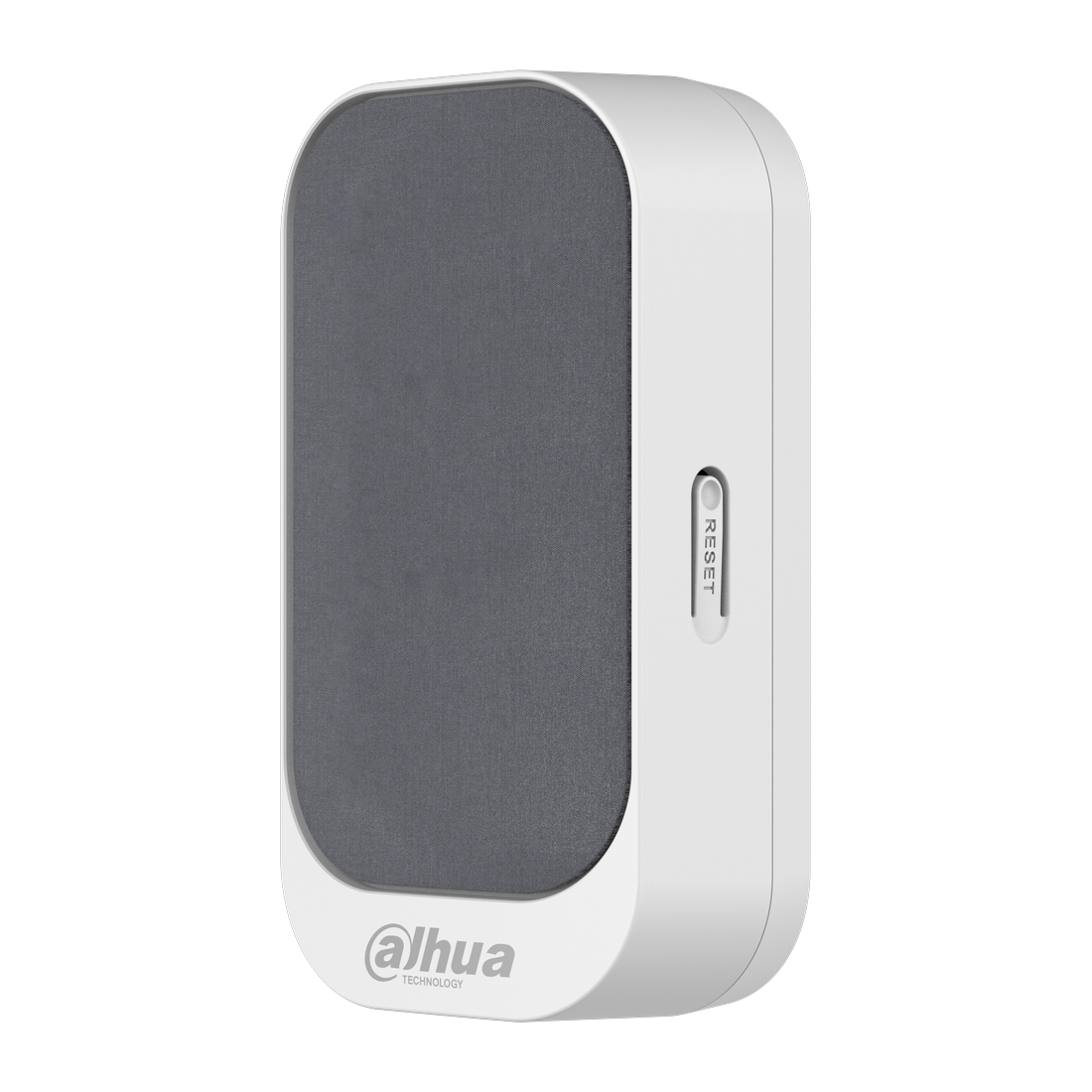
The DS1AG at a glance
The wireless chime from the front and the side.
How it works
Plug the DS1AG into a socket and open the free DMSS app (iOS and Android). Pair the chime with your Dahua video doorbell, choose a ringtone and set the volume. Done. As soon as someone rings the doorbell, the chime rings in the house.
Technical specifications
| General | |
| Type | Wireless indoor chime |
| Speaker | Built in |
| Ringtones | Multiple, adjustable via the DMSS app |
| Volume | Adjustable via the DMSS app |
| Compatible with | Dahua video doorbells (DB41AW, DB41AB, VDKP01 kits) |
| Pairing | Several doorbells and chimes at the same time |
| Connection and power | |
| Wi-Fi | 802.11 b/g/n/ax (Wi-Fi 6), 2.4 GHz |
| Power supply | 100-240 V AC, 50/60 Hz (wall socket) |
| Consumption | Less than 5 W |
| Housing | |
| Dimensions | 96 x 50 x 30.3 mm |
| Weight | 0.1 kg |
| Material | Plastic and fabric |
| Operating temperature | -10 to +45 °C (indoor) |
| Certification | CE-LVD, CE-EMC, CE-RED |
What do you combine the DS1AG with?
Doorbell and chime together
No doorbell yet? The kit with chime costs less than buying them separately: VDKP01-WG (white) or VDKP01-BG (black).
Multiple rooms
Place several DS1AG chimes around the house, so that you can hear the doorbell everywhere.
Frequently asked questions about the DS1AG
Which doorbells does the DS1AG work with?
With the Dahua video doorbells: the DB41AW, the DB41AB and the VDKP01 kits. The chime pairs via the DMSS app.
Do I need a Dahua doorbell?
Yes. The DS1AG is a chime that you pair with a Dahua video doorbell; without a doorbell it has no function. It does not work with doorbells from other brands.
How do I connect the chime?
Into a wall socket (230 V) and pair it in the free DMSS app. No extra wiring needed.
Can I use several chimes?
Yes. You can place multiple DS1AG chimes around the house and pair multiple doorbells with one chime.
Can I change the ringtone and volume?
Yes, you set both in the DMSS app.
In the box
Dahua DS1AG
The wireless chime itself.
Documentation
Quick start guide and regulatory information.