



Ajax Button: a panic button or help button within easy reach
A small wireless button that you can place anywhere: under a desk, at the head of your bed, on your key ring or simply in your pocket. One press and an alarm is sent straight to your hub and the alarm receiving centre.
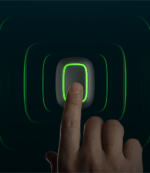
In the Ajax app, you set up the Button as a panic button, as a help button for the sick or elderly, or as a remote control to arm or disarm the system or start a scenario. A green LED confirms that the signal has arrived. Protection against accidental presses (via a long or double press) prevents false alarms.
Why the Ajax Button
Raise the alarm instantly
One press immediately sends an alarm to your hub and, if set up, to the alarm receiving centre.
Multiple functions
Can be set up as a panic button, a care assistance button, or a remote control for your system and scenarios.
Not by accident
A long or double press prevents false alarms if the Button is in your pocket or bag.
Years on a single battery
Up to 5 years on the pre-installed CR2032 battery. The app warns you well in advance.
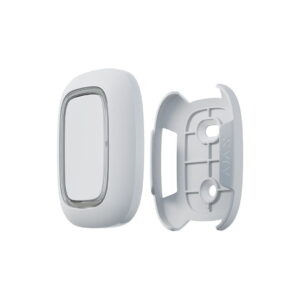
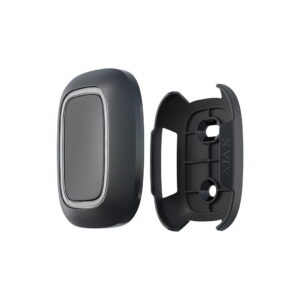
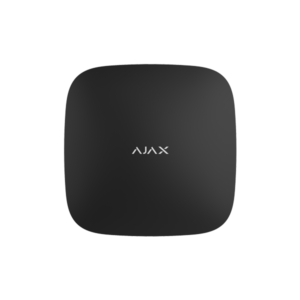
The Ajax Button in pictures
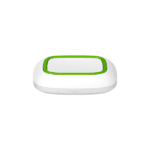
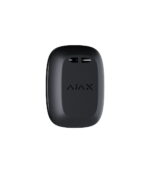
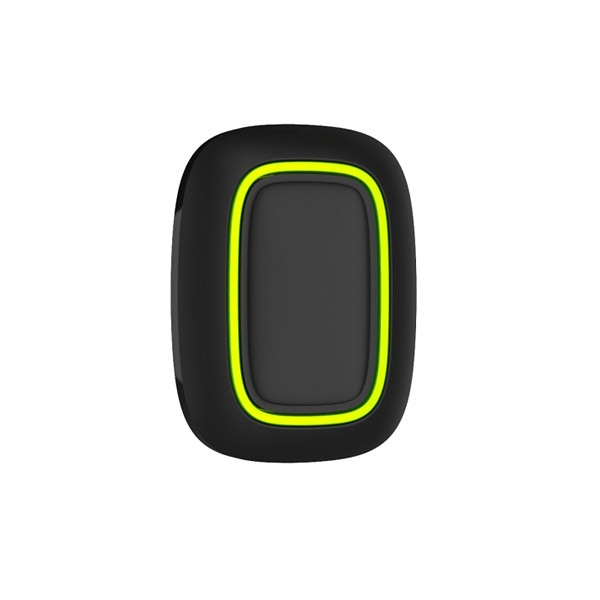
The button in white and black. See below what the Button looks like.


Technical specifications
| Control | |
| Type | Wireless button (panic, help or remote control) |
| Buttons | 1 |
| False alarm prevention | Protection against accidental presses (long or double press) |
| Feedback | LED indication confirms delivery of the signal |
| Communication | |
| Frequency | 868 MHz (depending on the region) |
| Radio range | Up to 300 m in open space |
| Security | Frequency hopping and device authentication |
| Power supply and housing | |
| Battery | CR2032 (pre-installed), up to 5 years |
| Protection class | IP55 (dust and splash resistant) |
| Dimensions | 47 x 35 x 13 mm |
| Weight | 16 g |
| Operating temperature | -10 to +40 °C |
| Colours | White or black |
Frequently asked questions about the Ajax Button
Can I also use it as a remote control?
Yes. In the Ajax app you set what the Button does: send a panic alarm, serve as an assistance button, or arm and disarm the system and start a scenario.
Will the Button not go off by accident?
No. You set it so that a long or double press is required, so the Button does not trigger if it is in your pocket or bag.
Can I mount it in a fixed location?
Yes. With the Ajax Holder you mount the Button in a fixed place, for example under a desk. You can simply click the button out again.














Reviews
There are no reviews yet.