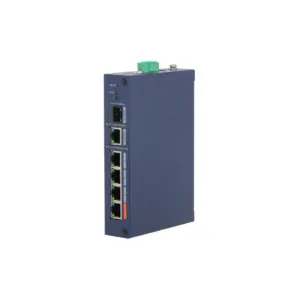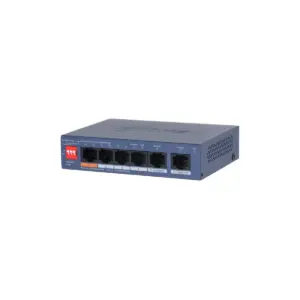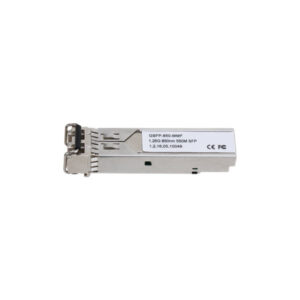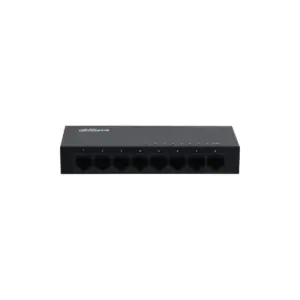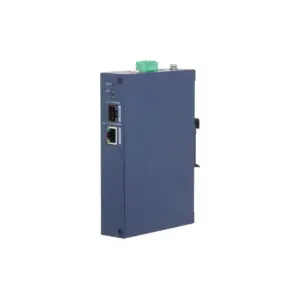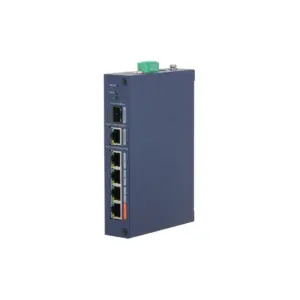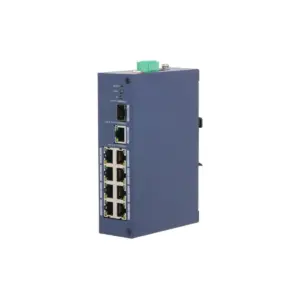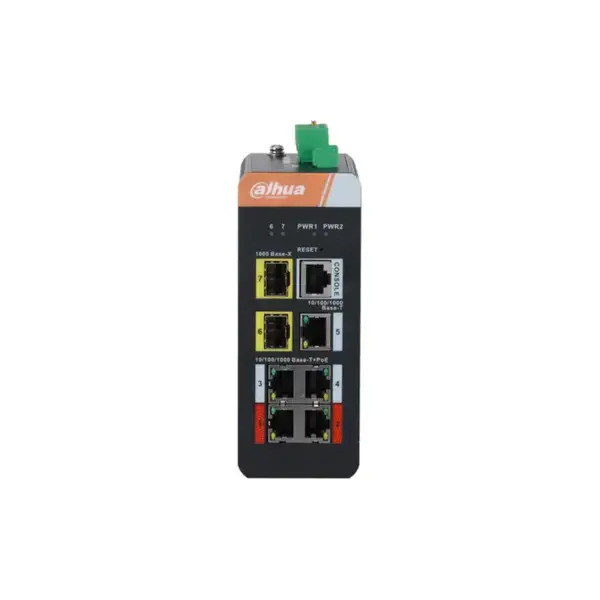

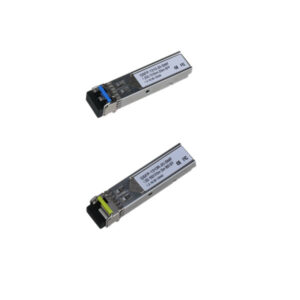
Dahua IS4207-4GT-120 Managed industrial Gigabit switch, 4x PoE ports, 2x SFP and 1x 1Gbps uplink Excl. power supply
The Dahua IS4207-4GT-120 Managed industrial Gigabit switch, 4x PoE ports, 2x SFP and 1x 1Gbps uplink Excl. power supply is a compact and powerful solution for demanding network environments. This industrial Gigabit switch combines managed network functions with PoE support up to 120 W in total.
What you can do with it
This is a Layer 2 managed industrial PoE switch for professional network installations. The model supports IEEE802.3af, IEEE802.3at, Hi-PoE and IEEE802.3bt, with management functions such as VLAN, STP, RSTP, ERPS, LACP and SNMP. This managed switch is designed for reliability, flexibility and control. With a switching capacity of 14 Gbps, an 8K MAC table, lightning protection and operation at temperatures from 40° to 75°, it is a strong choice for industrial network applications where continuity is important.
What this switch does
- 4x 10/100/1000 PoE ports, 1x 10/100/1000 uplink and 2x 100/1000 SFP
- PoE budget up to 120 W, with a maximum of 90 W on ports 1-2 and 30 W on ports 3-4
- Supports STP, RSTP, ERPS, IEEE802.1Q VLAN and port aggregation via manual aggregation or LACP
- Management via web, Telnet CLI and SNMP V1/V2C/V3
- Dual power input for power redundancy, power supply not included
The details at a glance
| PoE ports | 4 |
| PoE budget | 120 W |
| Uplinks | 2 |
| Management | configurable via the web interface |
| Model code | IS4207-4GT-120 |
The full specification is in the Dahua datasheet.
What you will receive
- Dahua IS4207-4GT-120 switch
- Documentation
- Mounting materials if supplied as standard
Frequently asked questions
How many cameras can I power with this?
This switch has 4 PoE ports with a combined 120 W. Add up the power consumption of your cameras and stay below that figure. A standard bullet or dome camera uses around 6 to 12 W, while a PTZ camera or a camera with lighting uses considerably more.
Do I still need a power supply for each camera?
No. With PoE, power and data run over the same network cable, so you do not need a power socket at the camera. Only the switch itself is connected to the mains.
Which cable do I need?
Network cable of at least category 5e, installed as fixed wiring. For outdoor use or underground, choose a cable that is made for that purpose. If you are unsure, call or email us and we will help you decide.