
ASI3214A-W face recognition access terminal with fingerprint reader (indoor)
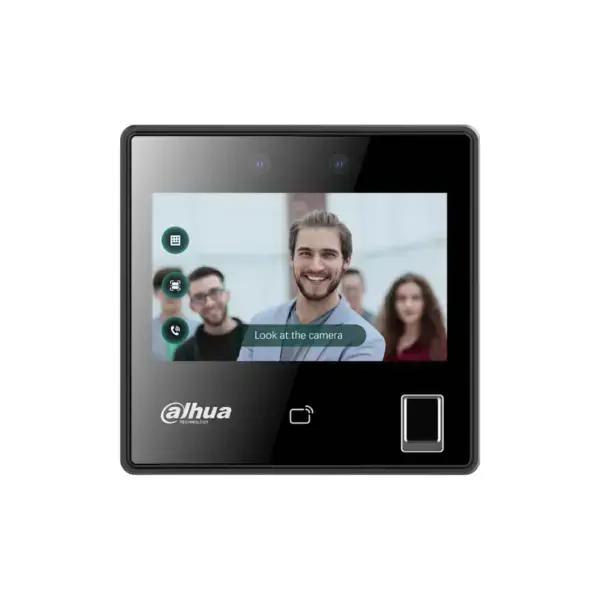
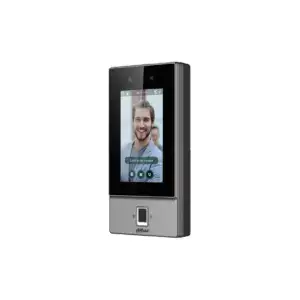
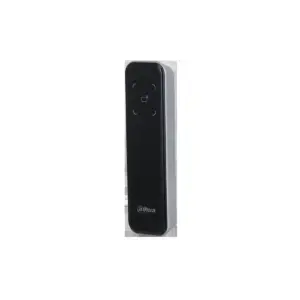
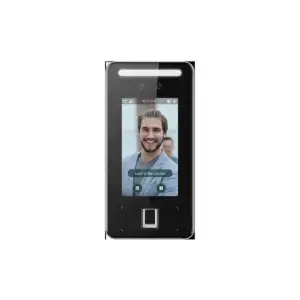
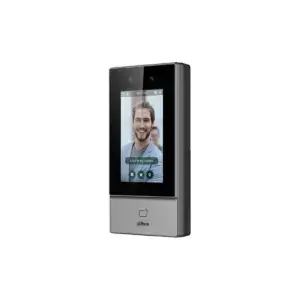
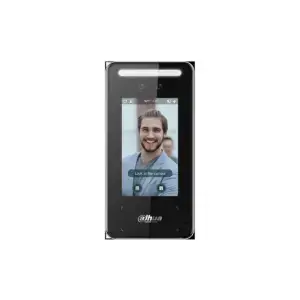
The ASI3214A-W is a standalone facial recognition access terminal from Dahua for indoor use. A 2MP dual-lens camera opens the door on face, card, password and fingerprint. The terminal works independently, without a separate controller, and connects to DSS Pro, SmartPSS Lite and the DMSS app. This is a compact indoor terminal with a fingerprint reader, which can be placed on a desk, in an 86 mm flush-mount box or on the wall.
What this terminal does
- 4.3-inch glass touchscreen with a 2 MP wide-angle dual-lens camera (DWDR and infrared illumination)
- Opens with face, card, password or fingerprint; can be combined into a custom unlocking method
- Suitable for 3,000 users, 5,000 cards, 5,000 fingerprints and 300,000 log entries
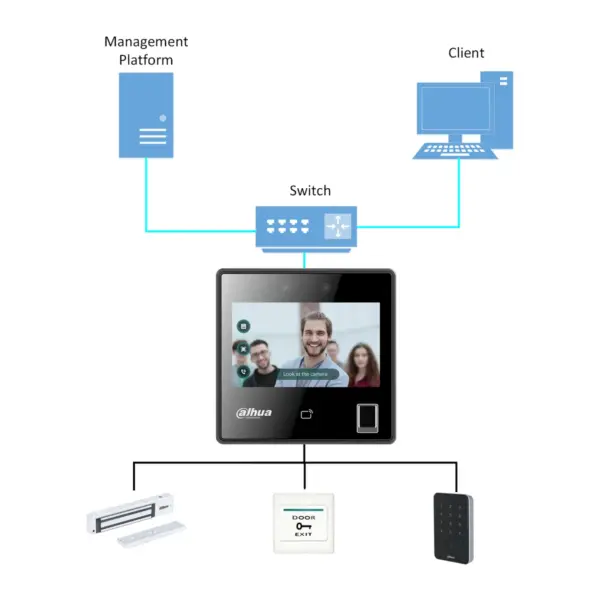
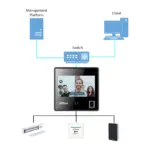
- Connections for an external reader via RS-485 or Wiegand; network via Ethernet or Wi-Fi
- Compact indoor unit: mounts on the wall, in an 86 mm back box or on a desktop stand
- Runs on 12 volts; operates from -10 to +40 degrees. Connects to DSS Pro, SmartPSS Lite and the DMSS app
The details at a glance
| Recognition | |
| Screen | 4.3-inch glass touchscreen (480 x 272) |
| Camera | 2 MP wide-angle dual-lens, DWDR, IR |
| Face recognition | 0,3-1,5 m, 99,9%, 0,2 s |
| Unlocking | Face, card, password, fingerprint |
| Card and capacity | |
| Card types | IC (13.56 MHz), Desfire EV3 |
| Users | 3.000 |
| Fingerprints | 5.000 |
| Cards | 5.000 |
| Log entries | 300.000 |
| Connections | |
| Network | 1x 10/100 Mbps ethernet + Wi-Fi |
| Gates | 1x RS-485, 1x Wiegand |
| Power supply and housing | |
| Power supply | 12 VDC, 1,5 A |
| Consumption | Max. 18 W |
| Operating temperature | -10 to +40 degrees (indoor) |
| Size | |
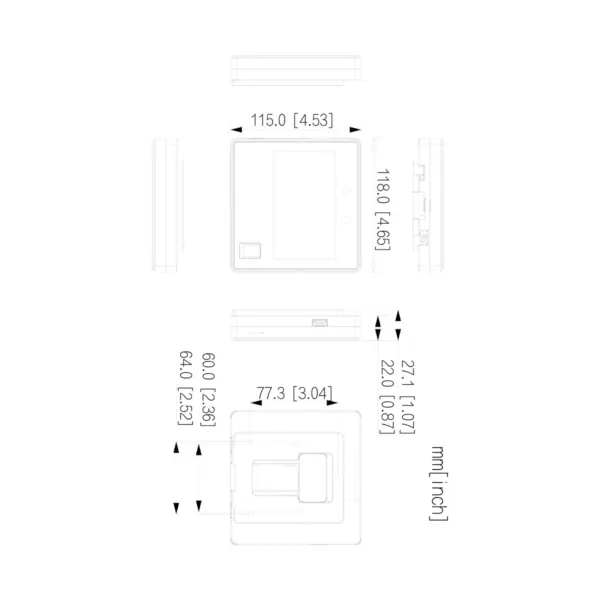
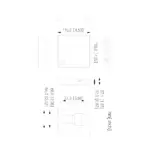
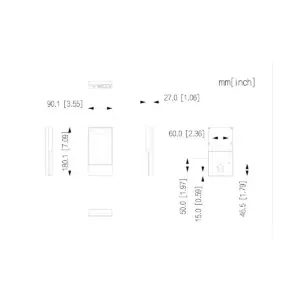
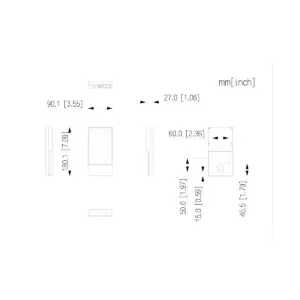
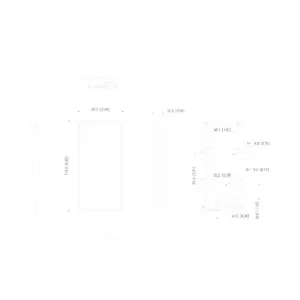
| Dimensions | 115,0 x 118,0 x 27,1 mm |
| Weight | 250 g |
| Mounting | Wall, 86 mm back box or desktop stand |
| Model code | DHI-ASI3214A-W |
The full specification can be found in the Dahua datasheet, under the Downloads tab.
Frequently asked questions
Does the terminal work without a separate controller?
Yes. This is a standalone terminal: it opens the door itself and keeps track of the users itself, so you do not need a separate access controller. If you want to manage several doors centrally, you connect it to DSS Pro.
Can I use this to keep track of staff working hours?
For basic registration, yes: the terminal records every login with the time and the person, and this data can be exported. Full time and attendance tracking with a separate clock-in/clock-out status or hours report is not built into the device itself; for that you use separate time registration software based on this data. Call or email us if you want to know whether it suits your setup.
Is this an indoor or an outdoor terminal?
This is a compact indoor terminal, intended for indoor use (operating temperature -10 to +40 degrees). For a door that is exposed to the weather, choose one of the IP65 versions in this series.
Do I need PoE?
No. This version runs on 12 volts. If you want power and data over a network cable, choose a PoE version from this series.
Can I view remotely and open the door?
Yes, via Dahua's free DMSS app. For several terminals you use DSS Pro or SmartPSS Lite. The link to the app can be found under the Downloads tab.
Which cable do I need?
Network cable of at least category 5e, installed as fixed wiring. For outdoor use or underground, choose a cable made for that purpose. Not sure? Call or email us.



Reviews
There are no reviews yet.