
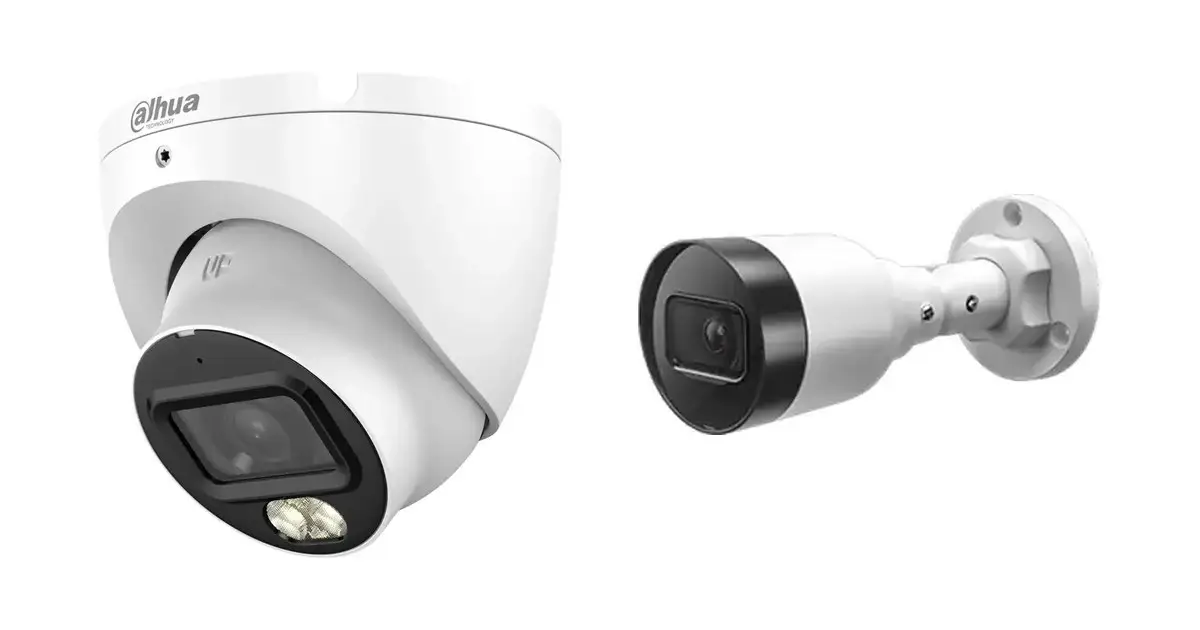
If coax cable is already in place, coax is almost always the quickest and cheapest route. If you are building new or running cables anyway, choose IP: a network cable supplies power and video at the same time, and you have the full choice of resolution and smart functions. Dahua still makes both lines, so it is not a choice between old and new but between two ways of connecting. In this article we set them side by side.
The difference in brief
Coax uses what is already there
Replace only the cameras and the recorder, the cabling stays in place.
IP needs a cable
One network cable per camera, which also supplies power straight away via PoE.
Smart functions
The most demanding analytics and the highest resolutions come from the IP line.
Mixing is allowed
An XVR records coax and IP together, which is useful when renewing step by step.
Coax alongside IP
| Coax (HD-CVI) | IP cameras | |
|---|---|---|
| Cabling | Coax, often already present in an existing system | Network cable per camera |
| Power supply | Separate power wire, or PoC over the same coax on the models that support it | PoE: power and video over the same cable |
| Recorder | XVR, also records analogue and IP cameras | NVR, often with PoE ports on board |
| Resolution in our range | Up to 4K | Well above 8 megapixels, depending on the model |
| Smart analytics | WizSense on the newer models and on the XVR | The full range, up to WizMind with Xinghan Vision |
| Number of models with us | 64 | 555 |
| Example camera | HAC-HDW1801TLMP 4K: € 84,50 incl. VAT€ 69,83 excl. VAT | HFW1431S1P 4 MP: € 83,50 incl. VAT€ 69,01 excl. VAT |
| Example recorder | XVR5104C-I3/T: € 178,75 incl. VAT€ 147,73 excl. VAT | EZIP-NVR2A04HS-4P: € 146,00 incl. VAT€ 120,66 excl. VAT |
Tip The prices come live from our web shop. Not sure which cable is installed? Coax is a round cable with a screw connector, while a network cable ends in a wide plastic plug with a clip.
I already have coax cameras, what now?
Then you usually do not need to run any cable. Dahua's XVR recorders are penta-brid: they record HD-CVI, AHD, TVI, legacy analogue and IP cameras. You can therefore replace the recorder, then renew the cameras one by one, and later still add IP cameras where a network cable can be run. This spreads the cost without getting stuck halfway.
New system: why IP?
For a new installation, IP wins on almost every point. One network cable per camera supplies power and video at the same time, you can easily add a switch or a second recorder later, and the range of resolutions, lenses and smart functions is much wider. If you want to expand later to intercom or access control, all of that runs on the same network. The extra cost lies mainly in the cabling work, not in the camera itself.
What about long distances?
According to the standard, a network cable reaches one hundred metres. Coax reaches further, which makes coax attractive on a plot or a long business site where the camera is far from the recorder. With IP you solve greater distances with a switch along the way or with the ePoE function that many Dahua recorders have. Tell us where the camera is to go and how far that is, and we will calculate it with you.
Choosing coax or IP
Can I reuse my old coax cable?
What does penta-brid mean?
Is coax less sharp than IP?
Do I need a separate power supply for IP?
Can I use coax and IP together?
Check what you have first
Secures is an official Dahua partner and a VEB-approved security company. Let us know what is currently installed and what you want to achieve, and we will tell you whether replacing or switching is the smartest option in your case.


