
IP cameras
The highest resolution over your network
IP cameras work over a network cable and usually receive their power over it as well. They deliver the highest resolutions and the most intelligence.
Below you will find all types, from bullet to PTZ.
Showing 241–270 of 562 results
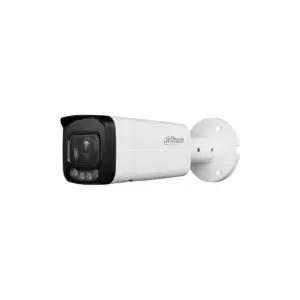
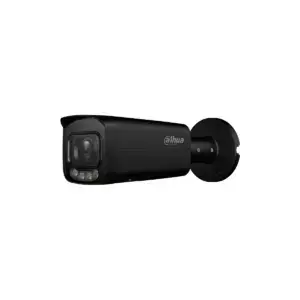
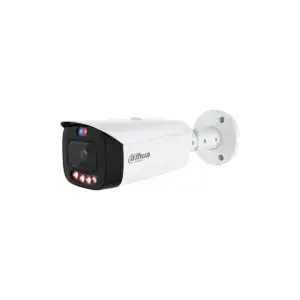
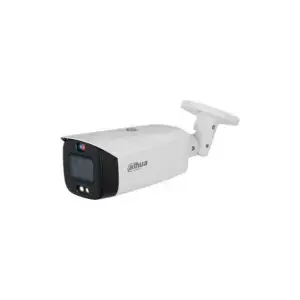
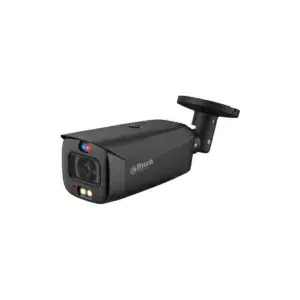
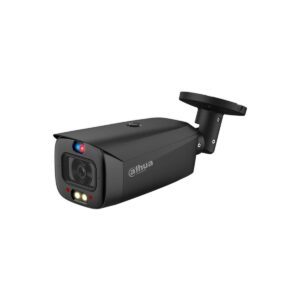
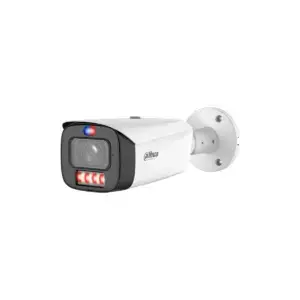

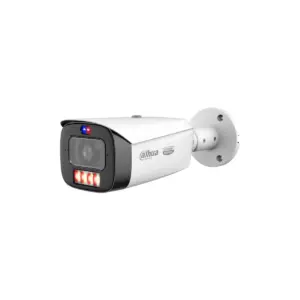
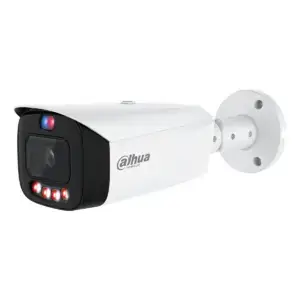
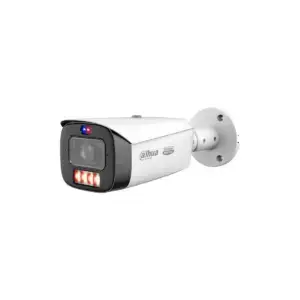
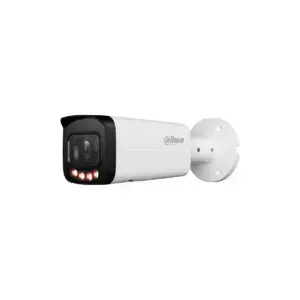
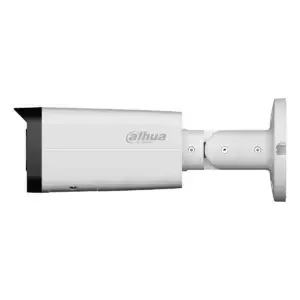
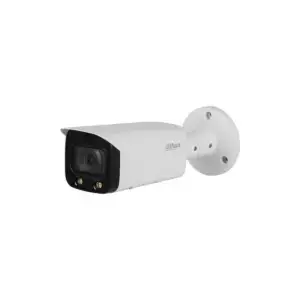
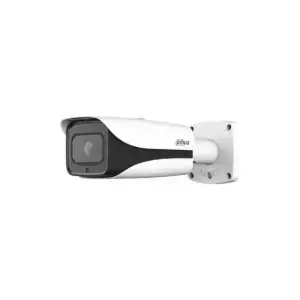
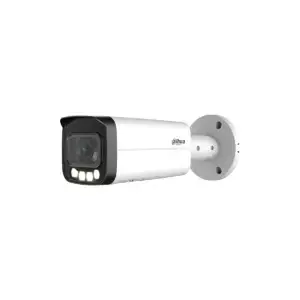
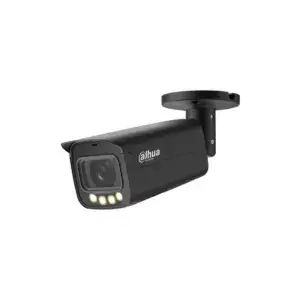
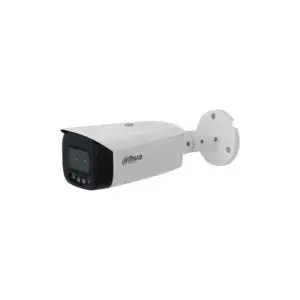
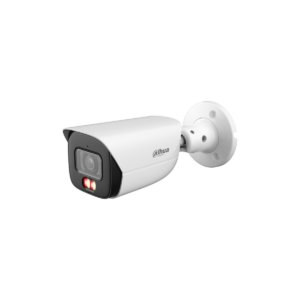
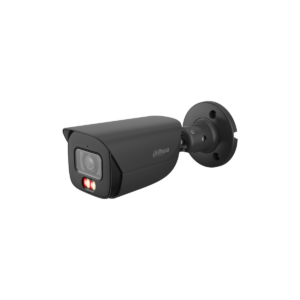
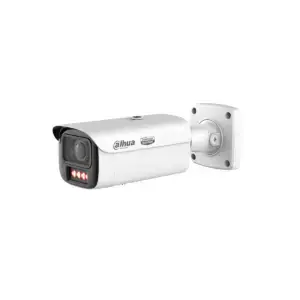
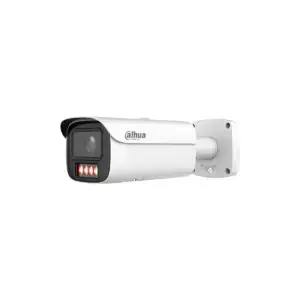
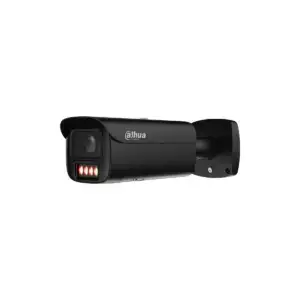
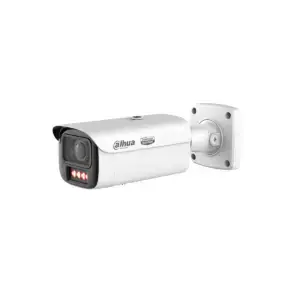
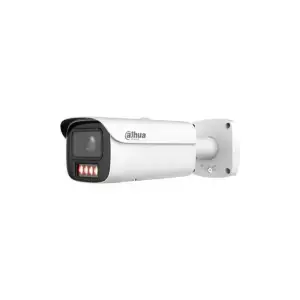
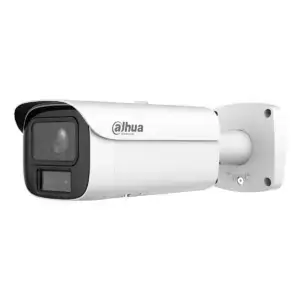
Showing 241–270 of 562 results
IP cameras
Cameras that work over the network cable
An IP camera sends its image over a network cable and in most cases also receives its power over it. That saves a second cable and delivers the highest resolutions and the most image intelligence.
If you already have coax cabling from an older system, you do not need to replace it: see coax cameras.
Choosing by shape
Which shape suits your situation
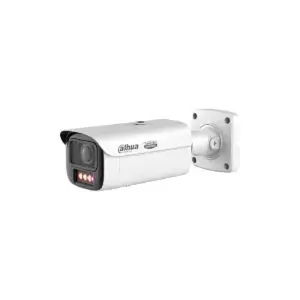
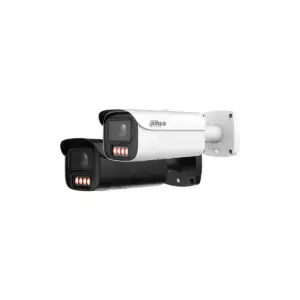
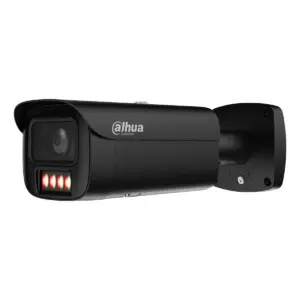
Bullet cameras
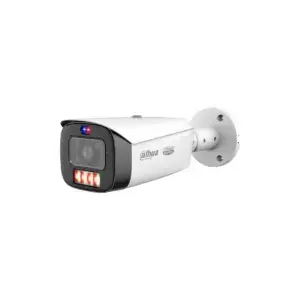
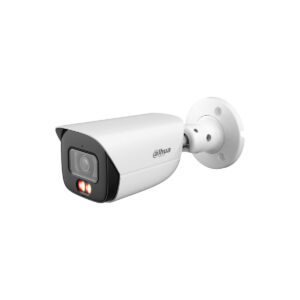
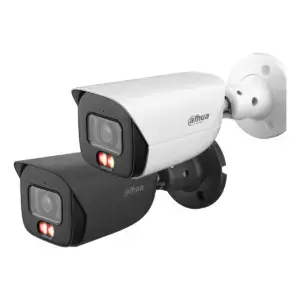
A clearly visible cylinder shape that you aim at a fixed spot, such as a driveway or an access gate.
Dome cameras
A compact dome that does not stand out and is hard to damage: vandal-resistant and hard to tell which direction it is facing.
Thermal cameras
Detects heat instead of light: works in complete darkness and through smoke or fog, and is designed to signal presence, not to recognise a face.
Turret cameras
An in-between form: the lens sits separate from the housing, without the dome that sometimes reflects infrared light back into the image.
PTZ cameras
Pans, tilts and zooms remotely, so that an operator can cover a larger area with one camera.
Box cameras
The classic rectangular camera, for use on a wall bracket indoors or in a protective housing outdoors.
IP or coax
The difference with coax on the points that matter
| Feature | IP camera | Coax camera |
|---|---|---|
| Cabling | One network cable (UTP/CAT) from camera to recorder or switch | Coax cable for the image, usually with a separate power cable alongside |
| Power supply | In most cases over the same cable (PoE), no 230V connection needed at the camera | Separate 12V power lead, apart from the video cable |
| Maximum resolution in this range | Up to 12 megapixel | Up to 8 megapixel |
| Existing coax cabling can be reused | No, a network cable is needed for this | Yes |
Series and generation
Two axes that you should not confuse
With Dahua cameras, series and generation mean different things: the series (platform) determines what a camera has on board, while the generation indicates how recent the image processing behind it is. Xinghan is therefore not a series above WizMind but the newest generation, and in this range that generation is found almost entirely on WizMind models.
| Platform: what kind of device it is, according to Dahua | |
| Entry | No AI chip |
| Lite, also known as WizSense 2 | Own AI chip with deep learning: distinguishes people and vehicles, filters out small and large animals (SMD 4.0), searches by clothing and vehicle colour (Quick Pick), adjusts the image per scene (AI SSA) |
| WizSense 3 | Same line as Lite, newer generation of image processing |
| WizMind | Face recognition 2.0, privacy masking, video metadata, people counting up to 98 percent accuracy, stereo analysis, number plate recognition |
| Generation: how new the image processing is | |
| Generation 3 | H.265 |
| Generation 4 | AI based on CNN models |
| Generation 5, Xinghan | AI on large-scale models |
According to Dahua's own measurements, Xinghan produces up to 92 percent fewer false alarms than the previous CNN generation, and in addition up to 50 percent more detection distance at the same accuracy of 98 percent. The first is what you notice soonest as a user: fewer alerts for a passing car or a cat in the garden. Of the cameras in this range that already run on Xinghan, about 93 percent are on a WizMind platform: Xinghan is therefore mainly the newest engine under the highest series, not a series in itself.
Which platform and generation suit your situation best depends on what you want to be able to see and filter: the table above sets out the main differences per platform.
Before you choose
What you need to know before you choose
Three things that determine the choice in practice, regardless of the shape of the camera.
A higher resolution gives sharper images, especially when zooming in on a number plate or face, but the file also becomes larger. The recorder then needs more storage space and more bandwidth to record all cameras at the same time.
PoE (Power over Ethernet) means that image and power travel over the same network cable. That saves a separate 230V connection at each camera, and therefore cabling work, especially for cameras in a location with no socket nearby.
The recorder must be able to follow the camera's series. A camera with AI functions such as person/vehicle distinction or face recognition only benefits from those functions if the recorder also supports and processes them; otherwise you are buying AI that you cannot use.
Frequently asked questions
Frequently asked questions about IP cameras
Can I connect IP cameras to my existing coax cabling?
No. IP cameras need a network cable (or Wi-Fi, for the models that support it); a coax cable does not carry a network signal. If you have coax cabling from an older system, a coax camera is the logical choice instead of IP.
Do I strictly need an NVR?
An NVR (network video recorder) is the usual way to record and view multiple IP cameras centrally, but it is not the only option: some cameras also record locally to a memory card. For several cameras together, a longer retention period and an overview on a single screen, an NVR is the practical choice.
What is the difference between 4 and 8 megapixel in practice?
At 8 megapixel, a number plate or face stays sharper when you zoom in at the same distance. The trade-off is that the recorded file is larger, so your recorder needs more storage space and bandwidth to keep up.
What happens during a power failure?
Without power, the camera switches off and recording stops at that moment. Whatever was captured up to that point remains stored on the recorder or memory card, unless that device also lost power. If you want to keep filming during a power cut, you need a backup power supply for the recorder and cameras.
Can I combine cameras from different series?
Yes. Different platforms and generations side by side in the same system are no problem for the recorder itself. What does not work is expecting AI functions from a camera or recorder that does not have that platform: that combination simply records video, without the additional AI layer.
Also of interest
Further reading
Camera accessories
Mounting materials, power supplies, storage and converters to complete a camera system.


