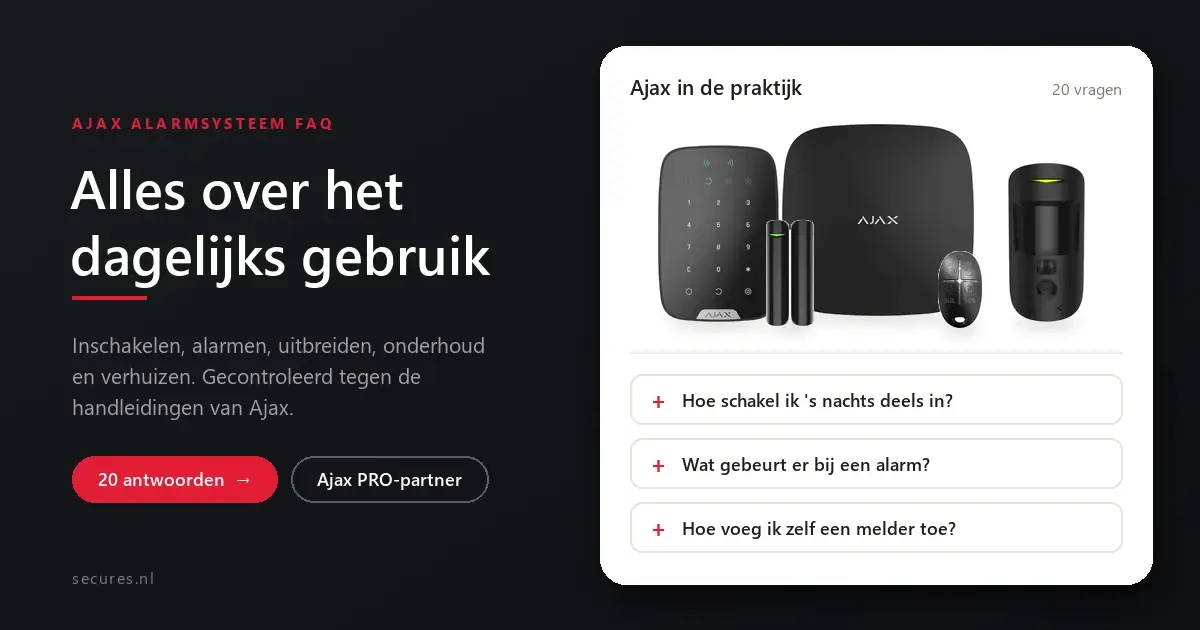
Ajax alarm system FAQ: hub, KeyPad Plus, DoorProtect, SpaceControl and MotionCam in black

Ajax alarm system FAQ: frequently asked questions about daily use

Frequently asked questions

You have an Ajax alarm system, or you are about to get one, and you want to know how it works in daily use. This page lists the questions we receive most often as an Ajax partner about arming, alarms, expanding, maintenance and moving house. The answers have been checked against the manuals from Ajax itself. Are you looking for information about prices, installation or which system suits your home? You will find it on our page about the Ajax alarm system.

In brief

How Ajax works in practice

Everything in the app

You manage arming, notifications, users and settings in the free Ajax app.

Alerted immediately

In the event of an alarm, the sirens sound and all users receive a notification.

Night mode

At night, only the outer shell is armed, so that you can move freely around the house yourself.

Updates happen automatically

The hub updates its software automatically while the system is disarmed.

Control

Arming and operating

How do I arm and disarm my Ajax system?
The quickest way is with the Ajax app on your phone. You can also use a control panel next to the door, such as a KeyPad, a remote control (SpaceControl), or a Pass card or Tag key fob with a keypad that has a card reader. Whichever method you choose makes no difference to the security: they all send the same command to the hub.
Can I arm only part of the system at night?
Yes, that is what Night mode is for. You decide which detectors are active in that mode. A common choice is to keep the doors and windows downstairs on and the motion detectors upstairs off, so that you can move around freely at night while the outside remains protected.
Can a detector always stay on guard, even when the alarm is off?
Yes. In the app, switch on the Always active function for that detector. The detector then raises an alarm whether the system is armed or disarmed. This is useful for a shed, a safe or a door that you always want to know is closed, for example. Smoke and water detectors always stay on guard in any case.
What is a duress code?
A duress code is a separate code for the keypad that you use if someone forces you to disarm the alarm. The system then appears to disarm normally: the sirens and the app give nothing away. Meanwhile, the alarm receiving centre and the other users do receive an immediate notification that the system was disarmed under duress.
Alarm

If something happens

What exactly happens in the event of an alarm?
As soon as a detector detects something, the hub activates the sirens, starts the scenarios you have set up and warns all users. If you have an alarm receiving centre, it also receives the alert and follows up on the alarm.
How do I receive a notification on my phone?
By default via a push notification from the Ajax app. For each event you choose how you want to be warned. Text messages and phone calls run via the SIM card in the hub. For this you need a SIM card with those services, such as our M2M SIM card with data and voice. Which notifications are possible differs per hub: for example, the Hub (4G) does send text messages, but does not make calls.
Can I see what is going on?
Yes, with a MotionCam. In the event of an alarm, this motion detector takes a series of photos and sends them along, so that you can see in the app straight away whether someone is really inside. For this you need at least a Hub 2. With cameras in the system, you can also view live images in the same app.
What if someone opens a detector or pulls it off the wall?
Every detector has tamper protection. If the casing is opened or pulled off the wall, the hub receives an alert immediately. It activates the sirens and warns the users and any alarm receiving centre.
Expansion

Expanding and managing

How do I add a detector myself?
In the app, you choose Add device, give the detector a name, scan the QR code on the housing and select the room. You then switch on the detector within range of the hub, and it pairs automatically. Only a user with administrator rights can add devices. Afterwards, test the location using the test functions in the app (see below).
How do I give housemates access?
You invite them in the app via the settings, under Users. They receive an invitation at their email address and then use their own account. You set the rights per person, for example whether someone is an administrator. A Hub 2 supports up to fifty users, a Hub 2 Plus up to two hundred.
How far does the wireless signal reach?
Ajax uses its own radio protocol, Jeweller. For the Hub 2, Ajax states a range of up to 2,000 metres without obstacles, and up to 1,700 metres for the photos from a MotionCam. In a house it is always less, because walls, floors and reinforcement weaken the signal. If it does not reach the furthest corner, you can place a signal extender.
I still have wired detectors from an old alarm. Can I keep them?
Often, yes. With an Ajax MultiTransmitter you connect existing wired detectors from another brand to your Ajax system. They then simply appear in the app. Whether your detectors are suitable depends on the type. Feel free to send us the brands and type numbers, and we will take a look.
Does Ajax work with cameras and a smart lock?
Yes. Ajax cameras work directly in the app. You add cameras and recorders from Dahua as a third-party device, and you connect other cameras via an RTSP link. Smart locks from Tedee can also be connected to Ajax.
Maintenance

Maintenance and faults

Do I need to update the software myself?
No. The hub runs on the OS Malevich operating system and updates itself automatically. An update takes a few minutes and is installed when the system is disarmed. You only need to keep the Ajax app on your phone up to date.
How do I test whether everything works properly?
The app has two tests that we recommend after every installation or relocation. The Jeweller signal strength test shows whether a detector has a strong and stable connection to the hub at that location. With the detection zone test, you walk through the room and see how far a motion detector picks you up: the detector's LED lights up during the test and goes out as soon as it detects movement.
How do I know a battery is almost empty?
You do not need to keep an eye on that yourself. If the battery of a detector runs low, the app reports a fault for that device. You then replace the battery yourself. Ajax gives the battery life per detector as an upper limit; in practice it depends on the location, the signal strength and how often the detector registers something.
A fault appears in the app. What now?
Open the device in the app: it shows which fault it is, for example a low battery, a weak signal or an opened housing. The solution is often immediately clear. If you cannot resolve it, please contact our customer service. With your permission, as an Ajax partner we can also look in remotely.
Later

Moving, replacing and setting up

Can I take my Ajax system with me if I move house?
Yes. Because the system is wireless, you take the hub and the detectors off the wall and hang them up again in your new home. Afterwards, run the signal and detection tests again, because a different layout means different distances and walls.
Do I have to set everything up again with a new hub?
No. The app includes the function Migrate settings to another hub. You scan the QR code of the new hub and the users, the settings and most of the devices transfer automatically. You transfer buttons and remote controls by pressing them twice near the new hub. This is how you switch from a Hub 2 to a Hub 2 Plus, for example.
Can I set the app to another language?
Yes. The Ajax app and the hub can be set to any language, even if you bought the system in the Netherlands. Useful if not everyone in the house speaks Dutch.
Need help?

Leave the set-up to us

Secures is an official Ajax PRO partner and a VEB-approved security company. We install throughout the Netherlands and can also configure your system for you remotely. Is your question not listed here? Ask it via the chat or contact our customer service.

SHARE BASKET
Popular
Returns / withdrawal
