
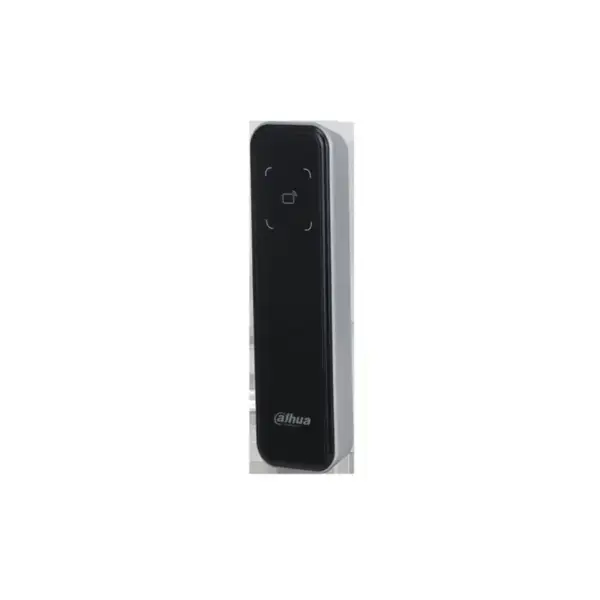
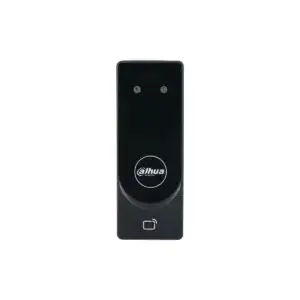
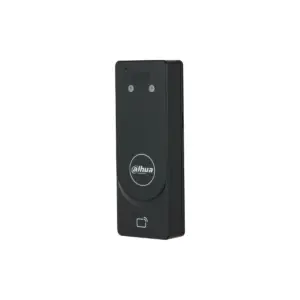
ASR2200A card reader (IC/Mifare, slim)
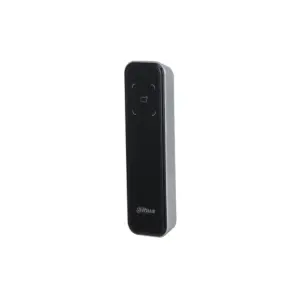
The ASR2200A is a Dahua card reader that reads IC (Mifare) and passes the data via RS-485 or Wiegand to an access controller or terminal. A card reader does not open a door itself: it belongs with a controller that manages access. This is the standard slim IC reader; the ASR2200A-B adds Bluetooth, and the ASR2201A also supports Wiegand 26.
This reader and the variants
The readers in this series are otherwise identical (same housing, connection and mounting). They differ in the following:
| Type | Card type | Bluetooth | Wiegand |
|---|---|---|---|
| ASR2200A-B | IC / Mifare | Yes | Wiegand 34 |
| ASR2200A (this one) | IC / Mifare | No | Wiegand 34 |
| ASR2201A | IC / Mifare | No | Wiegand 26/34 |
What this reader does
- Reads IC (Mifare) contactless up to 0-5 cm
- Passes the card on to an access controller via Wiegand 34 or RS-485
- Buzzer and indicator LED confirm every read; tamper alarm when the unit is forced open
- Polycarbonate housing with tempered glass, IP66, suitable for indoor and outdoor use
- Surface mounting, at 12 volts; operates from -30 to +70 degrees
The details at a glance
| Reading | |
| Type | Slim card reader |
| Card type | IC card (Mifare, 13.56 MHz) |
| Reading distance | 0-5 cm |
| Connection | |
| Communication | RS-485 and Wiegand 34 |
| Signalling | Buzzer and indicator LED |
| Security | Tamper alarm |
| Housing and power supply | |
| Material | PC with tempered glass |
| Protection | IP66 (indoor and outdoor) |
| Power supply | 12 VDC, 0.5 A |
| Consumption | Standby <=0,9 W, in operation <=1,7 W |
| Operating temperature | -30 to +70 degrees |
| Size | |
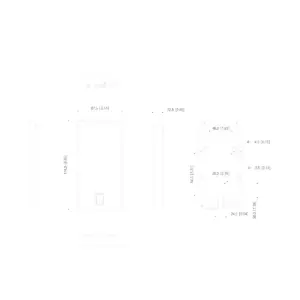
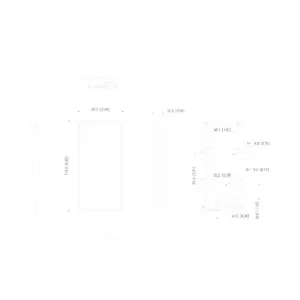
| Dimensions | 135 x 40 x 15 mm |
| Mounting | Surface-mount |
| Model code | DHI-ASR2200A |
The full specification can be found in the Dahua datasheet, under the Downloads tab.
Frequently asked questions
Does this reader open the door by itself?
No. A card reader reads the card and passes it on; the door is opened by the access controller or terminal that the reader is connected to. If you are looking for a device that controls the door by itself, see the terminals or controllers.
Where do I connect the reader?
On an access controller or terminal, via RS-485 or Wiegand. The reader uses Wiegand 34. Not sure whether it fits your controller? Call or email us with the type.
Which cards or tags work with this?
IC cards at 13.56 MHz (including Mifare). A separate version is available for ID cards (125 kHz).
Can the reader be mounted outdoors?
Yes, the housing is IP66 and is made for indoor and outdoor use. For an outdoor installation, the manual calls for a tube of silicone sealant at the cable entry, so that no moisture gets behind the reader.
Which cable do I need?
A shielded cable between the reader and the controller, installed as fixed wiring; keep to the Wiegand or RS-485 distance that the controller allows. If you are unsure, call or email us.



Reviews
There are no reviews yet.