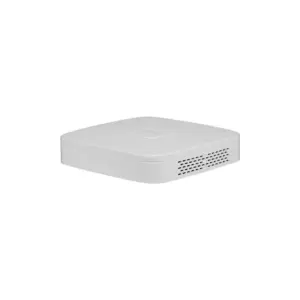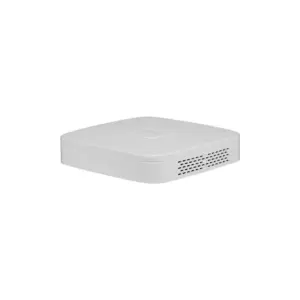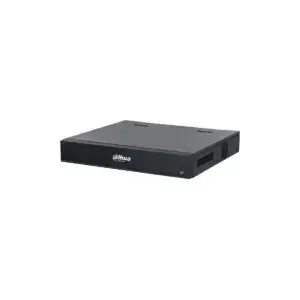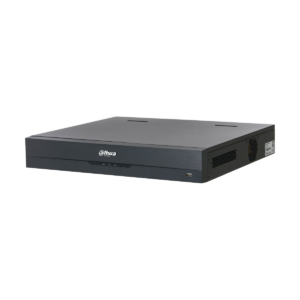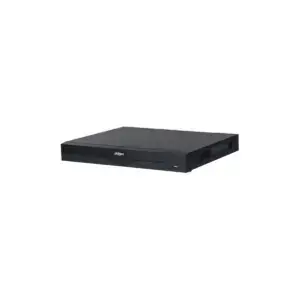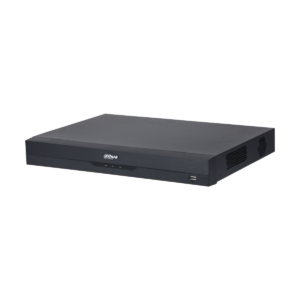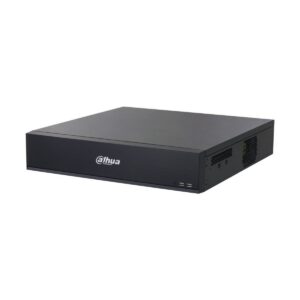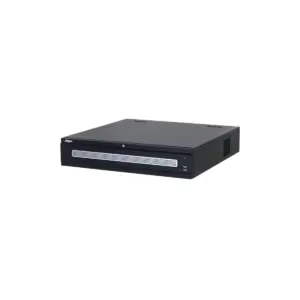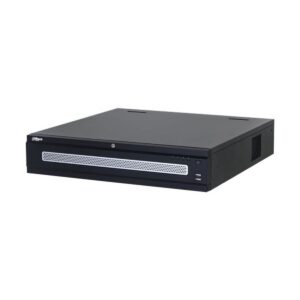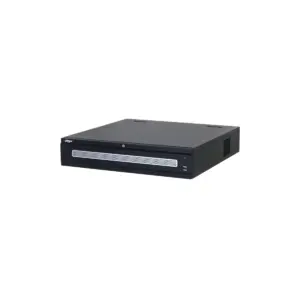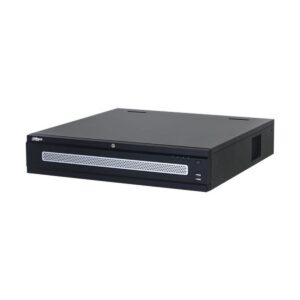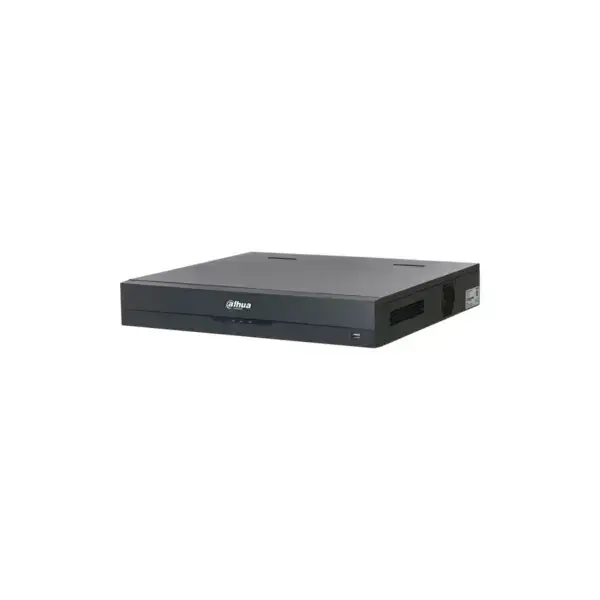
Dahua NVR5416-EI2 No PoE, Without storage, Suitable for 16 IP cameras
The Dahua NVR5416-EI2 is a powerful network video recorder for professional video surveillance. This NVR for 16 IP cameras combines high resolution, smart AI functions and clear operation in one central system.
What you can do with it
The Dahua NVR5416-EI2 is a 16-channel AI Network Video Recorder without built-in PoE and without supplied storage. The system processes video images from up to 16 IP cameras and offers smart analysis functions such as face recognition, people counting, ANPR, heatmap and SMD Plus. With the WizSense AI chip and deep learning algorithms, this recorder helps to detect people, vehicles and objects accurately. AcuPick technology makes searching back through relevant footage faster and more efficient, while the new NVR NEXT interface provides simple management in daily use.
What this recorder does
- 16-channel NVR with support for IP cameras up to 32 megapixels per channel
- WizSense AI chip with detection of people, vehicles and objects
- AcuPick for fast and targeted searching in video footage
- Face detection and face recognition with 20 databases and up to 30,000 face images
- 8K HDMI output, dual HDMI/VGA ports and support for four SATA drives
The details at a glance
| Series | WizSense |
| Camera channels | 16 IP cameras |
| Video output | twice HDMI |
| Model code | NVR5416-EI2 |
The full specification is in the Dahua datasheet.
What you will receive
- Dahua NVR5416-EI2 No PoE, Without storage, Suitable for 16 IP cameras
- Power adapter or power cable
- Manual and mounting materials
Tip: Add suitable SATA drives to make the recorder ready for recording straight away.
Frequently asked questions
Is a hard drive included?
No, this recorder is supplied without a hard disk. Choose a disk designed for continuous recording, in other words a surveillance disk. Are you unsure which size you need? Call or email us and we will work it out with you.
Can I watch on my phone?
Yes, with Dahua's free DMSS app you can watch live, play back recordings and receive notifications. The link to the app is provided.
Which cable do I need?
Network cable of at least category 5e, installed as fixed wiring. For outdoor use or underground, choose a cable that is made for that purpose. If you are unsure, call or email us and we will help you decide.
Does this model support PoE?
No, this model does not have PoE.
How many cameras is this NVR suitable for?
This recorder supports up to 16 IP cameras.
Does this NVR support AI functions?
Yes, including face recognition, people counting and ANPR.
Which video outputs are available?
This NVR has HDMI and VGA outputs, including 8K HDMI support.