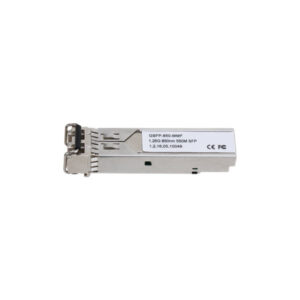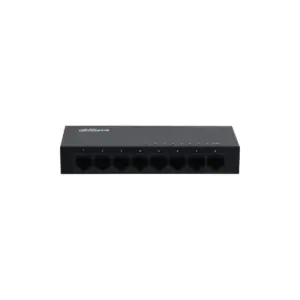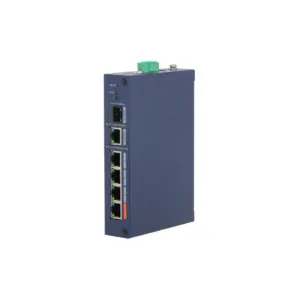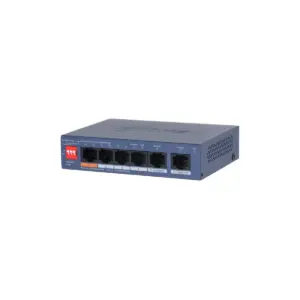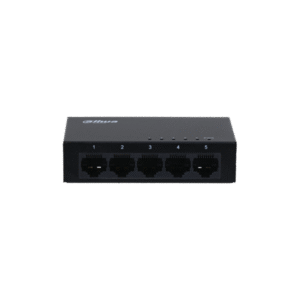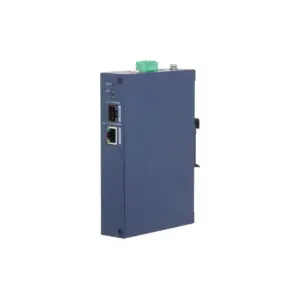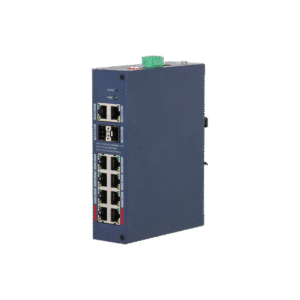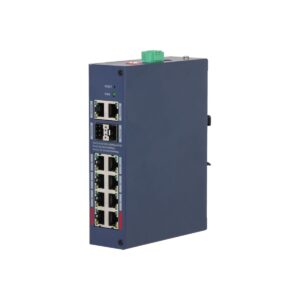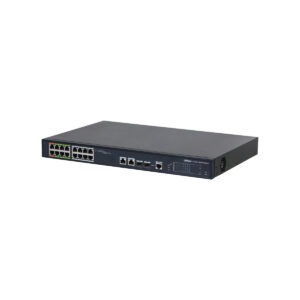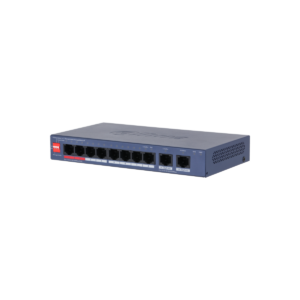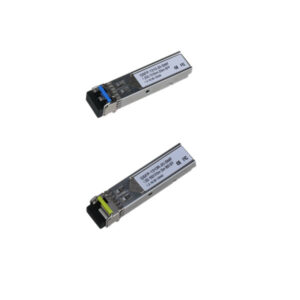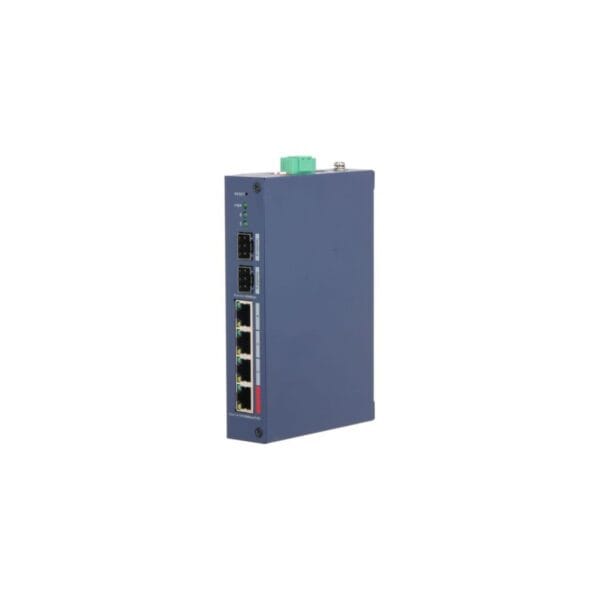
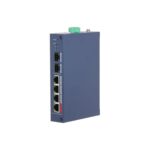
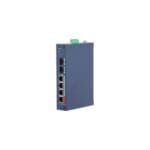
Dahua CHS4206-4ET-90 4 x PoE Cloud managed switch (90W)
The Dahua CHS4206-4ET-90 is a compact and robust PoE switch for professional network applications. Thanks to cloud management, long-distance PoE and a powerful 90W port, this switch is particularly suitable for demanding installations.
What you can do with it
This is an industrial cloud managed switch with 4 RJ-45 10/100 Mbps PoE ports and 2 SFP 1000 Mbps uplink ports. Port 1 delivers up to 90W and supports IEEE 802.3af/at/bt and Hi-PoE, while the total PoE capacity is 90W. The combination of flexible management, PoE range of up to 250 metres and PoE Watchdog makes this switch well suited to reliable camera networks and other network equipment. The metal housing with IP30 and IK06 protection and the temperature range of -30 °C to +65 °C ensure stable performance in demanding environments.
What this switch does
- 4 x PoE RJ-45 ports and 2 x SFP uplink ports
- Managed and unmanaged mode via a single switch
- Cloud management via DoLynk Care with status and alarm notifications
- Port 1 up to 90W, support for IEEE 802.3af/at/bt and Hi-PoE
- Long-distance PoE up to 250 m and automatic restart via PoE Watchdog
The details at a glance
| PoE ports | 4 |
| PoE budget | 90 W |
| Uplinks | 2 |
| Management | cloud, via DoLynk Care |
| Model code | CHS4206-4ET-90 |
The full specification is in the Dahua datasheet.
What you will receive
- Dahua CHS4206-4ET-90 4 x PoE Cloud managed switch (90W)
- User documentation
- Mounting parts for installation
Frequently asked questions
How many cameras can I power with this?
This switch has 4 PoE ports with a combined 90 W. Add up the power consumption of your cameras and stay below that figure. A standard bullet or dome camera uses around 6 to 12 W, while a PTZ camera or a camera with lighting uses considerably more.
Do I still need a power supply for each camera?
No. With PoE, power and data run over the same network cable, so you do not need a power socket at the camera. Only the switch itself is connected to the mains.
Do I need to configure the switch?
No, you connect it and it does its job. There is no web interface in which you need to configure anything.
Which cable do I need?
Network cable of at least category 5e, installed as fixed wiring. For outdoor use or underground, choose a cable that is made for that purpose. If you are unsure, call or email us and we will help you decide.
Is the switch suitable for industrial environments?
Yes, thanks to IP30, IK06 and a wide temperature range. The housing is made of metal.
What mounting options are available?
DIN rail and desktop. This makes installation flexible.